
AI for Learning for Kids: Agency-First Quests to Build Real Skills
Hook: Turn screen time into making time—ditch the passive, one-size-fits-all worksheets that stifle creativity and give your child real agency.
What & Why
AI-assisted, family-driven learning blends your insights with smart prompts so kids make → ship → reflect on projects they care about.
By 2025, the AI-in-education market hit around $6.9–7.6 billion and is on track for $41 billion by 2030, showing growing demand for tools that scale at home without replacing the family’s role.
How to Start Tonight
-
- Pick one spark—dinosaurs, coding, storytelling.
-
- Choose a time box (10/20/45 min) and gather simple materials.
-
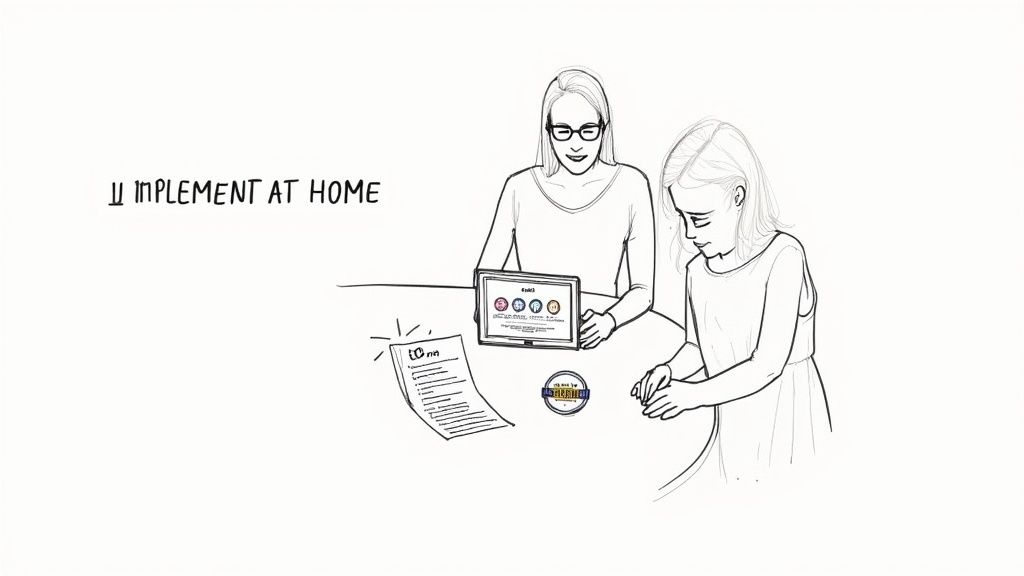
- Run a bite-sized AI quest: create, get feedback, and share.
Safety & Materials
Time: 10/20/45 min • Materials: paper, markers, tablet optional • Safety: adult nearby for scissors or glue • No-kit option: audio guide or printable steps
Parent Scripts
- “Show me version 1—what will you try for version 2?”
- “Which step felt toughest, and how did you push through?”
Kubrio in This Context
Kubrio is a family-driven learning platform that uses AI to turn your child’s interests into step-by-step quests with feedback and a living portfolio.
Proof
- Artifact: Child’s portfolio snapshot showing a sequence of sketches and notes
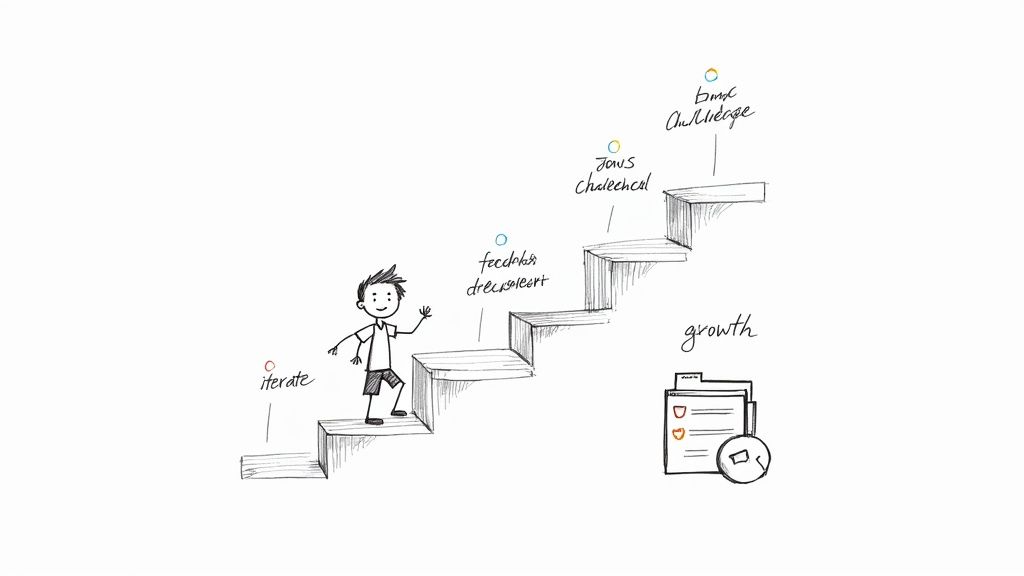
- Parent quote: “I love how my daughter iterated from sketch v1 to v2—and explained her changes!” — Mia, Seattle
Share & Reflect
- What changed between version 1 and version 2?
- Where did you get stuck, and how did you unstick it?
Examples of AI-Driven Quests
Every quest follows: Interest → Skill → Constraint → Steps → Feedback → Share → Reflect.
Dinosaur Exploration (20 min)
- Because you like dinosaurs, pick one species and note three facts.
- Sketch its habitat, labeling terrain and plants.
- Build a mini diorama with recycled materials.
- Snap a photo of v1 and list tweaks.
- Apply changes, build v2, then compare.
Coding Game Design (45 min)
- Brainstorm a simple game concept.
- Sketch sprites and story beats.
- Code one level in a block-based tool.
- Playtest, note bugs, iterate to v2.
- Record a 30-second demo.
Digital Art Iteration (10 min)
- Sketch a scene or character.
- Refine colors or shading.
- Lay out both versions side by side.
- Caption: “Scene v2 – added depth with cooler hues.”
FAQ
- Q: Which AI tools work best for beginners?
A: Family-focused platforms with clear safety notes and no-kit modes—Kubrio fits the bill. - Q: How much screen time is needed?
A: You decide. Use printable prompts or audio guides to limit device use. - Q: Can siblings collaborate?
A: Absolutely. AI adjusts steps by age and interest for each child. - Q: How can I track real improvement?
A: A living portfolio logs every artifact, draft, and reflection in one place.
Interlinks:
AI-Powered Learning Platform • Project Ideas for Kids • AI learning tools for kids