
The 12 Best Learning Apps for 8 Year Olds in 2026
Finding the right learning app can feel overwhelming. Many platforms are just digital worksheets in disguise—passive, one-size-fits-all "edutainment" that quizzes kids but doesn’t build the skills they need for an AI-shaped future. The real goal is to find tools that help your child move from consuming content to creating something of their own.
This guide highlights the best learning apps for 8 year olds that prioritize active building and problem-solving. We focus on apps that encourage kids to create tangible artifacts—code, stories, art, or presentations—and reflect on their progress. This approach helps them develop agency, turning screen time into a productive, skill-building activity.
For each app, we cover:
- What It Builds: The core skills your child will practice.
- How It Works: Practical ways to use it tonight.
- The Trade-Offs: A balanced look at what works and what doesn't.
- Key Details: Pricing, platforms, and safety notes.
Our aim is to help you find a tool that aligns with your child's interests and your family’s goals. As we explore these options, consider how innovative approaches like the best AI tools for education are shaping the future of personalized, project-based learning. Let’s find an app that empowers your child to become a confident creator.
1. Kubrio
Kubrio is a family-driven learning platform that uses AI to turn your child’s interests into step-by-step quests with feedback and a living portfolio. Instead of a fixed curriculum, Kubrio helps an 8-year-old explore their passions—from cartography to video editing—while developing real skills. It’s built for kids with diverse interests who learn best by doing.
The platform’s strength is its AI system. The AI Quest Generator can instantly draft a project from any topic your child is excited about. It’s supported by AI coaches that provide feedback on creative ideas, technical steps, and reflective thinking. This process helps children build resilience and understand their own learning, a key part of developing agency.
What It Builds & How It Works
Kubrio is designed to foster self-directed learning. Every completed Quest adds to a living digital portfolio, which tracks skill development and interest patterns over time. This gives parents a clear map of their child’s growth.
- How It Works: A child obsessed with video games can design their own character, learning digital art and storytelling. A fascination with ancient Egypt can become a quest to map the Nile, developing research and spatial reasoning skills.
- For Independent Learning: The platform is designed for kids to lead their own discovery safely. Built-in reflection prompts and online safety activities help them develop independence alongside digital citizenship skills.
Pros:
- Generates personalized projects from any interest, ensuring high engagement.
- AI coaches provide balanced, constructive feedback that builds real skills.
- A living portfolio automatically tracks progress and reveals long-term interests.
- Focuses on future-ready skills like coding, design, and communication.
Cons:
- Less structured than a traditional curriculum, which may not fit families seeking standardized assessments.
- Multiplayer and collaborative quests are still in development.
Website: https://kubrio.com
2. Apple App Store – Great Apps for Kids Ages 9–11 (US editorial collection)
For parents feeling overwhelmed by choice, Apple's editorial collections are a trusted starting point. While this list is for ages 9–11, many apps are great for an advanced 8-year-old ready for more complex problem-solving. It cuts through the noise of the App Store, presenting a curated gallery of high-quality tools.
This collection is curated by humans, not just algorithms. Each app is hand-picked by Apple’s editors, who explain why it’s a good choice. This adds a layer of confidence that you’re downloading a quality app, not just one with a big marketing budget. It helps parents discover some of the best learning apps for 8 year olds that focus on building skills rather than just passive entertainment. Beyond app collections, understanding broader resources like Apple's Education Store can further assist in finding suitable educational content and hardware.
- Best For: Parents with iPhones or iPads looking for a pre-vetted list of quality educational apps to reduce search time.
- What It Builds: Varies by app (coding, reading, science, art, music, logic).
- Pros: Trusted human curation, clear age guidance, integration with Apple's Family Sharing and parental controls.
- Cons: Exclusive to iOS/iPadOS; pricing models (free, paid, subscription) vary widely between the featured apps.
- Platform: apps.apple.com
3. Google Play – Family section (Ages 6–8)
For families in the Android ecosystem, the Google Play Store’s Family section is the main gateway to educational content. Its "Ages 6–8" category is a massive, searchable library filtered for early elementary schoolers. It’s a key resource for parents with Android phones, tablets, or Chromebooks who want age-appropriate apps without sifting through the entire marketplace.
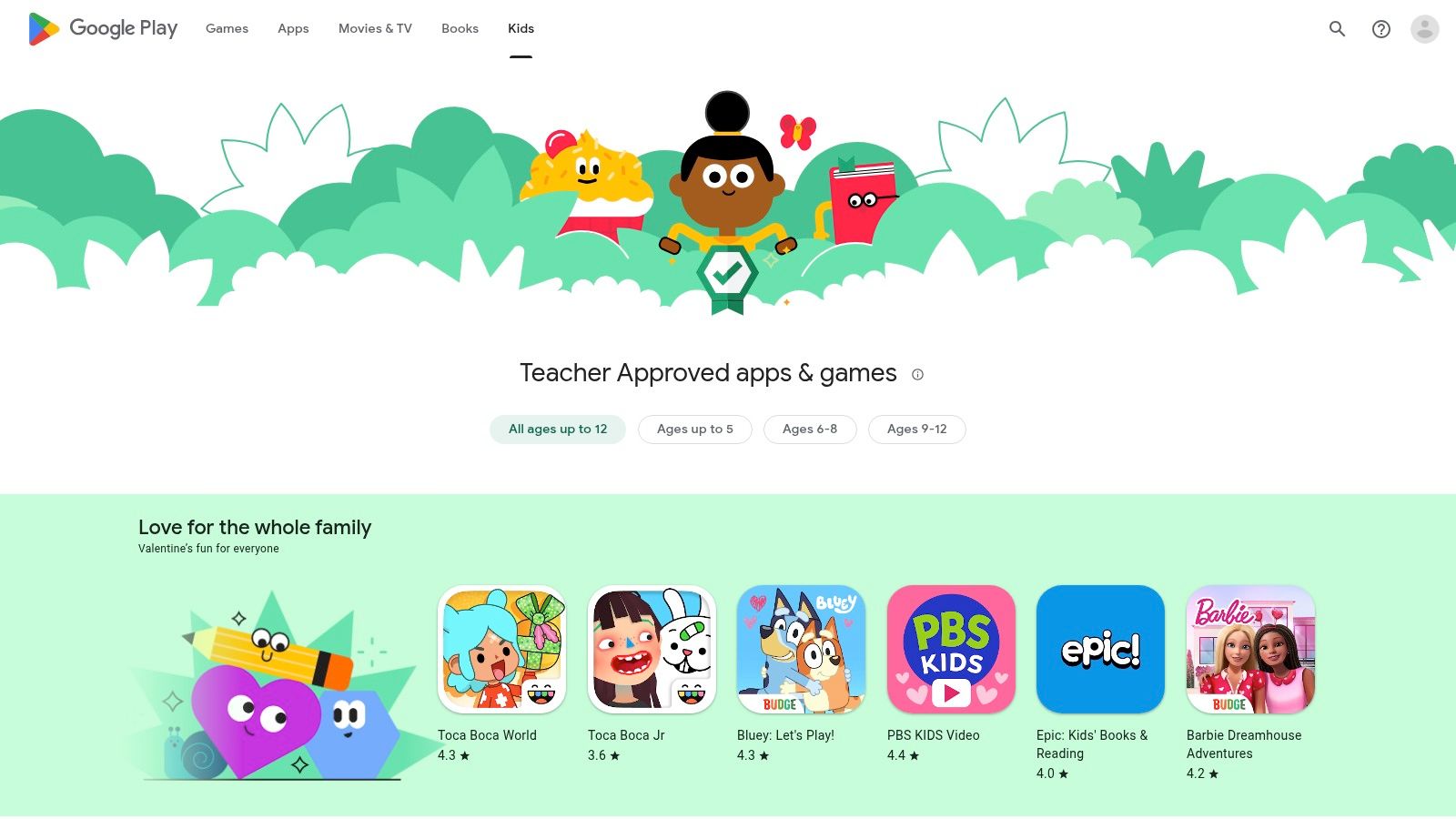
The power of this section is its broad device compatibility and integration with Google Family Link, which lets parents manage screen time and approve downloads. While the curation is less editorial than Apple's, Google’s "Teacher approved" badge helps highlight some of the best learning apps for 8 year olds that meet specific quality standards. However, parents need to be vigilant, as quality and monetization models vary. It's essential to check each app for ads and in-app purchases before downloading. This platform offers immense choice, but it requires more parental oversight.
- Best For: Android and Chromebook users looking for a wide selection of apps and robust parental controls via Google Family Link.
- What It Builds: Varies widely by app (math, reading, coding, creativity, problem-solving).
- Pros: Huge library of apps, broad compatibility across Android devices, and excellent integration with Google's parental control system.
- Cons: App quality can be inconsistent; many apps include ads or push in-app purchases, requiring careful review by parents.
- Platform: play.google.com
4. Common Sense Media – App lists and age-based picks
For parents who want to research apps before downloading, Common Sense Media is an indispensable tool. This nonprofit provides independent, education-focused reviews and curated lists. Instead of relying on marketing claims, parents can use their guides to find the best learning apps for 8 year olds by checking for learning value, privacy standards, and age-appropriateness. It empowers families to make informed choices.
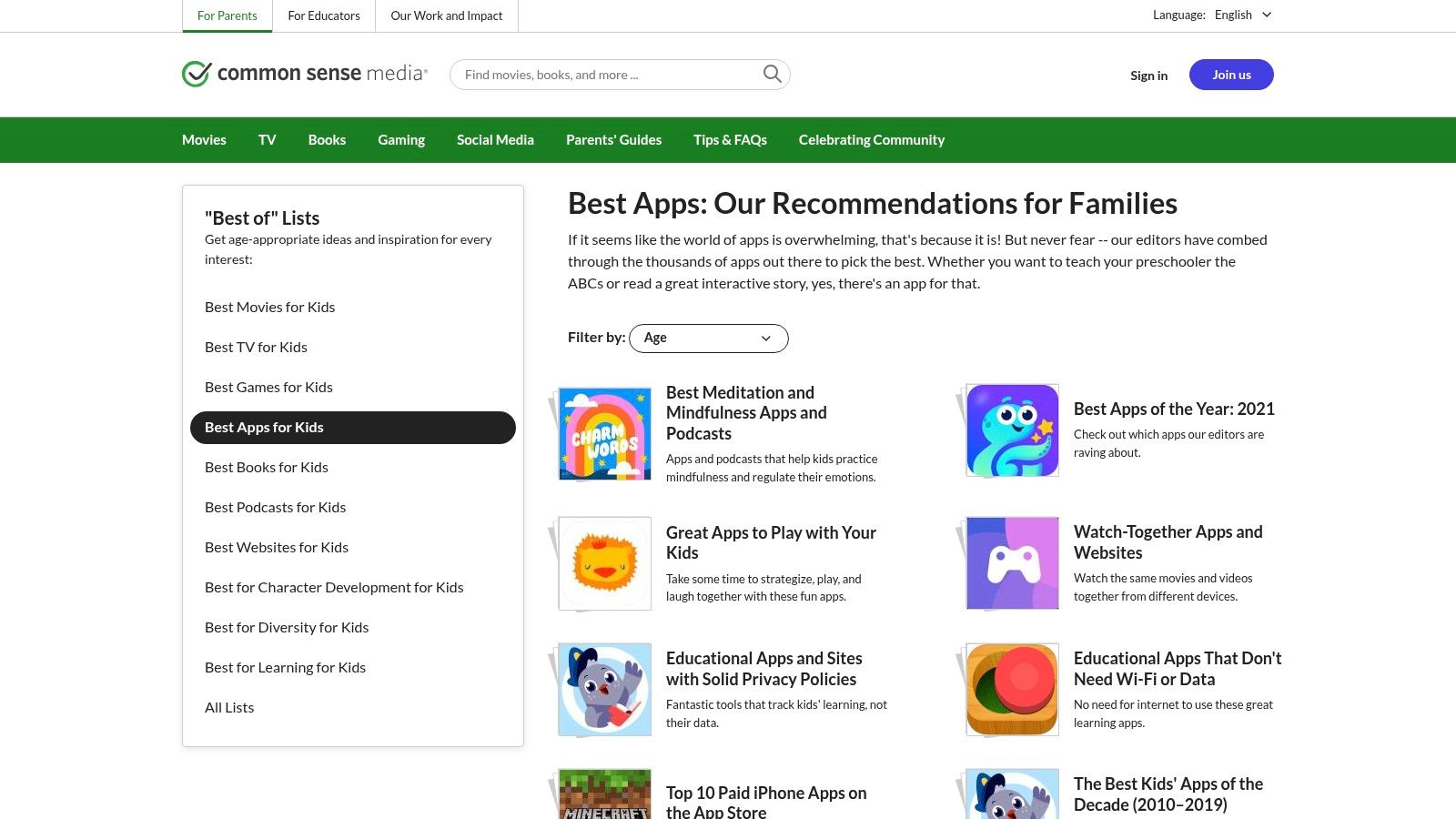
The platform’s strength is its unbiased, comprehensive reviews written by experts. Each app is rated on educational value and engagement, with detailed notes on what skills it teaches and any potential red flags, like excessive ads or privacy concerns. You can filter lists by age, subject, and even specific skills like collaboration or creativity. This saves time and helps ensure the apps you choose support active learning and skill-building over passive consumption.
- Best For: Parents who want to research and verify the educational quality and safety of an app before downloading it.
- What It Builds: Varies by app (searchable by subject and skill, from math and science to character development).
- Pros: Unbiased, expert-driven reviews; strong focus on educational value and privacy; powerful filtering tools to narrow choices.
- Cons: It's a research hub, not an app store (you still have to download apps elsewhere); newer or niche apps may not yet be reviewed.
- Platform: www.commonsensemedia.org
5. Khan Academy Kids
As a completely free, nonprofit educational platform, Khan Academy Kids provides high-quality learning content without ads or subscriptions. While its core curriculum is for ages 2–8, it serves as an excellent resource for 8-year-olds needing to reinforce foundational math, reading, and writing skills. It avoids the passive consumption model by offering a structured, adaptive learning path that encourages active participation through stories, activities, and creative lessons.
The platform is distinguished by its holistic approach, integrating social-emotional learning with core academic subjects. Characters guide children through lessons on kindness, empathy, and self-control—a rare and valuable feature. For parents seeking a safe, engaging, and cost-free tool to supplement their child’s education, Khan Academy Kids is one of the best learning apps for 8 year olds focused on fundamental practice. The parent dashboard makes it easy to track progress without any hidden costs.
- Best For: Families seeking a 100% free, ad-free app for foundational practice in math, reading, and social-emotional skills.
- What It Builds: Early math, reading, writing, logic, social-emotional learning, creativity.
- Pros: Completely free with no ads or in-app purchases; kid-friendly design; content from trusted educational partners.
- Cons: Content may be too basic for advanced 8-year-olds; lacks depth in more complex topics like science.
- Platform: www.khanacademy.org
6. ABCmouse
ABCmouse is a game-based learning platform that offers a comprehensive curriculum for preschool through second grade. While aimed at younger children, it is an excellent tool for an 8-year-old who needs to reinforce foundational concepts in reading and math. It provides a highly structured learning path, which can be ideal for catching up on specific skills or for learners who thrive on clear goals and rewards.
ABCmouse stands out for its sheer volume of content and its ad-free environment. Parents can set up profiles for multiple children, and the system tracks progress for each one individually. While it's not designed to challenge a child working ahead of grade level, it's one of the best learning apps for 8 year olds needing structured practice to build confidence. The platform often has promotional discounts on annual subscriptions, making it a budget-friendly option. It successfully requires active participation in its learning games and puzzles.
- Best For: Children needing to reinforce or catch up on K-2 reading and math skills in a structured, game-like environment.
- What It Builds: Reading, math, phonics, art, science, and music.
- Pros: Broad, self-paced curriculum with extensive practice content; motivational rewards system; frequent discounts available for annual plans.
- Cons: May feel too repetitive or simplistic for advanced 8-year-olds; better for skill reinforcement than for introducing complex new topics.
- Platform: www.abcmouse.com
7. Prodigy
Prodigy merges a fantasy role-playing game (RPG) with a standards-aligned math curriculum. Children create an avatar, explore a vibrant world, and battle monsters by correctly answering math questions. This integration turns math drills into an engaging quest, making it one of the most popular learning apps for 8 year olds who want to strengthen math skills without it feeling like homework.
The platform’s standout feature is its adaptive learning engine, which adjusts the difficulty of math problems in real-time. This ensures they are always challenged but never overwhelmed. While the core math game is free, a premium membership unlocks additional in-game gear and other subjects. The parent dashboard offers valuable insights into a child's progress, highlighting areas of strength and identifying skills that need more practice.
- Best For: Children who are motivated by video games and need engaging, curriculum-aligned math practice.
- What It Builds: Core math skills (number sense, algebra, geometry, data analysis); English and Science available with membership.
- Pros: Highly motivating gamified format keeps kids engaged, adaptive algorithm personalizes learning, core math game is available for free.
- Cons: In-game rewards can sometimes distract from learning; full features and additional subjects are locked behind a paid membership.
- Platform: www.prodigygame.com
8. BrainPOP (Family) and BrainPOP Jr.
A longtime classroom favorite, BrainPOP’s family plan brings its trusted library of animated educational videos and activities home. It excels at breaking down complex topics into short, digestible cartoons that captivate an 8-year-old’s attention. BrainPOP Jr. is tailored for K-3 learners, while the standard BrainPOP platform is perfect for older kids, making it a resource that can grow with your child.
BrainPOP’s formula is a short animated explainer followed by reinforcing activities like quizzes and concept maps. This structure is effective for introducing a new concept or reviewing tricky homework topics. It’s one of the best learning apps for 8 year olds because it respects their intelligence while making learning feel accessible. The platform serves as a powerful supplement for sparking curiosity and cementing knowledge.
- Best For: Families looking for a reliable, expert-vetted resource to explain school subjects and support homework with engaging animated videos.
- What It Builds: Varies by topic (science, social studies, ELA, math, arts, engineering).
- Pros: High-quality, engaging short videos that make tricky topics approachable; useful supplemental resource for homework and curiosity-driven learning.
- Cons: Designed as a supplement rather than a full curriculum; the family plan requires payment after the free trial period ends.
- Platform: brainpop.com
9. Tynker
Tynker introduces coding concepts in a way that feels more like play than schoolwork, making it one of the best learning apps for 8 year olds ready to build real logic. It starts with simple, drag-and-drop visual blocks and creates a clear path toward text-based languages like Python and JavaScript. The platform excels by tying coding education to interests kids already love, such as designing games, controlling robots, and modding Minecraft.
With over 70 courses, Tynker provides a structured yet flexible curriculum that grows with your child. An 8-year-old can start by solving puzzles before moving on to building multi-level games. The parent dashboard offers a clear view of your child's progress. Unlike passive edutainment, Tynker encourages kids to become active creators, building agency and problem-solving abilities. It transforms screen time from consumption into a productive, skill-building activity.
- Best For: Children interested in video games and Minecraft who want to learn the logic behind how they work.
- What It Builds: Coding logic, problem-solving, creativity, Python, JavaScript, game design.
- Pros: Strong creative hooks keep kids engaged (games, mods, robotics), clear, self-paced learning paths that scale with the child.
- Cons: Full access to the best courses requires a paid subscription; the best experience needs a compatible device and stable internet.
- Platform: www.tynker.com
10. Scratch (MIT)
Developed by the MIT Media Lab, Scratch is a free, browser-based platform where 8-year-olds can create their own interactive stories, games, and animations. Instead of writing complex syntax, kids snap together colorful, block-based code to make characters move, talk, and interact. This turns abstract programming concepts into tangible, visual results.
What makes Scratch one of the best learning apps for 8 year olds is its focus on creative expression and community. It’s a digital sandbox for invention. Children can explore a massive gallery of projects shared by other users, “remixing” them to see how they were built and add their own twists. This peer-inspired learning fosters a powerful sense of agency. For parents, Scratch offers extensive free resources to help guide a child's first projects without needing a computer science background.
- Best For: Children ready to move from consuming content to creating their own digital games, animations, and stories.
- What It Builds: Computational thinking, logic, problem-solving, creativity, storytelling, project design.
- Pros: Completely free with no ads; huge community for inspiration and collaboration; builds foundational coding skills in a fun, low-pressure environment.
- Cons: The open-ended nature can feel overwhelming for kids who prefer structured, step-by-step lessons; requires some parental guidance to get started.
- Platform: scratch.mit.edu
11. Epic
For parents looking to cultivate a love of reading, Epic is like a key to a massive, kid-safe digital library. With over 40,000 books, audiobooks, and learning videos, it’s a powerhouse for independent reading time. For an 8-year-old, the platform offers a huge variety of fiction and non-fiction titles that can align with school subjects or personal interests. It’s an effective tool for moving beyond passive entertainment into active reading engagement.
What makes Epic one of the best learning apps for 8 year olds is its focus on sustained reading. The platform's Read-to-Me feature helps build fluency, while the parent dashboard provides insights into reading progress. Engagement features like badges help motivate reluctant readers to explore new genres. While many schools offer free access, full home access requires a subscription, but the sheer volume of high-quality content often justifies the cost for families aiming to build a strong reading habit.
- Best For: Building consistent reading habits and providing a vast, safe library of age-appropriate books and videos.
- What It Builds: Reading comprehension, vocabulary, fluency, subject-specific knowledge.
- Pros: Huge catalog of over 40,000 titles from top publishers, motivational features like badges, parent dashboard to track progress.
- Cons: Full home access requires a paid subscription; the large content library can be overwhelming without parental guidance.
- Platform: www.getepic.com
12. Amazon Kids+ (formerly FreeTime Unlimited)
For families in the Amazon ecosystem, Kids+ offers an all-in-one subscription that bundles thousands of age-appropriate books, apps, games, videos, and Audible stories. It transforms a Fire tablet or Kindle into a walled garden of curated content, removing ads and in-app purchases so kids can explore safely. The service is a complete content library designed to grow with your child.
Amazon Kids+ stands out for its robust parental controls. Through the Parent Dashboard, you can set daily time limits, filter content by age, and require educational goals (like 30 minutes of reading) to be met before entertainment content is unlocked. This blend of content and control makes it one of the best learning apps for 8 year olds for parents seeking a managed screen time solution. While it promotes content consumption, its vast library ensures an 8-year-old can dive deep into various topics within a secure environment.
- Best For: Families using Amazon Fire, Kindle, or Echo devices who want a single subscription for a wide variety of ad-free content.
- What It Builds: Varies widely (reading, math, science, problem-solving, listening comprehension).
- Pros: Massive content library in one subscription; excellent, granular parental controls and time management tools.
- Cons: Experience is optimized for and limited on Amazon hardware; content rotates and can vary between devices.
- Platform: www.aboutamazon.com
Top 12 Learning Apps for 8-Year-Olds — Side-by-Side Comparison
| Product | Target Age | Best For | Learning Experience | Price & Access |
|---|---|---|---|---|
| Kubrio | 6–13 | Project-based learning | Turning interests into quests that build a portfolio of shipped work. | Subscription-based after free trial. |
| Apple App Store – Great Apps (US editorial) | 9–11 | Quick, vetted discovery | Human-curated lists of high-quality apps for iOS users. | Free to browse; app prices vary. |
| Google Play – Family section | 6–8 | Wide selection on Android | A massive library with strong parental controls, but variable quality. | Free to browse; app prices vary. |
| Common Sense Media | All ages (parents) | Independent research | Unbiased, expert reviews to vet apps before downloading. | Free resource. |
| Khan Academy Kids | 2–8 | Foundational skills | Free, ad-free practice in core subjects and social-emotional learning. | Completely free. |
| ABCmouse | ~2–8 | Structured practice | A comprehensive, step-by-step curriculum for reinforcing K-2 skills. | Subscription-based. |
| Prodigy | ~6–12 | Gamified math | An engaging RPG that makes math practice feel like a game. | Core free; membership for full features. |
| BrainPOP (Family) / BrainPOP Jr. | 5–12 | Homework help | Short, animated videos that explain complex school topics clearly. | Subscription-based. |
| Tynker | 5–18 | Learning to code | Project-based coding lessons that connect to games and robotics. | Subscription for full access. |
| Scratch (MIT) | 8–16+ | Creative coding | A free, open-ended platform for creating games and animations. | Completely free (web-based). |
| Epic | 0–12 | Building reading habits | A vast digital library of books and audiobooks. | Subscription for home access. |
| Amazon Kids+ | Preschool–preteen | All-in-one content | A bundled subscription with excellent parental controls for Amazon devices. | Subscription-based. |
Your Next Step: From App to Artifact
Finding the right tool is the first step. The next is shifting the focus from consumption to creation. Instead of asking, "Did you have fun?" try asking, "What did you make?" This simple question reframes screen time as a productive workshop where your child is a builder, a problem-solver, and an artist.
Choosing the Right Tool for Your Family
Use these questions to make your final decision:
- For the Curious Explorer: Does my child have many fleeting interests? A content library like Epic or Amazon Kids+ provides variety.
- For the Focused Builder: Is my child obsessed with a specific skill like coding or math? A specialized tool like Tynker or Prodigy Math offers a deep path to mastery.
- For the Project-Driven Creator: Do we want to turn interests into tangible projects? A platform like Kubrio helps translate a spark of curiosity into a structured quest with a finished artifact.
- For the Supplemental Learner: Are we looking to reinforce school concepts? Khan Academy Kids and BrainPOP Jr. provide clear, curriculum-aligned explanations and practice.
From Digital Play to a Lasting Portfolio
Ultimately, the best app is the one that gets used to build something meaningful. Encourage your child to see their work as part of a growing collection of their skills and ideas. This is how they build agency.
A coded animation in Scratch is a lesson in logic and storytelling. Conquering a tough boss in Prodigy Math is proof of perseverance. Each creation becomes an artifact—evidence of effort, a celebration of learning, and a stepping stone to the next big idea. By focusing on the output, you transform screen time into a powerful engine for building confidence and competence that lasts a lifetime.