
12 Best Learning Games for Teens That Actually Build Skills
Finding the right learning games for teens can feel like searching for a signal in a sea of passive entertainment. Many so-called "educational" apps fall into the trap of digital worksheets—passive, one-size-fits-all learning that quizzes teens on facts but fails to build skills that matter: problem-solving, creativity, and strategic thinking. This guide cuts through the noise. We’ve curated a list of platforms and games that empower teens to become active creators and thinkers.
This resource is for busy parents who want to turn a teen's interest in gaming into tangible skill development. We focus on games that encourage building, designing, and collaborating, helping teens develop real-world agency. For each recommendation, you’ll find a concise analysis of key learning outcomes, ideal use cases, and practical tips for getting started. We also include screenshots, direct links, and pricing details to help you make a quick, informed decision.
As teens often spend significant time on these platforms, it’s wise to consider their visual comfort. To help mitigate the effects of prolonged screen exposure, options like blue light glasses for gamers can be a practical step in supporting their eye health. Our goal is to provide a roadmap for selecting experiences that not only capture your teen's attention but also equip them with the confidence to tackle future challenges.
1. Amazon
As the world’s largest online marketplace, Amazon is a comprehensive starting point for finding a vast array of physical and digital learning games for teens. You can find everything from complex strategy board games that teach logic to hands-on STEM kits for robotics or electronics. The platform consolidates thousands of products, making it a convenient one-stop shop.
The primary advantage is the robust ecosystem of user reviews and customer-submitted photos. This social proof helps you assess the real-world value of a game before purchasing. For example, you can quickly determine if a coding robot's software is intuitive for a 14-year-old or if a history-based board game is genuinely engaging. Prime members benefit from fast shipping, which is helpful for last-minute needs.
However, the immense selection can be a challenge. Sifting through countless third-party sellers requires a discerning eye, as product quality can vary. To get the best results, use precise search filters and focus on products with a high volume of recent, positive reviews.
- Best For: Sourcing a wide variety of physical games, STEM kits, and console/PC titles in one place.
- Pros: Massive inventory, competitive pricing with frequent deals, and extensive user reviews to guide choices.
- Cons: Quality can be inconsistent, and the discovery process can feel overwhelming without specific search terms.
- Website: https://www.amazon.com
2. Steam (PC/Mac/Linux)
As the world's leading digital storefront for PC gaming, Steam offers an enormous library of learning games for teens that go far beyond simple edutainment. The platform is a goldmine for titles that teach complex skills like coding, physics simulation, and logic through engaging gameplay. From intricate puzzle games like Portal 2 that teach spatial reasoning to sophisticated simulators such as Kerbal Space Program that model orbital mechanics, Steam provides interactive learning experiences that are both challenging and fun.
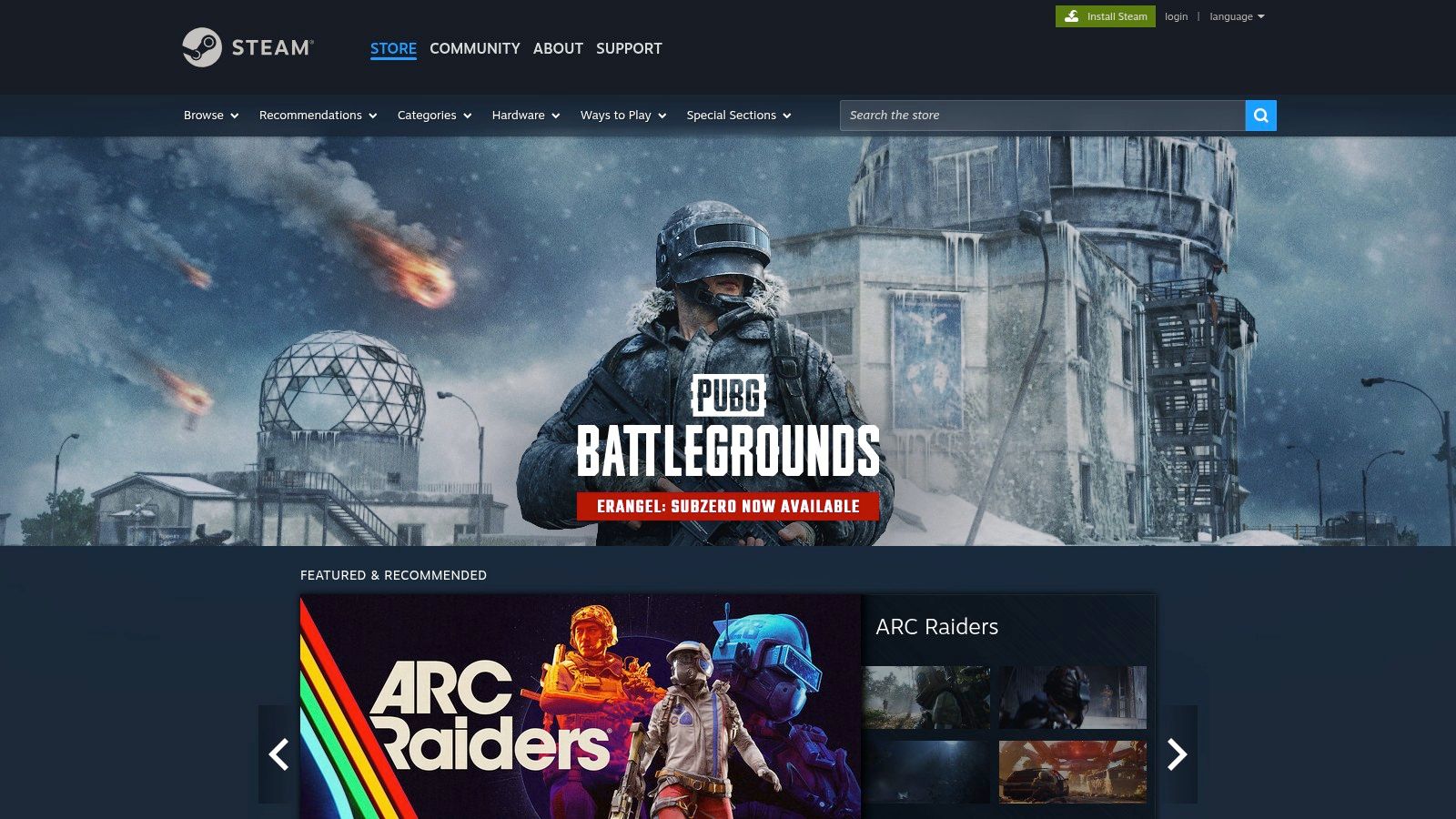
A key advantage of Steam is its community-driven ecosystem. User reviews provide candid feedback on a game’s educational value, helping you make informed decisions. Frequent sales events make high-quality games accessible. Perhaps most importantly, Steam’s refund policy (under two hours of playtime within 14 days) lowers the risk of trying a new title. This flexibility is a core component of learning with video games, as it encourages exploration.
However, navigating the massive catalog requires some strategy. The community "Educational" tag can be broad. Parents should use a combination of tags, read reviews carefully, and use Steam’s parental controls to manage playtime and purchases. This ensures teens can safely explore while focusing on games that build real skills.
- Best For: Accessing a vast library of digital games, from indie educational puzzles to complex AAA simulations.
- Pros: Huge selection with competitive pricing and sales, detailed user reviews, and a risk-free refund policy.
- Cons: The "Educational" tag can be inconsistent; effective use requires setting up a PC and parental controls.
- Website: https://store.steampowered.com
3. Apple App Store / Apple Games / Apple Arcade
For families in the Apple ecosystem, the App Store provides a secure and curated gateway to thousands of learning games for teens. Its strength lies in editorial oversight, strict app review processes, and powerful parental controls that help parents manage screen time and spending. The platform excels at offering high-quality puzzle, logic, and simulation games that build critical thinking skills on devices teens already use.
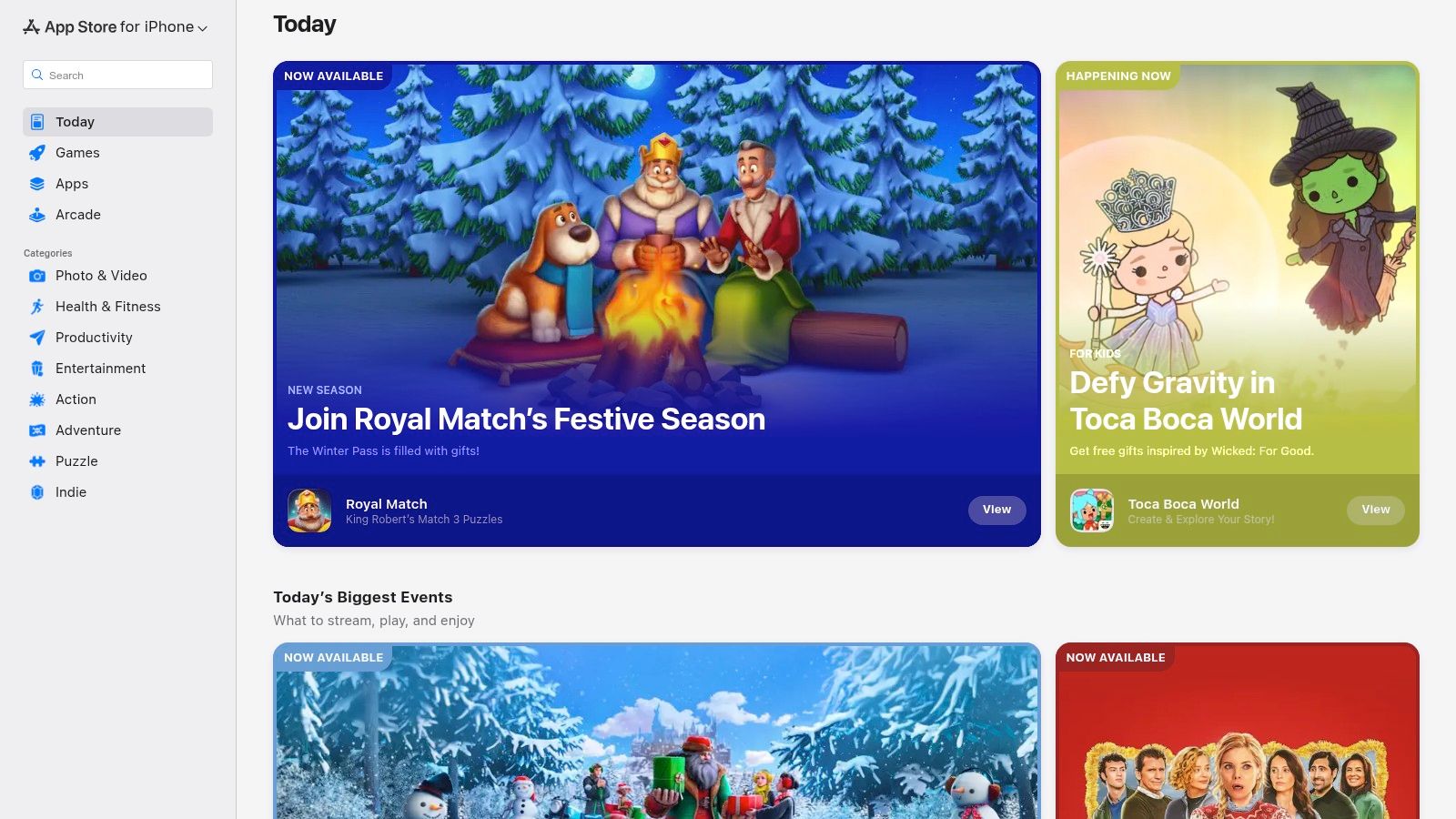
The standout feature for many families is Apple Arcade, a subscription service offering premium games without ads or in-app purchases. This model removes unexpected costs and provides a safer, uninterrupted play experience. Games in the Arcade are often celebrated for their creativity, and the ability to play across different Apple devices means a game started on an iPhone can be continued on a Mac. Editorial collections like "Puzzles & Brain-Teasers" simplify discovery.
However, navigating the broader App Store to find genuinely educational titles can require specific search terms. While the Arcade solves the monetization problem, many top-rated free games on the main store rely heavily on in-app purchases, which necessitates careful monitoring through Family Sharing settings.
- Best For: Families in the Apple ecosystem looking for a safe, curated mobile gaming environment with strong parental controls.
- Pros: High-quality game selection, especially within Apple Arcade; excellent parental controls; seamless experience across devices.
- Cons: Discovery of niche educational games can be challenging; in-app purchases on non-Arcade titles can become costly.
- Website: https://apps.apple.com
4. Google Play Store (Android/Chromebook)
As the official marketplace for Android and Chromebook devices, the Google Play Store is a vital hub for discovering a massive catalog of learning games for teens. Its deep integration with the educational ecosystem, particularly through Chromebooks widely used in schools, makes it a relevant resource. The platform features curated collections like "brain-boosting games," which help parents find quality content.
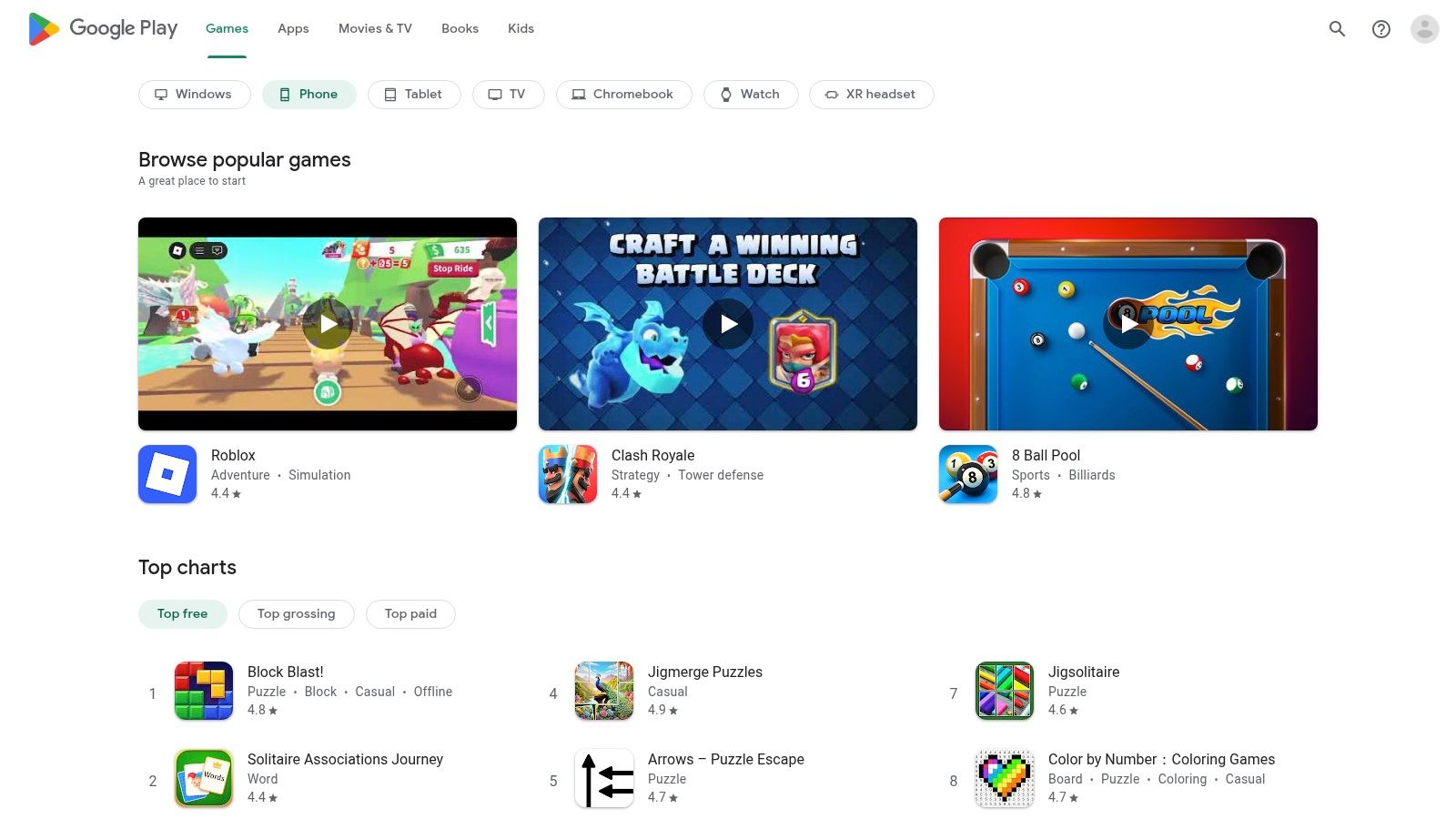
The primary advantage of the Play Store is its accessibility. Many apps are free or offer a freemium model, making it easy to try before you buy. Labels like "Teacher Approved" provide a helpful signal of educational value, while robust parental controls via the Family Link app give parents oversight. This makes it a go-to for finding everything from interactive learning tools like Khan Academy to collaborative platforms like Kahoot!.
However, the sheer volume of apps means quality is inconsistent. Discovery can feel aimless without relying on curated lists or specific search terms. Many free games are supported by ads or pushy in-app purchases. To find the best apps, focus on the "Teacher Approved" section and check recent reviews for feedback on the monetization model.
- Best For: Accessing educational apps and games on Android phones, tablets, and school-issued Chromebooks.
- Pros: Huge selection of free and paid apps, useful "Teacher Approved" tags, and strong integration with classroom devices.
- Cons: App quality varies greatly; free apps often contain distracting ads or aggressive in-app purchase models.
- Website: https://play.google.com/store
5. Minecraft Education
Leveraging a game millions of teens already love, Minecraft Education transforms a familiar sandbox environment into a powerful platform for project-based learning. This edition is designed for classroom and home use, offering a structured approach to exploring complex topics. It moves beyond simple entertainment by integrating lessons across STEM, history, and computer science, making it one of the most effective learning games for teens.
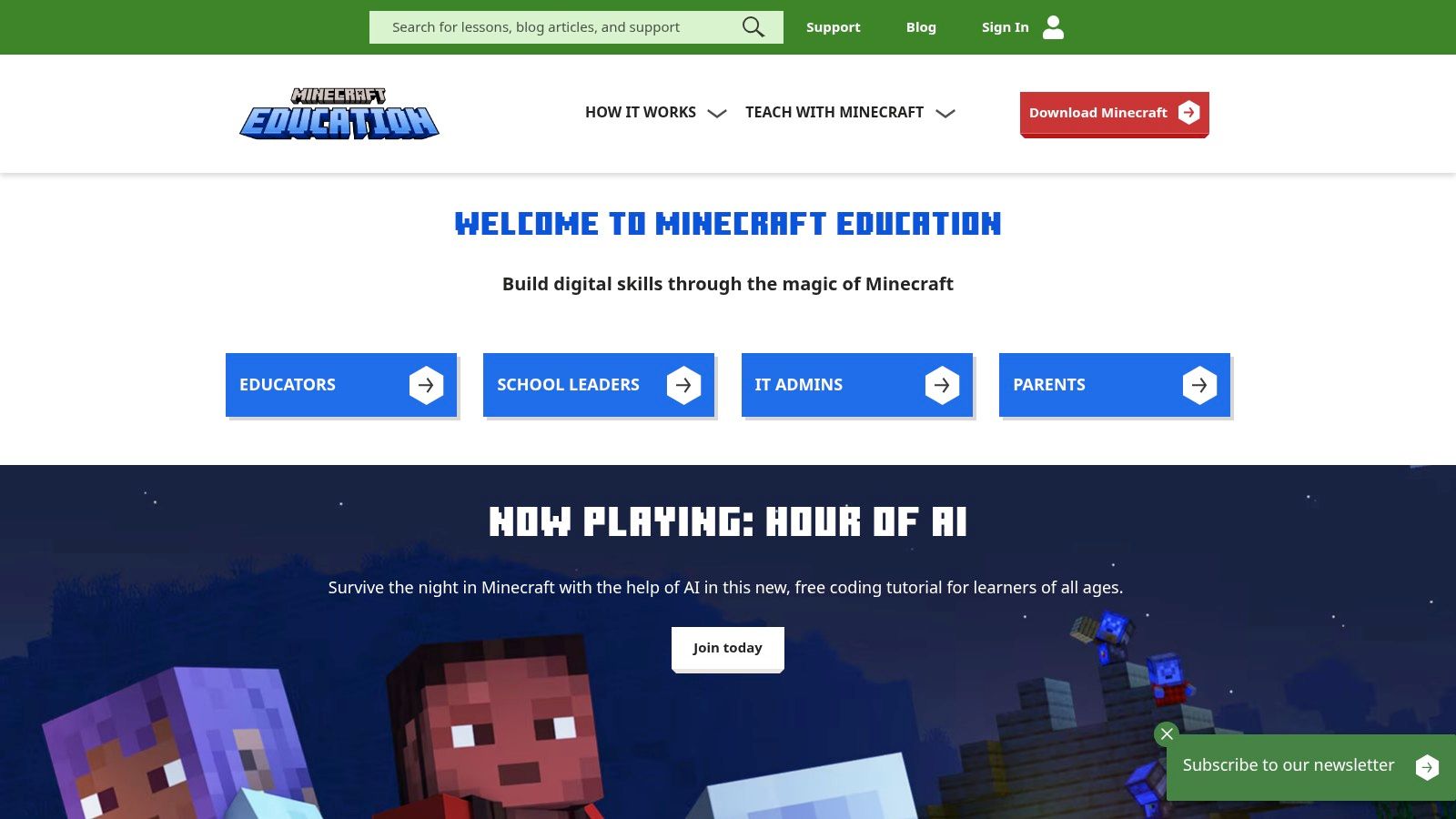
The platform’s standout feature is its built-in Code Builder, which allows students to program actions using either block-based coding or Python. Teens can write code to build structures or create interactive stories, providing immediate visual feedback. Secure multiplayer servers enable collaborative projects where students work together to build historical replicas or design sustainable cities. The extensive library of educator-created lesson plans provides a clear roadmap for turning playtime into productive learning.
While its potential is immense, getting started can involve a learning curve around account setup, which differs from the standard version. A reasonably capable device (PC, Mac, iPad, or Chromebook) is necessary to run complex worlds smoothly. Once configured, it offers an unparalleled environment for fostering creativity and collaboration.
- Best For: Project-based learning in STEM, coding, and history in a highly engaging digital environment.
- Pros: High teen engagement, extensive library of free lessons, and support for both block and text-based coding.
- Cons: Initial setup can be confusing for parents; performance is dependent on device hardware.
- Website: https://education.minecraft.net
6. Kahoot!
As a game-based learning platform, Kahoot! transforms studying from a chore into a dynamic, competitive event. Widely used in classrooms, its core appeal lies in turning quizzes into live games where teens compete for points by answering questions quickly and accurately. This approach makes it a standout choice for test preparation and group learning, replacing dry worksheets with engaging social challenges.
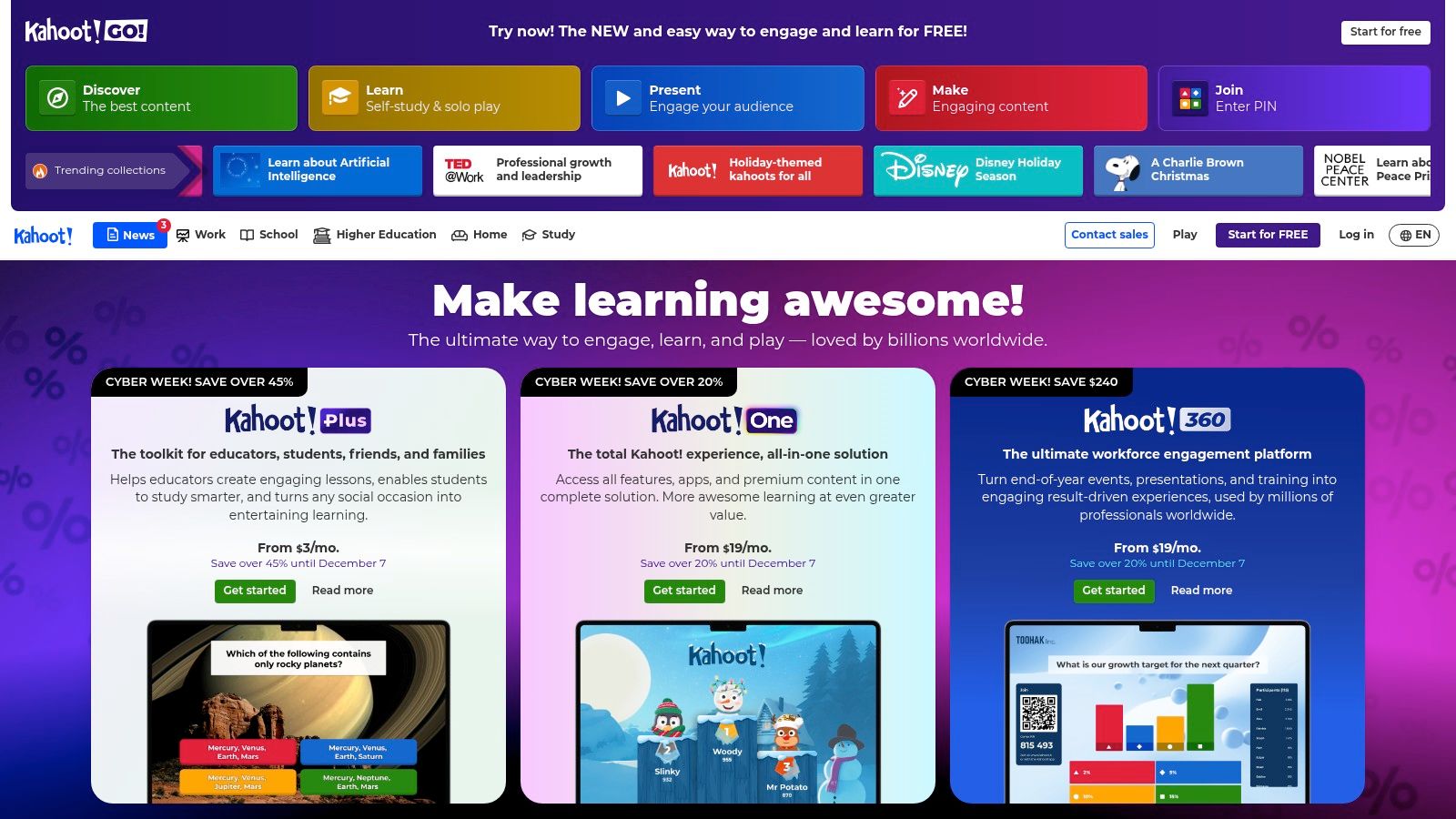
The platform’s strength is its massive user-generated library of public quizzes covering nearly every subject, making it easy to find ready-made learning games for teens. Teens and educators can also create their own games, tailoring content to specific needs. Beyond live games, Kahoot! offers self-paced study modes, including flashcards and practice tests, allowing for independent learning.
While the free version is robust, accessing advanced features like varied question types requires a paid subscription. The platform’s reliance on real-time competition also necessitates stable internet access. For best results, use Kahoot! for high-energy review sessions rather than for introducing complex new topics.
- Best For: Interactive group review, test preparation, and making study sessions more social and competitive.
- Pros: Highly engaging format, vast library of public games, and easy to create or customize quizzes.
- Cons: Advanced features are behind a paywall; live games require good internet and synchronized participation.
- Website: https://kahoot.com
7. Duolingo
As a leader in gamified language learning, Duolingo transforms acquiring a new language into an engaging habit. Its strength lies in bite-sized lessons and motivational loops, making it one of the most accessible learning games for teens who want to explore languages like Spanish or Japanese. Its system of streaks, experience points (XP), and competitive leagues encourages daily practice.
Short, focused lessons can be completed in just a few minutes, fitting into a teen's busy schedule. This approach lowers the barrier to entry and helps build momentum. While its free version is robust, an optional subscription, Super Duolingo, removes ads and adds features for a smoother learning flow. The platform is excellent for building foundational vocabulary and grammar.
However, Duolingo is best viewed as a powerful supplement, not a replacement for formal language instruction. It may not sufficiently develop conversational fluency on its own. To maximize its effectiveness, teens should pair it with other learning methods like conversation practice or media immersion.
- Best For: Building a consistent daily habit for foundational vocabulary and grammar in a new language.
- Pros: Motivating game mechanics, excellent mobile experience for short sessions, and a comprehensive free tier.
- Cons: Not a substitute for immersive, conversational practice; learning depth can be shallow for complex languages.
- Website: https://www.duolingo.com
8. Coolmath Games
A long-standing favorite, Coolmath Games offers a large library of browser-based logic, math, and puzzle games. For teens, it serves as an excellent resource for quick mental workouts without downloads or installations. The platform focuses on brain-training learning games for teens, ensuring every option provides a cognitive challenge disguised as simple, accessible fun.
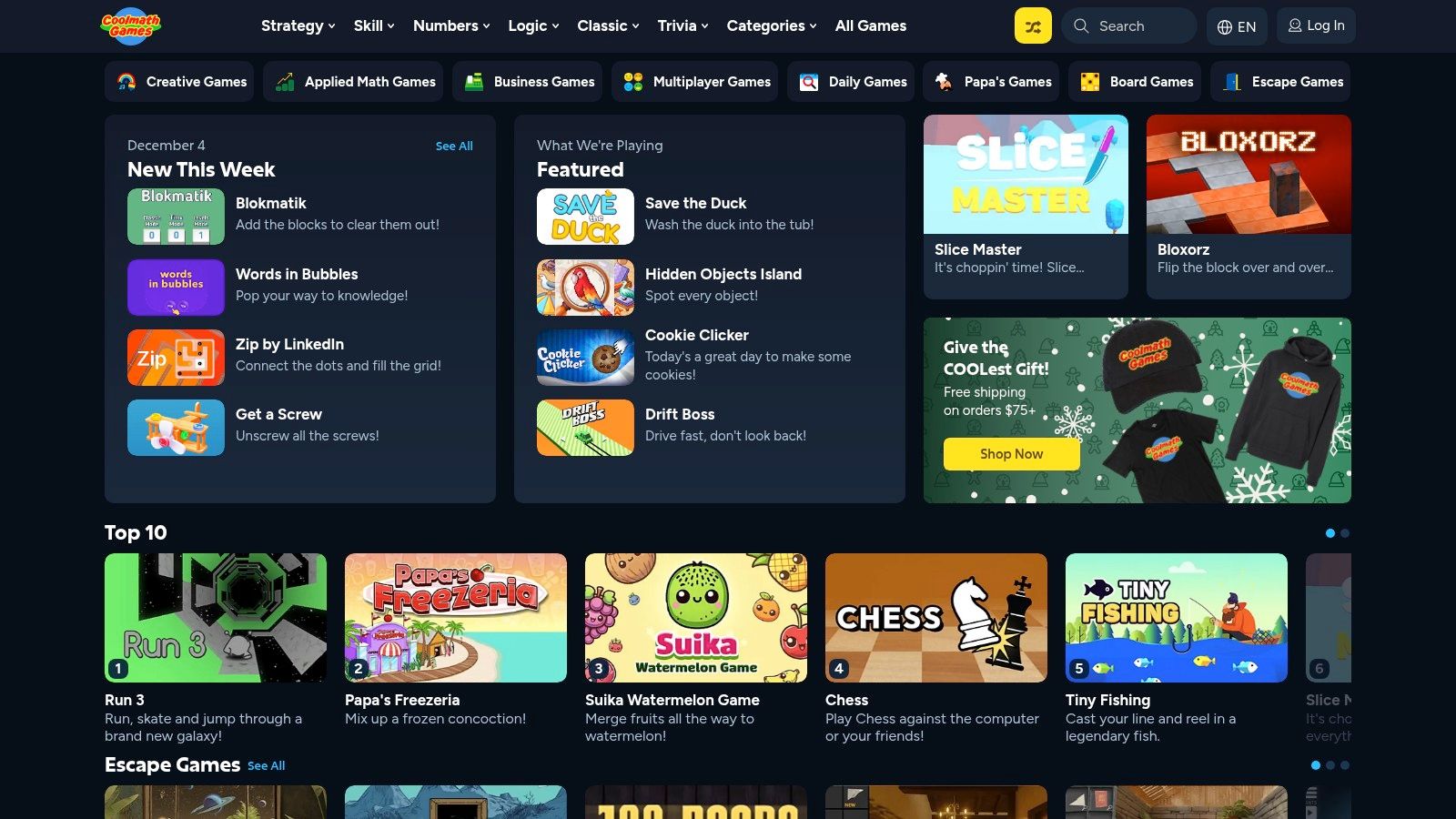
The primary appeal is its low-barrier entry; a teen can jump into a logic puzzle on a school Chromebook or home computer in seconds. Its curated, school-appropriate content gives parents peace of mind. While it doesn't offer a structured curriculum, the variety of puzzle mechanics helps teens practice spatial reasoning, strategic planning, and perseverance. Games like Bloxorz or the Run series are known for their simple premises and complex challenges.
To maximize its educational value, encourage teens to try different categories. A premium membership is available for a low cost to remove ads, which can be a significant distraction on the free tier. This makes for a more focused user experience, especially during short study breaks.
- Best For: Quick, casual brain training, logic puzzles, and developing problem-solving skills with zero setup.
- Pros: Instantly accessible on any browser, all content is school-appropriate, and the ad-free premium option is affordable.
- Cons: Learning is informal and depends on game selection; distracting ads on the free version can disrupt focus.
- Website: https://www.coolmathgames.com
9. ThinkFun (Official Store)
For families looking to swap screen time for hands-on challenges, ThinkFun’s official store is a premier destination. The brand specializes in durable, replayable logic puzzles and strategy games that build crucial cognitive skills. The website provides direct access to their entire catalog, from the classic puzzle Rush Hour to the marble run game Gravity Maze, making it a key resource for learning games for teens focused on reasoning.
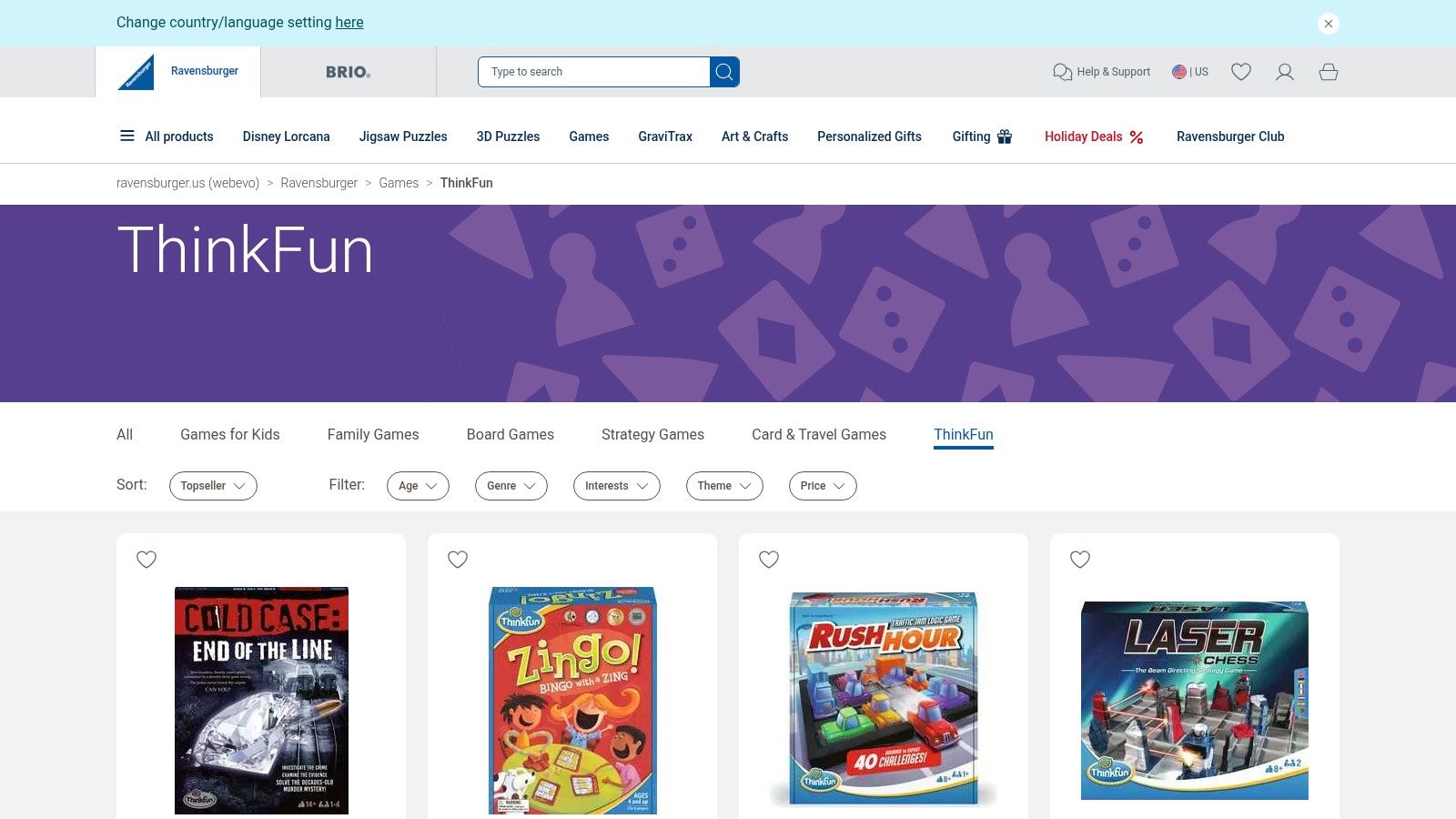
The primary advantage of buying direct is the curated experience. The site is organized by category, with clear age guides and difficulty levels. This helps parents find an appropriate challenge that avoids frustration. Unlike massive marketplaces, ThinkFun offers a focused selection of high-quality puzzles designed to be both engaging and educational, helping teens develop perseverance and planning skills without a screen.
However, the store's focus is also its main limitation. The product line is narrower than a general retailer's, and some titles may skew toward younger teens. Shipping is currently limited to US addresses, and costs can apply for orders under the free shipping threshold.
- Best For: Sourcing durable, screen-free logic puzzles and single-player strategy games that build critical thinking skills.
- Pros: High-quality games with strong educational value, great for family engagement, and a well-organized website.
- Cons: Product selection is limited to the ThinkFun brand; some games may be too simple for older teens; shipping is restricted to the US.
- Website: https://www.thinkfun.com
10. Tynker
Tynker is a comprehensive, game-based platform designed to guide teens from visual block coding to real-world text languages like Python and JavaScript. Instead of just solving puzzles, learners build a portfolio of actual projects, including games, Minecraft mods, and apps. This project-based approach transforms coding from an abstract concept into a tangible skill, making it one of the most effective learning games for teens wanting real results.
The platform’s strength lies in its structured, self-paced curriculum, which includes over 70 courses. This guided pathway ensures learners build a solid foundation before advancing. The parent dashboard provides clear insights into a teen’s progress, highlighting mastered skills and areas needing practice. This structure helps families track development without needing to be coding experts.
While Tynker offers a robust learning experience, it requires sustained engagement to justify the premium subscription cost. To maximize its value, teens should choose a learning path aligned with their interests, whether it's game design or robotics, and commit to building projects they are passionate about.
- Best For: Teens seeking a structured path from visual coding to text-based programming with a focus on building a project portfolio.
- Pros: Clear progression from beginner to advanced concepts, emphasis on creating functional games, and detailed progress tracking.
- Cons: Subscription plans can be a significant investment; benefits are best realized through consistent, long-term use.
- Website: https://www.tynker.com
11. PBS LearningMedia
As a trusted source for educational content, PBS LearningMedia offers a free digital library of learning games for teens curated for classroom standards. It brings together resources from producers like NOVA and various PBS stations, focusing on interactive simulations that support core subjects. Instead of arcade-style entertainment, this platform provides curriculum-aligned interactives to supplement formal education.
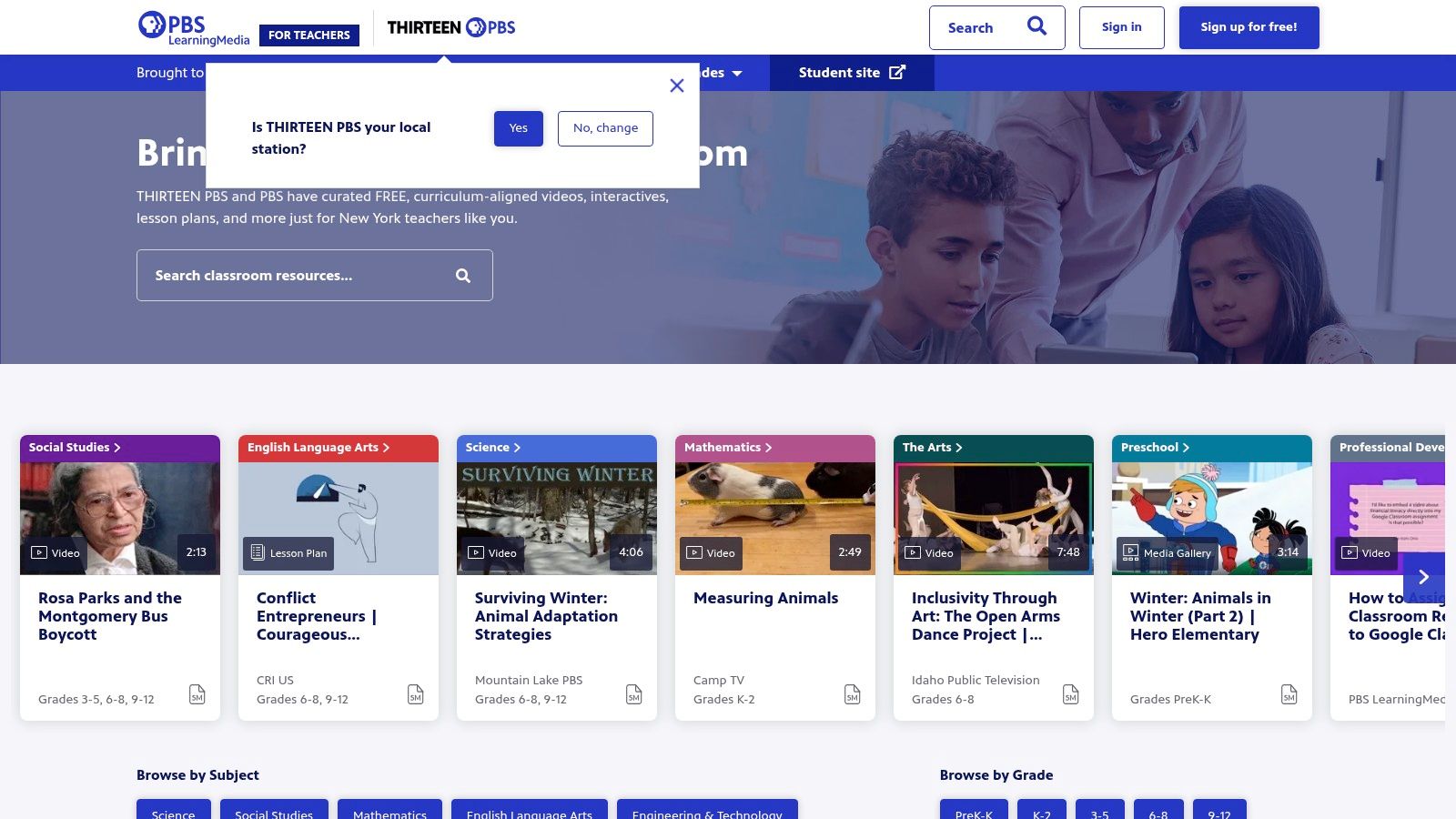
The primary strength of PBS LearningMedia is its reliability and connection to educational goals. Every resource is educator-vetted, ensuring it’s both appropriate and effective. For instance, a teen studying genetics can engage with a simulation on DNA sequencing. This focus on deep, lesson-aligned content makes it an invaluable tool for homework help, project research, and clarifying complex topics.
However, the platform is more academic and less gamified than commercial alternatives. The user interface, while functional, can sometimes feel dense. To use it effectively, filter by subject, grade level (9-12), and resource type (“Interactive”) to quickly locate the most relevant simulations.
- Best For: Supplemental homework support and classroom-aligned interactives in science and social studies.
- Pros: Entirely free access to trusted, educator-vetted content; strong focus on high-quality simulations.
- Cons: Less emphasis on entertainment-style games; the interface can be challenging to navigate initially.
- Website: https://www.pbslearningmedia.org
12. Teachers Pay Teachers (Games category)
Teachers Pay Teachers (TpT) is a massive marketplace where educators create and sell learning resources. Its games category is a goldmine for parents and teachers seeking curriculum-aligned learning games for teens. You can find everything from digital escape rooms for history to printable board games that reinforce math concepts. These resources are made by teachers, for teachers, ensuring they are practical and classroom-tested.
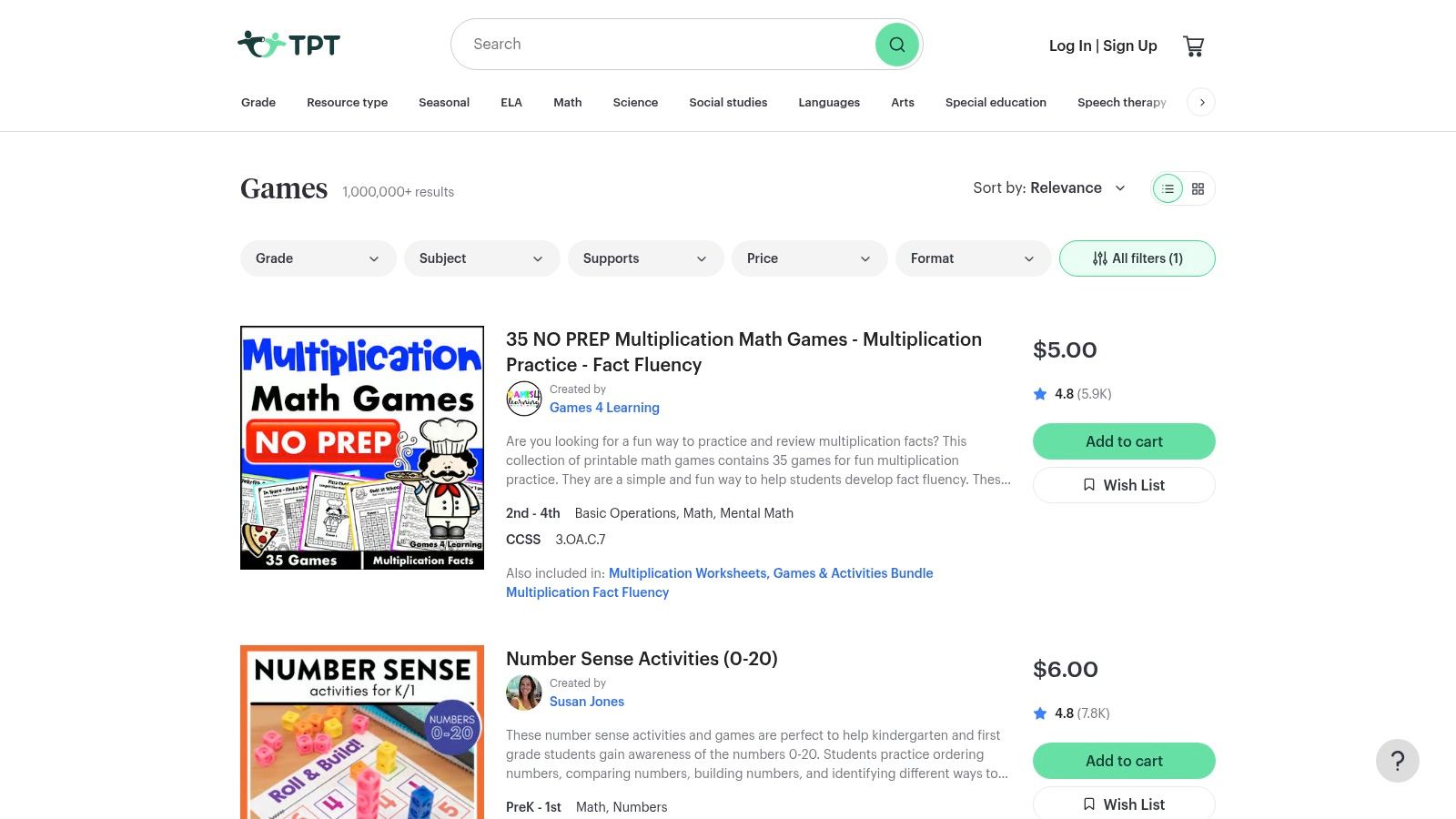
The platform’s key advantage is its specificity. You can search for a review game covering the exact unit your teen is studying, like "Photosynthesis Escape Room." Most resources are affordable digital downloads, meaning you can buy and use them instantly. The filtering system lets you narrow searches by grade level and subject, while seller ratings and previews help you vet the quality.
The main challenge is the variability in quality, which is inherent in any user-generated marketplace. It's crucial to read reviews and carefully examine resource previews. Some activities also require printing and light assembly, so be prepared for some hands-on setup.
- Best For: Finding affordable, curriculum-specific review games and activities created by experienced educators.
- Pros: Huge variety of game formats tailored to specific school subjects, instant digital access, and affordable one-off purchases.
- Cons: Quality can vary significantly between sellers; many resources require printing or other materials.
- Website: https://www.teacherspayteachers.com/browse/hands-on-activities/games
12 Teen Learning-Game Platforms: Feature Comparison
| Platform | Core offering | Best for | Key strengths | Considerations & cost |
|---|---|---|---|---|
| Amazon | Marketplace for physical & digital learning games, STEM kits | Parents wanting wide selection & fast delivery | Huge inventory; buyer protection & reviews; Prime shipping | Quality varies by seller; discovery noisy; prices & shipping vary |
| Steam (PC/Mac/Linux) | PC storefront with education-tagged games, sims, puzzles | Teens on PC seeking indie edu-games and sims | Large library; frequent sales; community reviews; refunds | Requires PC/account; parental controls needed; price varies |
| Apple App Store / Arcade | Curated apps + ad-free Arcade catalog across iPhone/iPad/Mac | Apple families wanting curated, device-integrated apps | Editorial curation; Family Sharing; seamless devices | IAPs on non-Arcade titles; Arcade subscription optional |
| Google Play Store (Android/Chromebook) | Android marketplace with collections & Chromebook support | Android/Chromebook families and schools | Broad selection; many free tools; Family Link controls | Quality varies; many free apps use ads/IAPs; discovery hit-or-miss |
| Minecraft Education | Classroom/home edition with lessons, Code Builder (Python) | Project-based STEM & coding for engaged teens | High engagement; standards-aligned lessons; secure multiplayer | Setup can be confusing; needs capable device; per-user licensing |
| Kahoot! | Game-based live quizzes and self-paced study modes | Classrooms, review sessions, group learning | Very engaging; easy to create/remix; large public library | Best features require paid plan; needs stable internet |
| Duolingo | Gamified short lessons for many languages (mobile & web) | Teens for daily bite-size language practice | Motivating loops (streaks); strong mobile UX; useful free tier | Not a full curriculum; premium subscription optional |
| Coolmath Games | Browser-based logic, puzzle & strategy games | Quick brain workouts and school-appropriate play | No install; curated puzzles; low-cost ad-free option | Not curriculum-based; ads on free tier; learning value varies |
| ThinkFun (Official Store) | Catalog of logic/strategy board & STEM puzzle games | Families wanting durable, screen-free learning games | Reputable games; clear age/difficulty guidance | Some titles skew younger; shipping costs; US-focused shipping |
| Tynker | Game-based coding platform with block→text pathways | Teens progressing from block coding to Python/JS | Structured courses; project portfolio; parent dashboard | Subscription pricing; needs sustained engagement; premium cost |
| PBS LearningMedia | Free standards-aligned interactives, media & simulations | Educator-vetted supplemental lessons for home | Trusted content; strong science & civics resources; free | Interface can be clunky; fewer arcade-style games |
| Teachers Pay Teachers (Games category) | Marketplace of teacher-created printable/digital games | Teachers/parents needing curriculum-aligned games | Huge variety; affordable one-off buys; instant downloads | Quality varies by seller; some resources need printing |
From Playing Games to Owning the Outcome
Navigating the world of learning games for teens means looking for tools that build agency. The best experiences, like those found in Minecraft Education or Tynker, move beyond simple quiz-based formats. They invite teens to build, experiment, and solve complex problems. This shift from consumption to creation is the key.
The true value isn't just in the game, but in the process. A coding challenge in Tynker isn't just about syntax; it's about debugging a failed attempt and iterating. Building an ecosystem in Minecraft is a lesson in systems thinking. These are foundational skills for a future that demands creativity and resilience.
Turning Gameplay into Tangible Skills
To bridge the gap between in-game wins and real-world competence, the crucial next step is reflection. Your role as a parent isn't to be a content expert but a facilitator. Encourage your teen to articulate their process.
Here are a few actionable questions you can use tonight:
- "Show me the part that was most challenging. What did you try first that didn't work?"
- "What decision had the biggest impact on your outcome? Why?"
- "If you had to teach a friend how to beat that level, what would be your top three tips?"
This simple debrief helps teens connect actions to outcomes, transforming play into deliberate practice. They begin to see themselves as agents of their own learning. This mindset has far-reaching benefits. For instance, the analytical skills developed can be leveraged for academic milestones, such as mastering effective strategies for SAT Math preparation.
Choosing the Right Tool for Your Teen
As you consider which of these learning games for teens to introduce, think about the desired outcome, not just the subject.
- For the Builder and Creator: Look to open-ended sandbox games like Minecraft Education that reward creativity.
- For the Aspiring Coder: Platforms like Tynker provide structured pathways from block coding to real-world languages like Python.
- For the Language Enthusiast: Duolingo offers a gamified practice loop that builds vocabulary through daily engagement.
- For the Strategic Thinker: Puzzle-based platforms like ThinkFun or Coolmath Games can sharpen logical reasoning.
The ultimate goal is to find tools that spark interest and foster growth without stifling independence. Encourage your teen to not just play the game, but to mod it, create tutorials for it, or design their own levels. This is how they take ownership.
If your teen’s interests are evolving quickly and you want a structured way to capture that momentum, a family-driven learning platform can help. Kubrio is a family-driven learning platform that uses AI to turn your child’s interests into step-by-step quests with feedback and a living portfolio. It helps translate the spark from a game into a tangible project, ensuring the learning sticks long after the screen is off.
Ultimately, the games listed here are practice grounds for the future, where teens can fail safely, learn from feedback, and build confidence. By focusing on the process of making and reflecting, you help them move from simply playing the game to owning the outcome.