
10 Ways to Make Screen Time Productive for Kids
Worried about your child’s screen time? You’re not alone. Many parents see screens as a daily battle against passive consumption—a world of one-size-fits-all edutainment that quizzes but doesn’t build. But what if screen time could be the start of something amazing instead of a source of guilt?
This guide shows you 10 practical ways to transform screen time from a passive habit into an active launchpad for creativity, problem-solving, and genuine skill-building. These are actionable strategies you can use tonight to help your child develop real agency—the ability to make, ship, and reflect on their own creations.
Instead of fighting over minutes, you'll find tools that turn consumption into creation. From AI-powered learning to digital storytelling, these ideas make productive screen time for kids an achievable reality. Get ready to help your child use screens to build a portfolio of skills they’ll be proud of.
1. AI-Powered Quest-Based Learning
AI-powered quest-based learning platforms turn a child's interests into engaging missions. Instead of passive videos, these systems use AI to create personalized learning paths. This approach turns screen time into a productive, creative endeavor where kids build tangible skills like coding, digital art, and storytelling through structured challenges.
These platforms shift the focus from getting the right answer on a quiz to building real-world projects. For example, a child fascinated by ancient Egypt could embark on a quest to design a 3D model of a pyramid. Kubrio is a family-driven learning platform that uses AI to turn your child’s interests into step-by-step quests with feedback and a living portfolio. The AI acts as a co-pilot, helping parents generate age-appropriate projects and providing feedback prompts that build confidence. To understand the broader implications of artificial intelligence in learning, you can explore insights into AI in Education.
How to Start Tonight
- Pick the spark: Start with a topic your child loves, whether it's robotics, fantasy maps, or cooking. Use the platform’s generator to create a starter quest.
- Review the portfolio: Check in to review their completed projects. Ask, “What changed between v1 and v2?” or “Show me your favorite mistake and what it taught you.”
- Focus on process: Encourage trying things out. The goal is to build curiosity and grit, not just finish a task.
- Notice patterns: Use the platform's insights to see what skills your child is developing, helping you guide them toward new interests.
2. Coding and Programming for Kids
Coding platforms turn screen time into a hands-on creative process. Instead of just playing games, kids learn to build them. These tools use visual, interactive environments to teach computational thinking and programming basics, breaking down complex concepts into small, engaging steps. This helps children develop skills like logical thinking and problem-solving.
These tools empower kids to become creators. For instance, a child can use Scratch to design an animated story or build a simple maze game. By connecting coding to personal interests, children see immediate results, which fuels motivation. This shifts productive screen time for kids from passive viewing to active building.
How to Start Tonight
- Start with visual blocks: Begin with block-based coding platforms like Scratch or Code.org. These visual tools are intuitive for beginners.
- Connect to interests: Frame coding as a tool to bring their ideas to life. If they love art, help them code an animation. If they enjoy games, challenge them to build their own.
- Set small goals: Instead of open-ended time, start with a specific goal, like "make a character jump." This provides focus and a clear sense of accomplishment.
- Share and get feedback: Have your child share their projects with family. This builds communication skills and teaches them how to use feedback.
3. Digital Storytelling and Creative Writing Tools
Digital storytelling tools transform creative writing into an engaging multimedia experience. These platforms let children combine text, images, audio, and video to build rich narratives. This helps kids develop skills in story structure and visual communication, turning screen time into an act of creation.
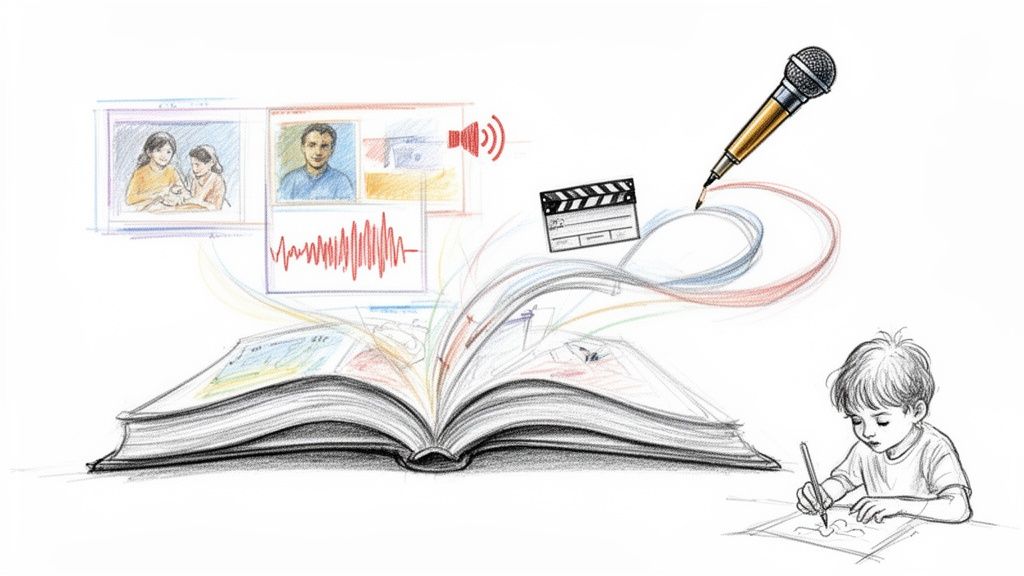
This approach helps children see themselves as authors and producers. Instead of passively watching stories, they actively build them. A child could use a tool like Book Creator to write a digital graphic novel, embedding audio narration and their own drawings. This form of productive screen time for kids fosters both digital literacy and creative expression.
How to Start Tonight
- Set a creative constraint: Provide a starting point. Suggest a theme (like "a magical discovery"), a genre (mystery or comedy), or a character prompt.
- Encourage v1 → v2: Frame revision as a natural part of the creative process. Ask, “What’s one thing you could change to make the ending more exciting?”
- Connect to interests: Link storytelling projects to topics they already love. If they enjoy history, they could create a digital story from the perspective of a historical figure.
- Share with an audience: Start by sharing their creations with family or close friends. This builds confidence and provides a safe space for receiving feedback.
4. STEAM Project-Based Learning Platforms
STEAM platforms integrate Science, Technology, Engineering, Arts, and Mathematics through engaging projects. Instead of tackling subjects in isolation, these platforms present kids with real-world challenges that require multidisciplinary solutions. This approach actively merges analytical skills with creative problem-solving.
This method transforms productive screen time for kids into an opportunity to innovate. For instance, a child might use a platform like Tinkercad to design and simulate a 3D model of a Mars rover, combining engineering principles with digital artistry. The focus shifts from memorizing facts to applying knowledge creatively, a core principle for developing kids with high agency.
How to Start Tonight
- Align projects with passions: Choose a platform and a project that connects to your child's current interests, whether it's building a virtual city or designing a character.
- Break it down: Large projects can feel intimidating. Work together to break them into smaller steps with clear outputs for each stage.
- Document the process: Encourage your child to log their ideas, sketches, and failed attempts. This shows learning happens throughout the journey, not just at the end.
- Connect virtual to reality: Discuss how the digital skills they are learning apply to the physical world. For example, "How could the bridge you designed in this app help people in our community?"
5. Interactive Digital Arts and Design Tools
Digital art and design tools give kids a canvas to create, moving them from passive consumers to active producers. These platforms enable children to explore graphic design, animation, and illustration without needing professional equipment. Instead of just watching videos, kids can build design skills and bring their ideas to life.
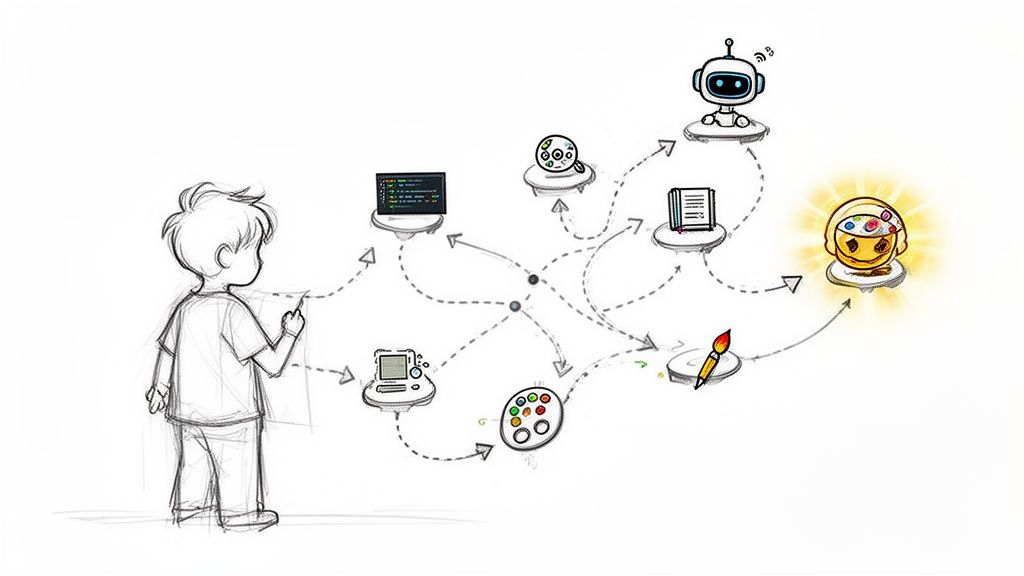
These tools make productive screen time for kids feel like play, but the skills are real. A child can use a platform like Canva to design a birthday invitation, learning about layout and color theory. The goal is not just to make something pretty; it's to solve a visual problem and communicate a message effectively.
How to Start Tonight
- Start with a real-world brief: Give your child a concrete design challenge, like creating a poster for a family movie night or a logo for a fictional company.
- Introduce constraints: Encourage creativity by setting limits. Ask them to work with a specific color palette (e.g., only three colors) or design for a particular size.
- Focus on iteration: Emphasize that the first draft is never the final one. Use feedback prompts like, "I love this first version. What's one thing you would change to make it even clearer?"
- Build a portfolio: Save their finished work in a dedicated folder. Periodically review it together to see how their skills have improved over time.
6. Educational Documentary and Video Platforms
Curated video platforms can transform screen time into active learning. High-quality documentaries use compelling visuals and storytelling to make complex topics in science and history accessible. This approach provides a rich foundation for deeper curiosity and exploration.
These services offer a fascinating way for kids to engage with new subjects. Platforms like National Geographic Kids, TED-Ed, and PBS Learning Media present well-researched content that sparks questions. Instead of just consuming facts, children are invited to see the world through the eyes of scientists and explorers, making learning a memorable adventure.
How to Start Tonight
- Co-watch and discuss: Watch alongside your child and pause to ask questions. Use prompts like, "What surprised you the most about that?" or "How do you think they filmed that scene?"
- Connect to a hands-on activity: Use a documentary as a launchpad for a project. After a show about ancient civilizations, you could build a model pyramid or draw a map.
- Encourage active viewing: Ask your child to sketch one new thing they learned. This shifts their role from a passive audience member to an active learner.
- Create a "watch list" together: Let your child help choose what to watch based on their interests. This gives them agency over their learning.
7. Interactive Math and Science Learning Apps
Interactive math and science apps turn abstract concepts into tangible experiences. Instead of static worksheets, these tools use gamification and simulations to teach principles and scientific laws. This makes learning an active process, turning screen time into a productive problem-solving session.
These apps shift the dynamic from rote memorization to deep understanding. A child struggling with fractions can visualize them by slicing digital pizzas, while another can explore physics by building virtual roller coasters. Platforms like Prodigy Math and PhET Simulations from the University of Colorado provide interactive experiments that build mastery and confidence.
How to Start Tonight
- Supplement, don't replace: Use these apps to reinforce concepts learned through hands-on activities. Connect digital practice to real-world scenarios, like using math for baking.
- Encourage "thinking aloud": Ask your child to explain their problem-solving process. This helps them solidify their understanding, moving beyond just getting points.
- Review progress reports: Use the app’s analytics to identify where your child excels and where they struggle. Look for patterns to pinpoint conceptual gaps.
- Set clear time limits: Define specific session lengths. The goal is focused, productive screen time for kids, not endless play. Frame it as "20 minutes of math practice."
8. Virtual Collaboration and Social Learning Spaces
Virtual collaboration spaces transform screen time from a solo activity into a social learning experience. These moderated platforms allow children to work together on projects and give and receive peer feedback. This turns digital interaction into an opportunity to build teamwork and communication skills in a safe environment.
These platforms teach kids that progress often happens together. A child might team up with peers in a different country to build a world in Minecraft Education or remix a coding project on Scratch. The emphasis is on communication and shared ownership. These tools build the foundations of 21st-century skills in a practical, engaging way.
How to Start Tonight
- Establish clear norms: Before starting, create simple rules for respectful communication. Discuss what helpful feedback looks like versus criticism.
- Start with partner projects: Begin with a simple task for two children before moving to larger group projects.
- Rotate roles: Assign roles like "project lead" or "feedback giver" and rotate them. This ensures everyone contributes and develops different skills.
- Model good feedback: Show your child how to offer constructive comments. Use phrases like, "I like how you did X. Have you thought about trying Y?"
9. Digital Reflection and Portfolio Tools
Digital portfolio tools turn screen time into a practice of self-awareness. Instead of focusing only on grades, these platforms help children capture their entire learning journey. They are designed for kids to document projects and reflect on their growth, shifting the focus from external validation to internal understanding.
This approach helps children see learning as a process. A child can look back at their first animation and compare it to their latest one, articulating how their skills improved. Tools like Kubrio's Living Portfolio automate this by tracking skills as your child completes projects. Platforms like Seesaw and Google Sites offer other ways to build and share these collections, empowering kids to recognize their own strengths.
How to Start Tonight
- Start with simple prompts: Make reflection a regular habit. Ask, "What was your favorite part of making this?" or "What changed between your first idea and the final version?"
- Review portfolios together: Set aside time each month to look through the portfolio. Celebrate progress and identify patterns.
- Connect growth to effort: Help your child see the connection between their actions and progress. Say, "I noticed you learned a new tool for this project. How did that help?"
- Share with a wider circle: Encourage your child to share their portfolio with grandparents or trusted friends. This helps them practice explaining their work.
10. Parent-Child Learning Companion Apps
Parent-child learning apps bridge the digital and family experience by creating shared learning moments. Instead of isolating a child, these tools provide guided activities and conversation starters that invite parents into the process. This approach turns screen time into a collaborative and productive activity.
These platforms empower parents to act as learning guides. A parent can use an app like Kubrio to get AI-generated conversation prompts tailored to their child’s project, helping them ask insightful questions. Others, like the Khan Academy Family Dashboard, offer visibility into a child’s progress and provide tips for support. This transforms screen time into a meaningful, shared experience.
How to Start Tonight
- Schedule weekly check-ins: Set aside 15 minutes each week to sit down and review progress. Use the app’s dashboard as a launchpad for conversation.
- Use prompts as starters: Rely on the app’s guided questions. Ask, "What was your favorite part of this project?" instead of "Did you get it right?"
- Share their excitement: When your child shows you something they created, mirror their enthusiasm. Your genuine interest is a powerful motivator.
- Balance guidance with autonomy: Use the companion features to support, not micromanage. The goal is to build your child's agency.
Your Family's Next Step: From Consumption to Creation
We've explored tools designed to transform screen time from a passive habit into an active pursuit. The journey from digital consumer to digital creator is a significant shift. It's the difference between watching a story and building one. This transition is not about eliminating screens but elevating their purpose, making every minute count toward building skills and, most importantly, fostering agency.
The core takeaway is simple: start with your child's spark. That innate curiosity is the fuel for meaningful learning. By anchoring activities in their genuine interests, you remove the friction that often comes with forced educational tasks.
Your Action Plan for Tonight
Transforming this knowledge into action begins with a single, small step.
- Identify One Spark: Ask your child what they are most excited about right now. Write it down.
- Choose One Tool: Look back at the list. Which tool or approach best fits that spark? A coding app for the future game developer? A digital storytelling platform for the budding author?
- Set a 20-Minute Timer: Frame it as a fun experiment, not a chore. The short, defined period makes the task feel manageable.
- Focus on Creation, Not Perfection: The goal is to produce a first version (v1), not a masterpiece. A rough sketch or a single block of code is a huge win.
- Practice Reflective Feedback: Instead of generic praise, ask powerful questions that build self-awareness.
- “Show me how you made that part. What was the trickiest step?”
- “What’s one thing you would change if you had another 10 minutes?”
This process cultivates a mindset where your child sees themselves as a capable problem-solver. If you like project-based learning but want it doable at home, Kubrio handles the planning and feedback so you can focus on building and reflecting together.
Every small project, every "v2" that improves upon a "v1," becomes an artifact. These artifacts are tangible proof of your child’s effort, creativity, and resilience. Compiling them into a digital portfolio creates a powerful visual history of their growth.
By embracing productive screen time for kids, you are not just teaching them to code, draw, or write. You are teaching them how to learn and take ownership of their intellectual journey. The next time your child reaches for a screen, see it not as a challenge, but as an opportunity to create something wonderful together.