
Game Studio · With Tek
How to make a 3D game
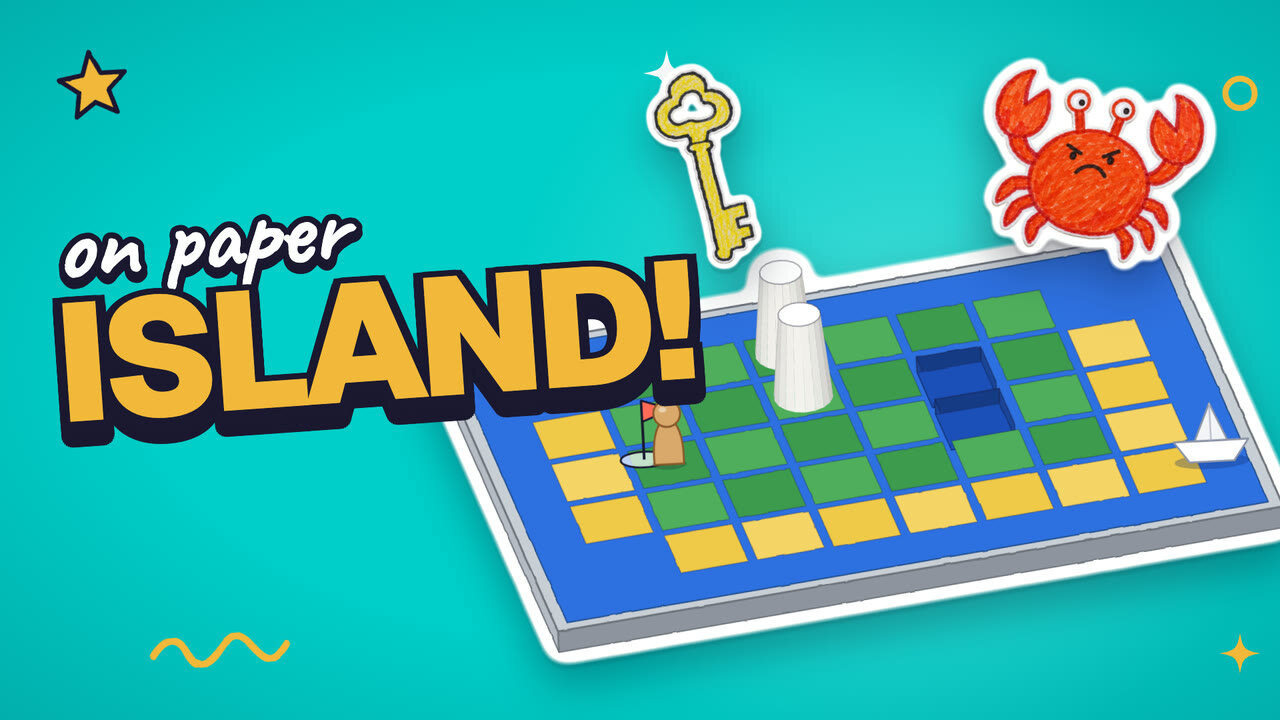
To make a 3D game, kids add height to a flat map: mountains stand up, lakes dip down, and the camera decides whether you see a map or a 3D world. In this course your kid builds a real island adventure on a baking tray, with paper squares for land, cups for mountains, a boat to escape, a hidden key, and a grumpy crab for a villain. Tek hosts four short films. Plan about 4 minutes of films and 45–60 minutes of building and playing.
How to make a 3D game is part of Kubrio Learn: short courses that inspire kids to make things. Learn more
Watch all 4 lessons in the appWhat your kid makes
Your kid ends with a three-island adventure on a tray: a start and a boat, then a hidden key, then a villain, played in order with the family. The same ideas carry into the Game Studio's Island game.
- Ages
- 6 to 13
- Time
- 4 films, about 4 minutes, then 45–60 minutes of building and playing
- You need
- A baking tray or a box lid, green and yellow paper, cut into squares, blue paper for the sea and a lake, paper cups and small boxes for mountains, a small toy for the hero, scissors, with a grown-up for the cutting
- Host
- Tek
The 4 lessons
Lesson 1. Height makes it 3D
A 3D world has height, and where you look from is called the camera.
- Lay paper squares on a tray for the land
- Add a start, a boat, and one tall thing
- Look from the top, then from the side
Where: Paper
Lesson 2. Walls make the path
Mountains, a lake, and a house block the way, so the hero follows one path.
- Put walls between the start and the boat
- Leave exactly one way through
- Walk the hero along it and count the steps
Where: Paper
In the app
Lesson 3. Lock the boat
A key hidden off the easy path makes the player explore.
- Build a second island
- Draw a paper key and cut it out
- Hide it away from the easy path, and let a grown-up play
Where: Paper
In the app
Lesson 4. Add a villain
A villain patrols a loop or chases the hero, and there's always a safe way past.
- Build a third island with a villain
- Pick patrol or chase
- Play all three islands with the family
Where: Paper
In the app
Lesson 1 transcript: Height makes it 3D
Hi, I'm Tek! Today you build a 3D game world. A whole island, right on your table!
A 3D world has one more thing. Height! Mountains stand up tall, and lakes dip down low.
Grab a tray or a box lid. Cut paper squares for the land. Cups and boxes make mountains!
Every island needs two things. A start, where your hero begins. And a boat, the way out!
Now look from the top. It's a map! Look from the side. It's a 3D game! Where you look from is called the camera.
Your turn. Build your first island. Add a start, a boat, and one tall thing. Look from the top, then from the side. Then press Next.
Free guides to practise with
Questions parents ask
Does making a 3D game need a computer?
Not for this course. Every lesson happens on a tray with paper, cups, and a toy. The ideas are the ones game makers use on screen: height, walls, a key, and a villain. The Game Studio twin of this course builds the same islands on screen.
What age is this for?
Kids 6 to 13. Younger kids may want help cutting the squares and the key. Older kids can design harder islands on their own.
Is the villain scary?
No. The example villain is Snap, a grumpy crab who guards the beach. Getting caught only costs a heart and sends the hero back to the start.