
Robotics for kids: design, build, and program a robot
Your kid draws a robot on paper, builds it part by part, gives it a job, and tests it in a 3D arena. It all runs in the browser, and the finished robot gets its own page.
What your kid makes
Six robots, each with a job
Your kid picks a robot type first. Each one has a job to do in its own arena.
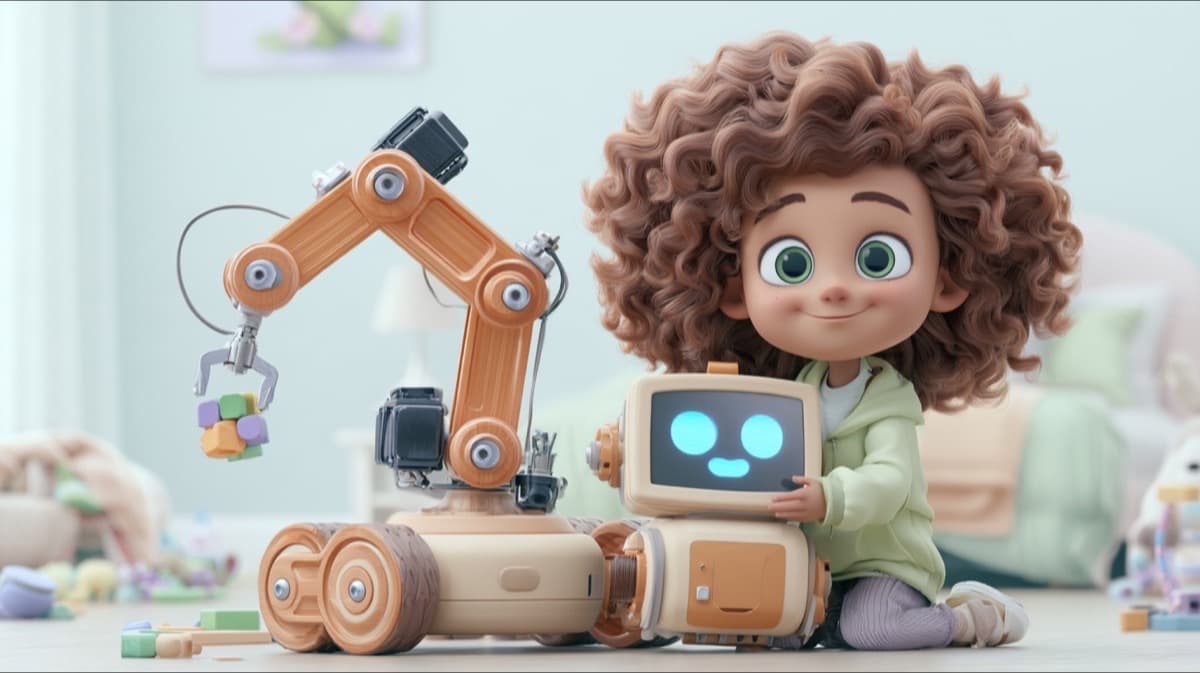
House robot
Tidies the room. It carries the toys to the box.
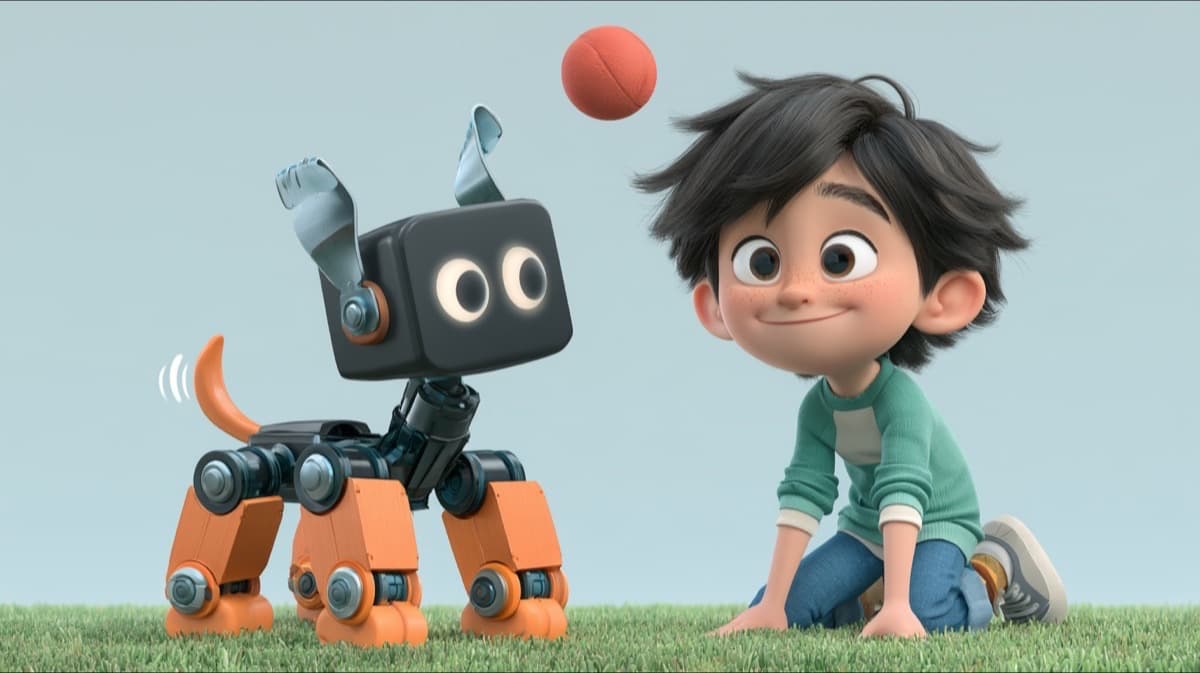
Pet robot
Plays fetch. It finds the ball and brings it back.
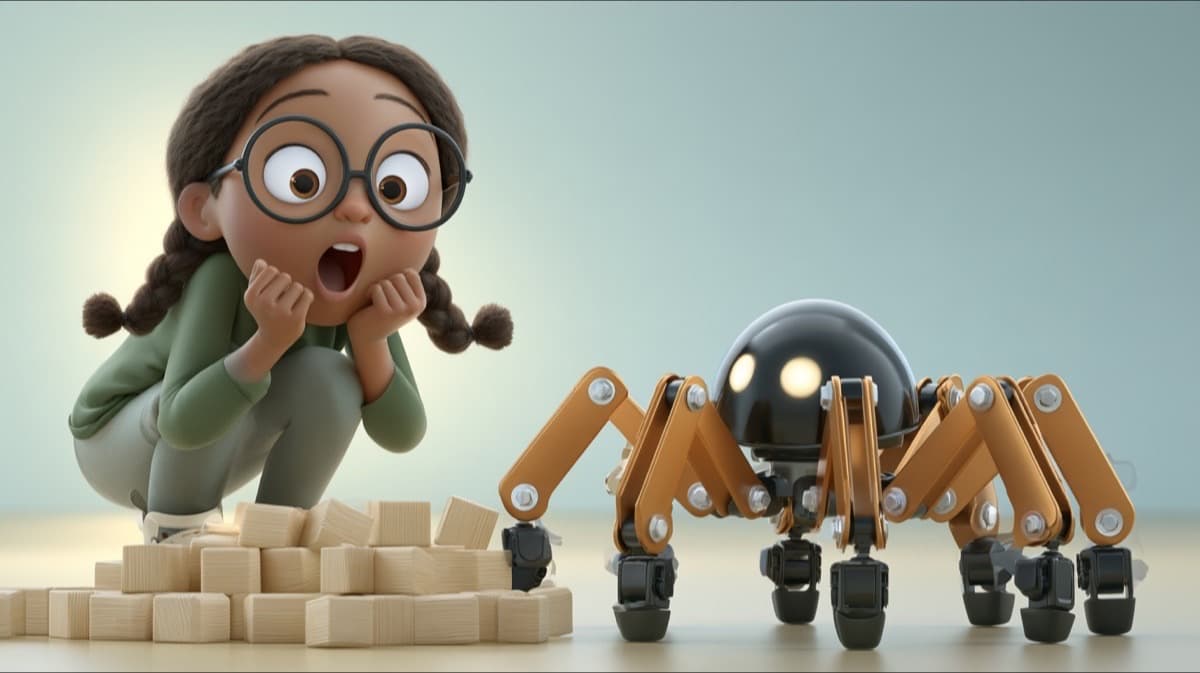
Bug robot
Crosses the rubble on six legs.
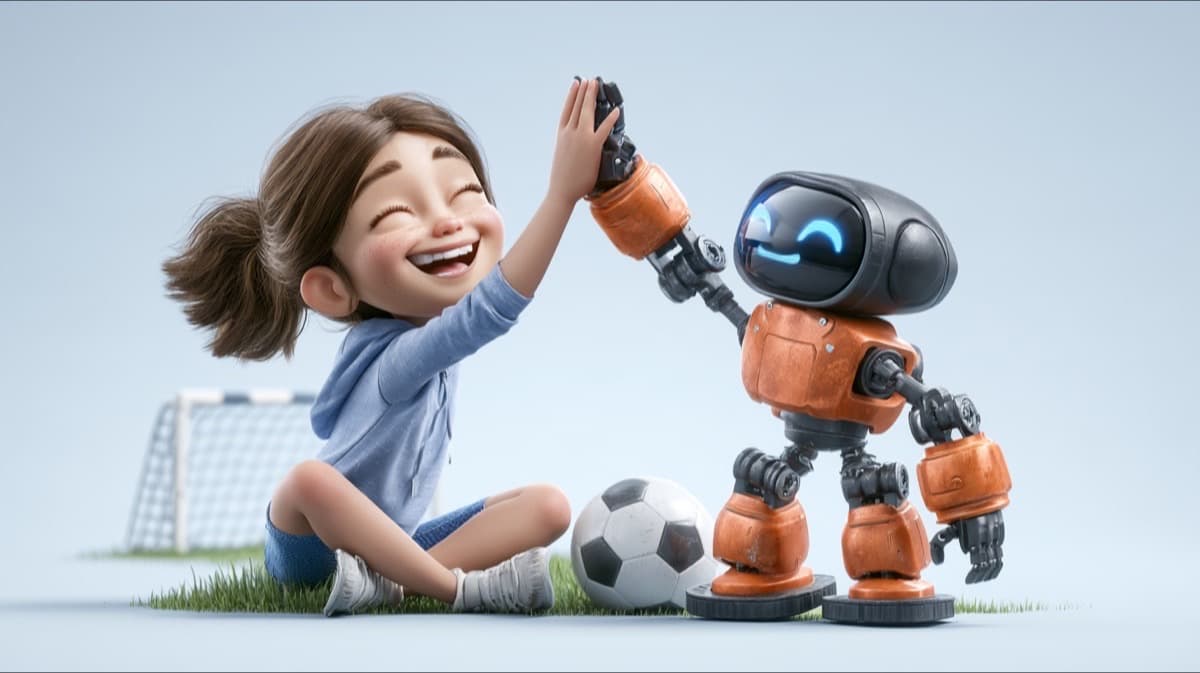
Humanoid
Kicks a goal. It walks to the ball and scores.
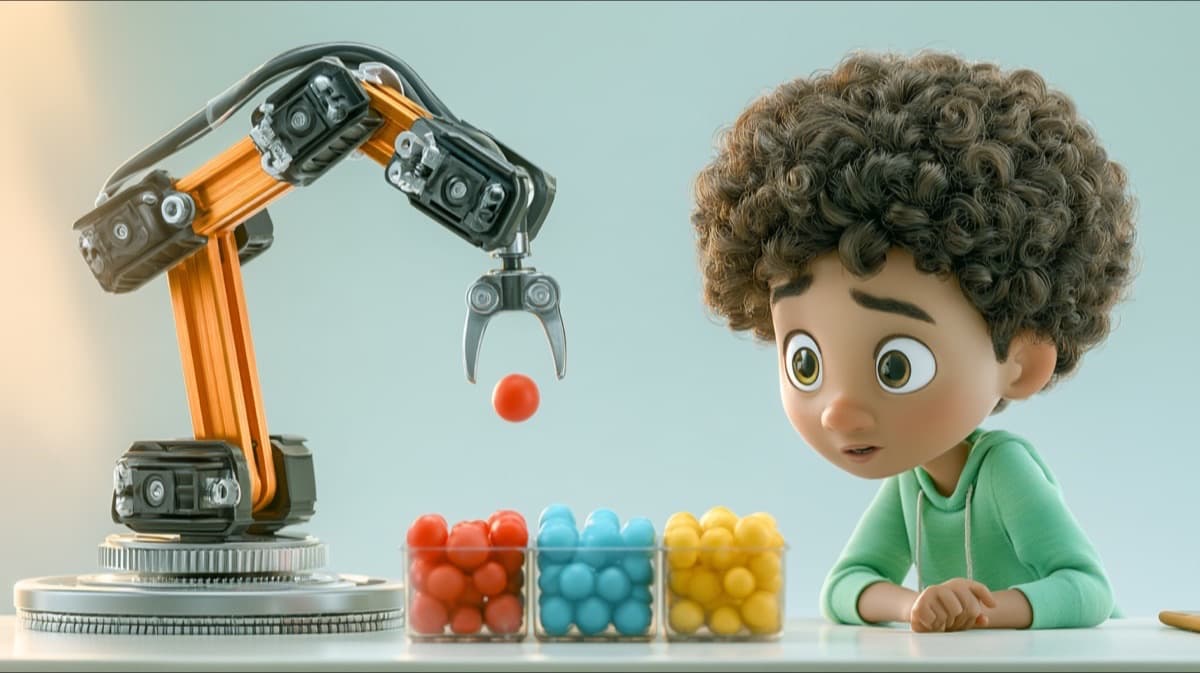
Arm robot
Sorts the balls by color into boxes.
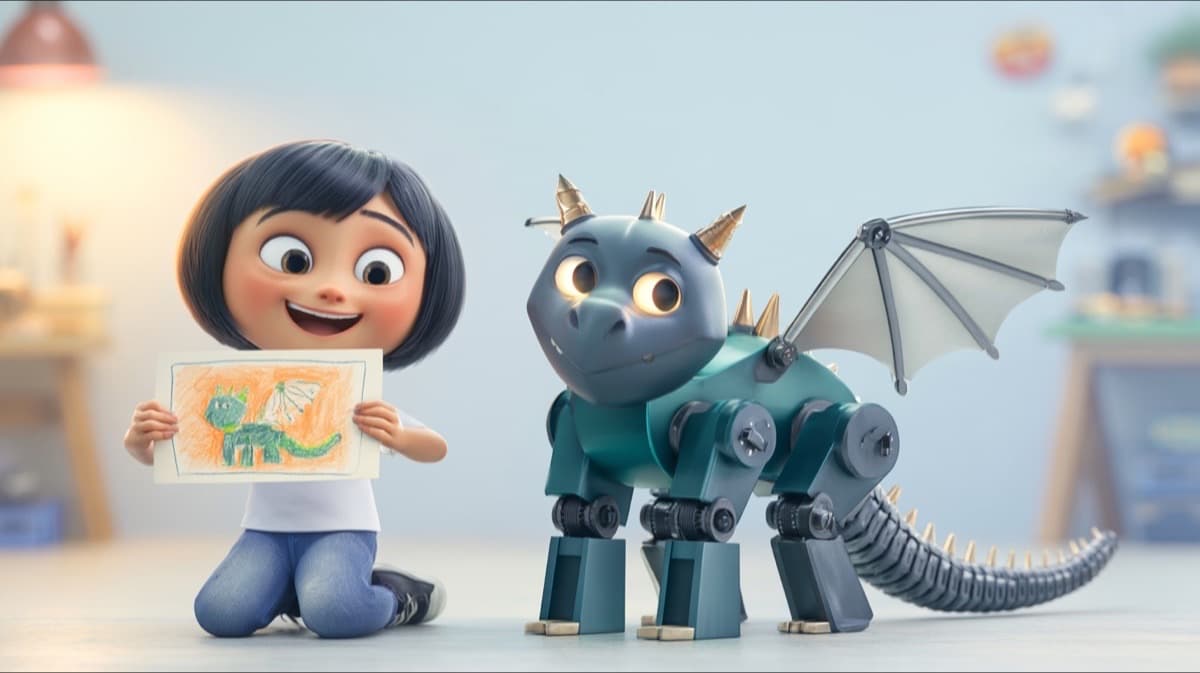
Invent your own
Starts from any robot your kid can draw, built on the closest body.
Learn
Courses for this studio
Each course is a few short videos and ends with something your kid made. Every course comes with Kubrio Learn, $19 a month per kid, and with every studio plan.
How to design a robot
Your kid makes: a robot blueprint
See the courseHow to make a cardboard robot
Your kid makes: a cardboard robot
See the courseHow to make a robot
Your kid makes: a robot hand that grabs
See the courseHow to code a robot
Your kid makes: a robot that follows your steps
See the courseHow to build a robot
Your kid makes: your own robot, built and programmed in the Robotics Studio
See the courseWhat is a loop in coding
Your kid makes: a robot program with a loop
See the courseWhat is an if statement in coding
Your kid makes: a robot that decides
See the courseHow to start coding: your first program
Your kid makes: a robot program with every step in the right order
See the courseHow to plan a story
Your kid makes: a beginning, middle, and end on paper
See the courseHow to draw a character
Your kid makes: a character sheet you drew
See the courseHow to make a movie poster
Your kid makes: a poster for your film, game, or comic
See the courseHow to make a paper airplane that flies far
Your kid makes: a paper airplane that flies far
See the courseHow to make a catapult with popsicle sticks
Your kid makes: a popsicle stick catapult that launches far
See the courseDesign thinking for kids
Your kid makes: a fix for a real problem at home
See the courseCartography for kids
Your kid makes: a map of your own street
See the courseHow to make a paper airplane launcher
Your kid makes: a ruler launcher for paper planes
See the courseHow to make paper mache: a mask from newspaper
Your kid makes: a paper mache mask of a character you design
See the course
How it works
Five rooms, from paper to premiere
- 1
Design
Your kid learns the robot's job, names it, and draws it on paper. A photo of the drawing shapes the robot.
- 2
Build
Your kid adds the parts one screen at a time and learns what each one does: legs or wheels, sensors, the battery, and the paint.
- 3
Program
Your kid gives the robot its job with big command tiles, a few lines long, and watches it run each line in the arena.
- 4
Test
Your kid watches the robot work and drives it, the way visitors see it.
- 5
Premiere
The robot gets its own page. Family and friends can watch it work and drive it, but they can't change it.
Plans
Two plans include Robotics Studio
Kubrio One with Robotics Studio is $49 a month per kid. Kubrio Unlimited is $99 a month per kid and has every studio, Robotics included. Both include Learn.
More for parents about robots
Parent questions
What ages is Robotics Studio for?
Kids 6 to 13. A younger kid follows each job one step at a time, and an older kid looks for the shortest program that gets the job done.
Is it a real robot?
No. The robot is 3D and runs in the browser on a laptop or a tablet. It starts on paper: your kid draws it before building it on screen. There's no kit to buy.
Does my kid need to know how to code?
No. Programs are big command tiles in the robot's own words, like Find the ball and Bring it home, a few lines long. Your kid learns how a program runs by watching the robot do each line.
What does beta mean?
Beta means the studio is new and still changing. Your kid can design, build, program, test, and premiere a robot today, and new parts and jobs keep arriving.
Who can see my kid's robot?
At its premiere, the finished 3D robot gets its own public page, like everything kids make in Kubrio. Visitors can watch it work and drive it, but they can't change it. The photo of your kid's paper drawing stays private: it never appears on the robot's page, on share cards, or to visitors.
How much does it cost?
Kubrio One with Robotics Studio is $49 a month per kid, and Kubrio Unlimited is $99 a month per kid for every studio. Each kid has their own plan.