
Coding for kids
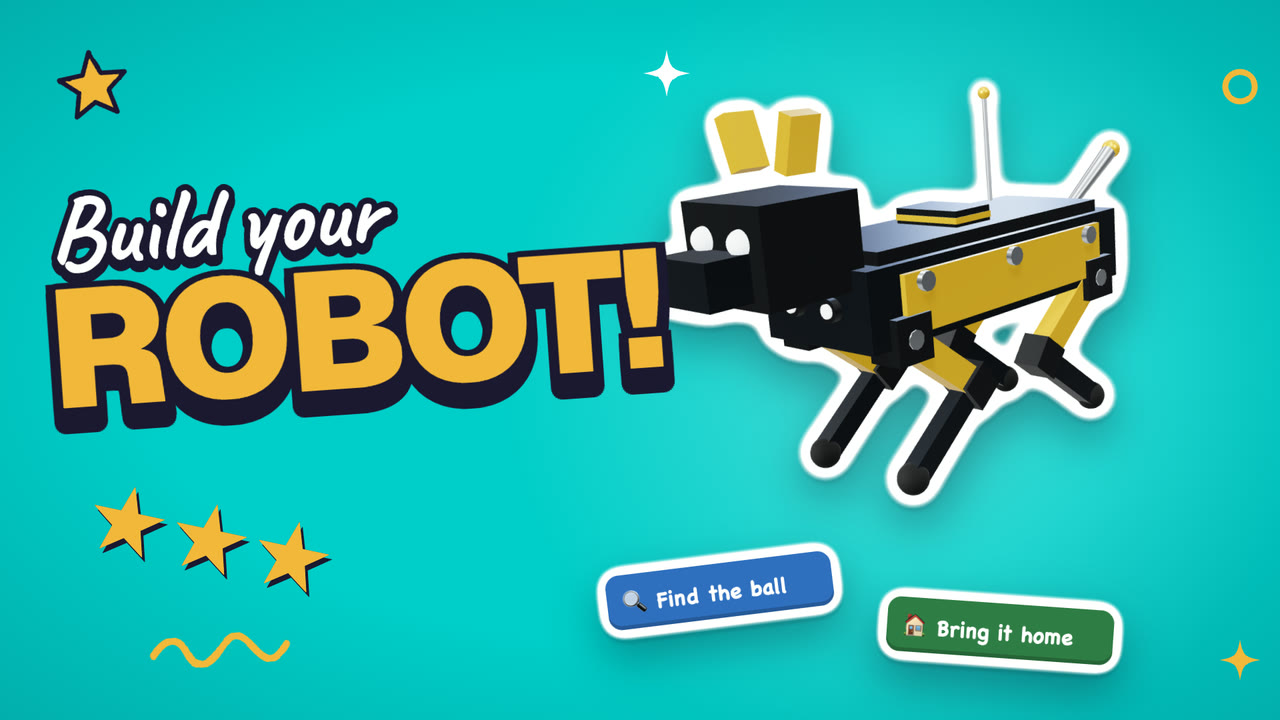
Kids start coding with blocks: they snap commands together, run the program, and fix what breaks. Loops, if statements, and variables come next. On Kubrio, the free coding guides run in the page, and the robot course ends with a robot that does what your kid told it.
Your kid writes the program and watches it run.
Learn
Short courses with a host. Each one ends with something your kid made.
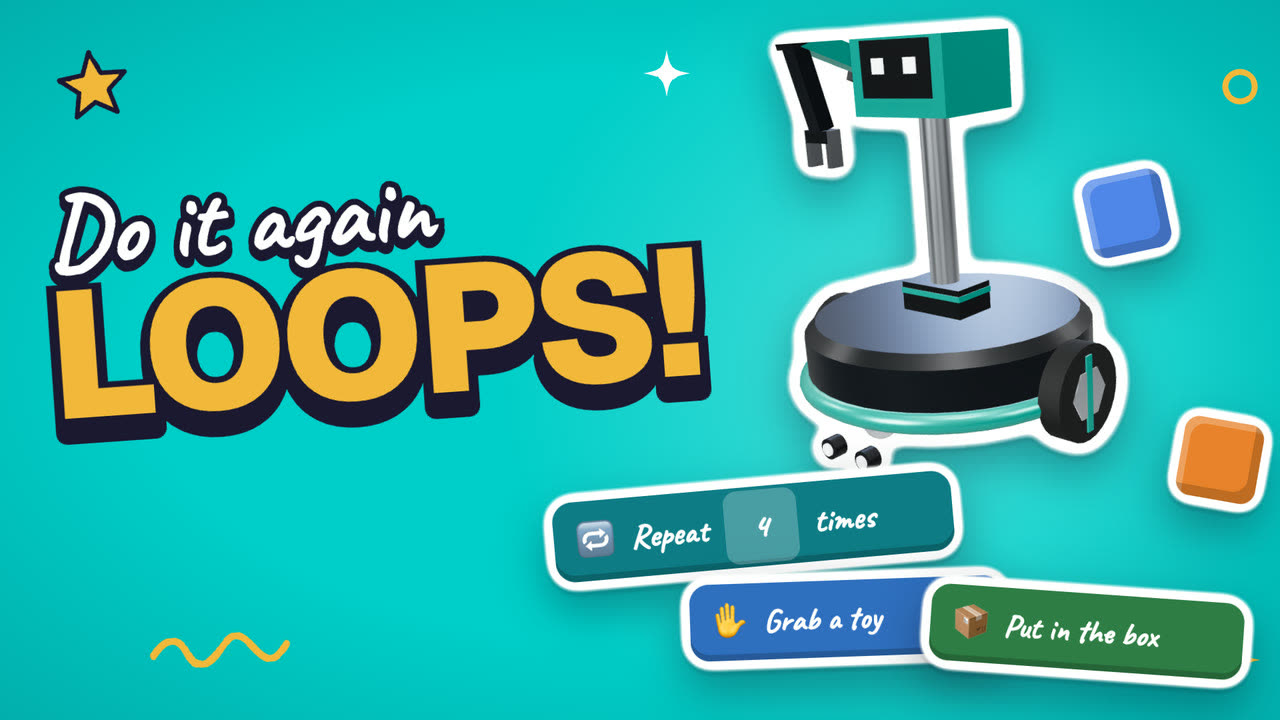 What is a loop in codingYou make: A robot program with a loop
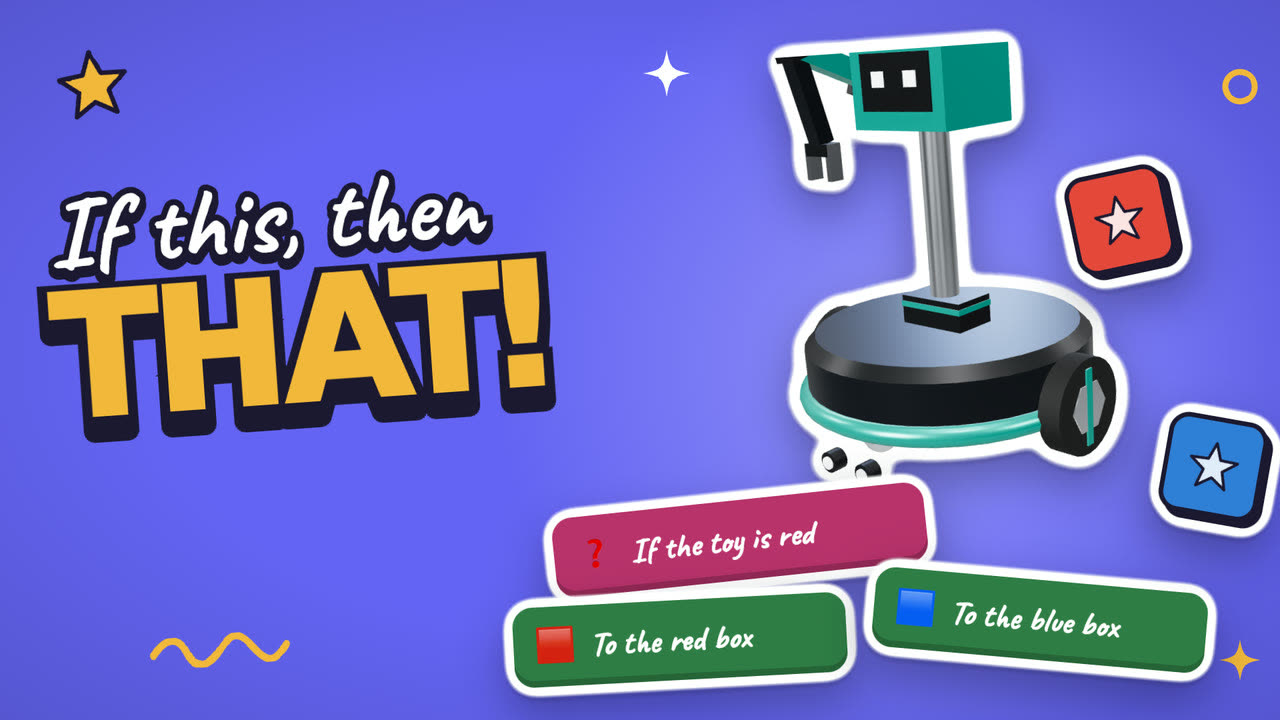 What is an if statement in codingYou make: A robot that decides
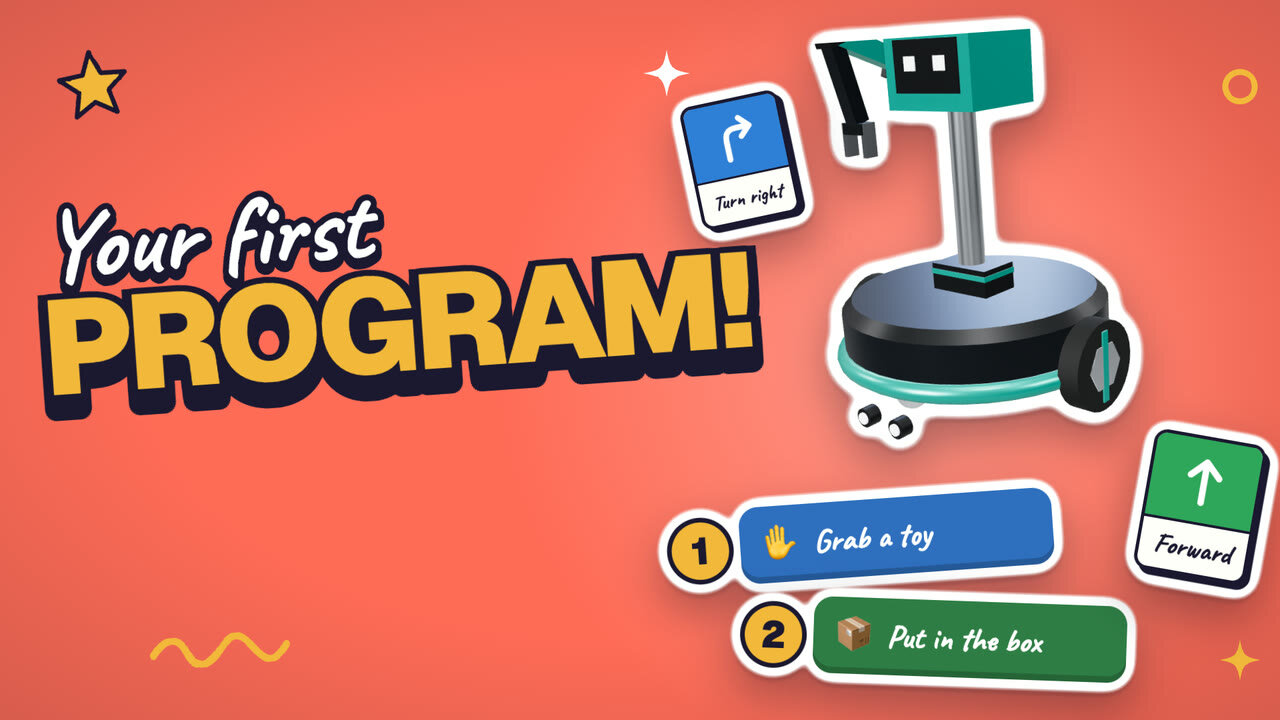 How to start coding: your first programYou make: A robot program with every step in the right order
Also good for this
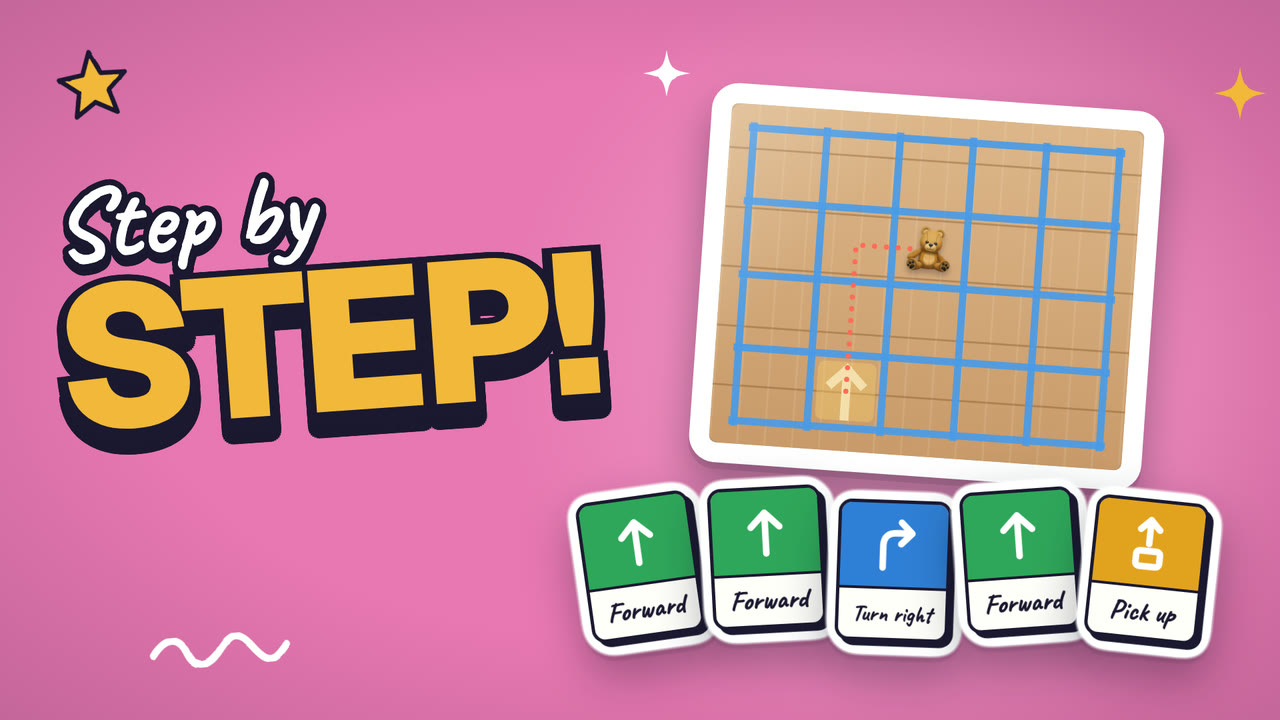
How-to guides
For parents
Why it matters
Coding teaches a kid to give exact steps and to fix a mistake without starting over. A program that doesn't work is a puzzle, not a failure.
With AI everywhere, kids who can read and fix a program understand the tools around them instead of only using them.
Read more: Why should kids learn to code when AI can write code?
Articles
Comparisons
Questions parents ask
- What age is coding for?
- Kids 6 to 13. Six-year-olds can snap blocks together and run them. Kids 9 to 13 move on to variables, events, and their own functions.
- Does my kid need to type?
- No. Kubrio's coding guides and robot courses use blocks. Your kid taps blocks together and runs them in the page.
- How long is each session?
- A guide takes a few minutes. A robot course has four or five short lessons and ends with a robot your kid programmed.