Animation Studio · Open now

Animation for kids: make a cartoon that stars your drawing

Your kid draws a character on paper, tells the story, and watches it star in a real animated film. They make every choice a director makes: who is in it, what happens, who talks in each scene, and what the film is called.

Get startedSee the courses
The four skills your kid uses making a film, in 48 seconds.

Room by room

Watch how each room works

Six films under a minute, one for each room. Watch them with your kid before they start.

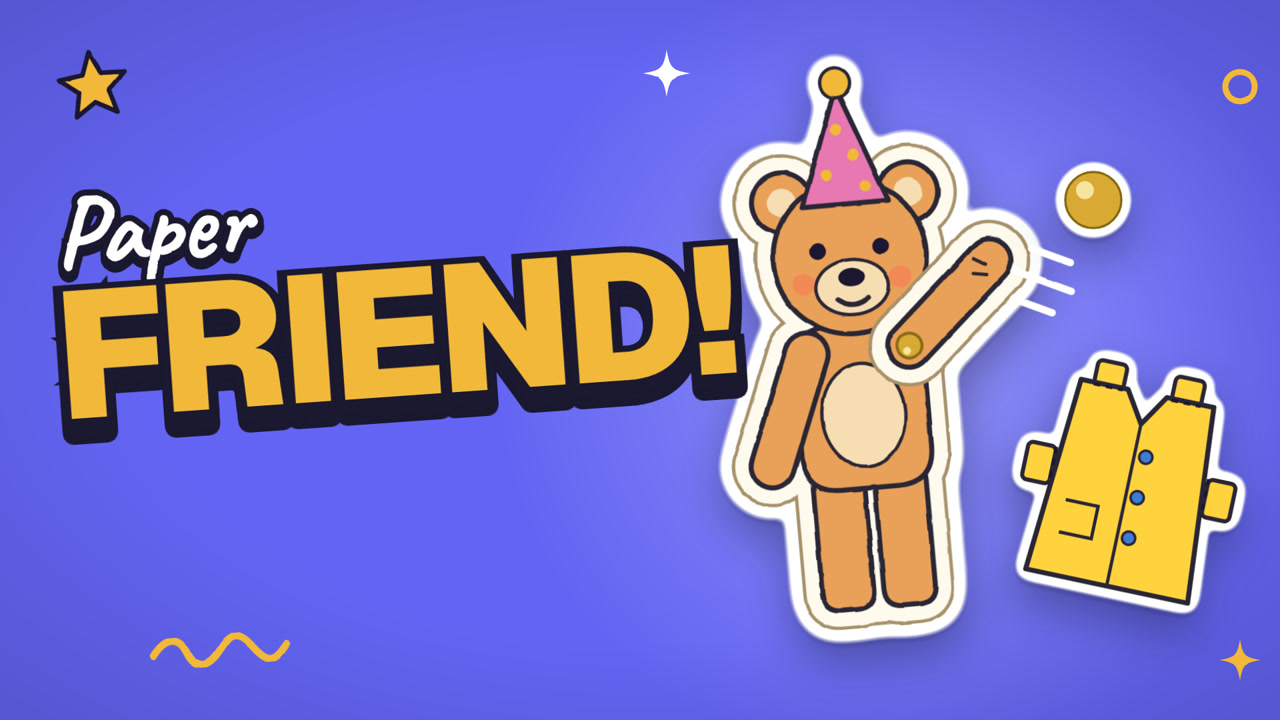
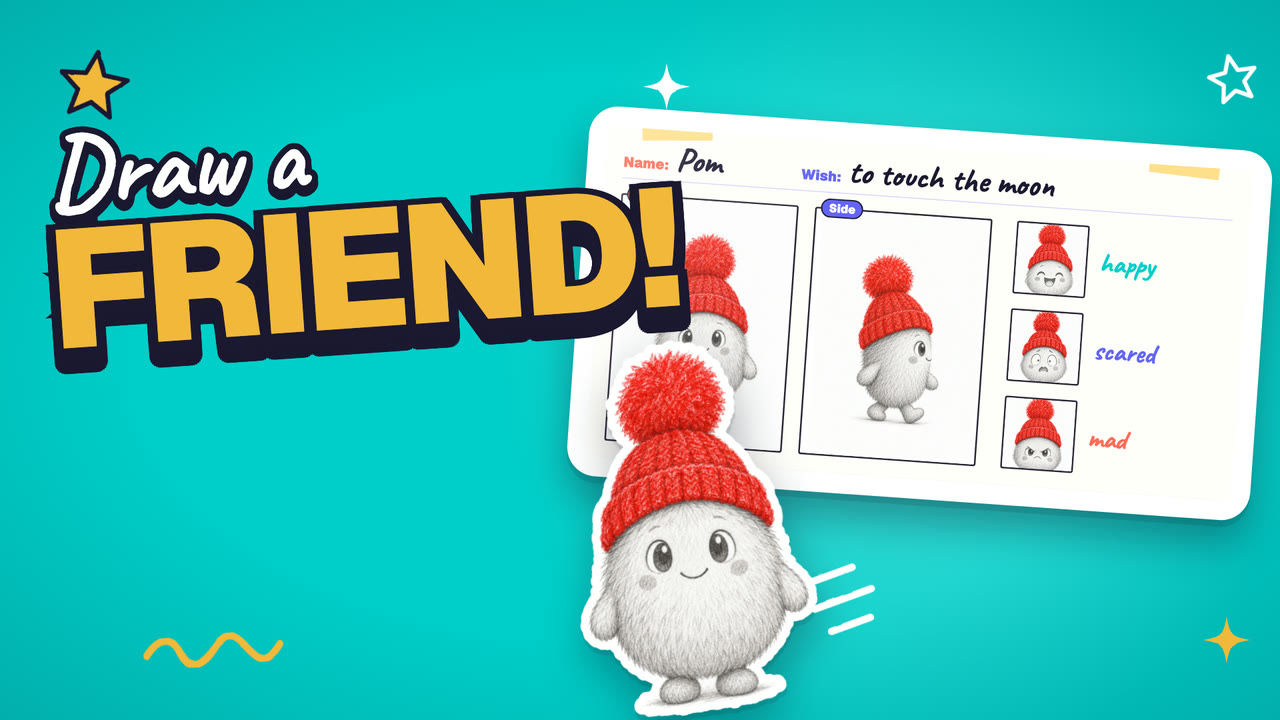
  1. A frame from the Characters room film

    Room 1 · Characters · 58 seconds

    Build a star people care about

  2. A frame from the Story room film

    Room 2 · Story · 56 seconds

    Plan the movie in boxes

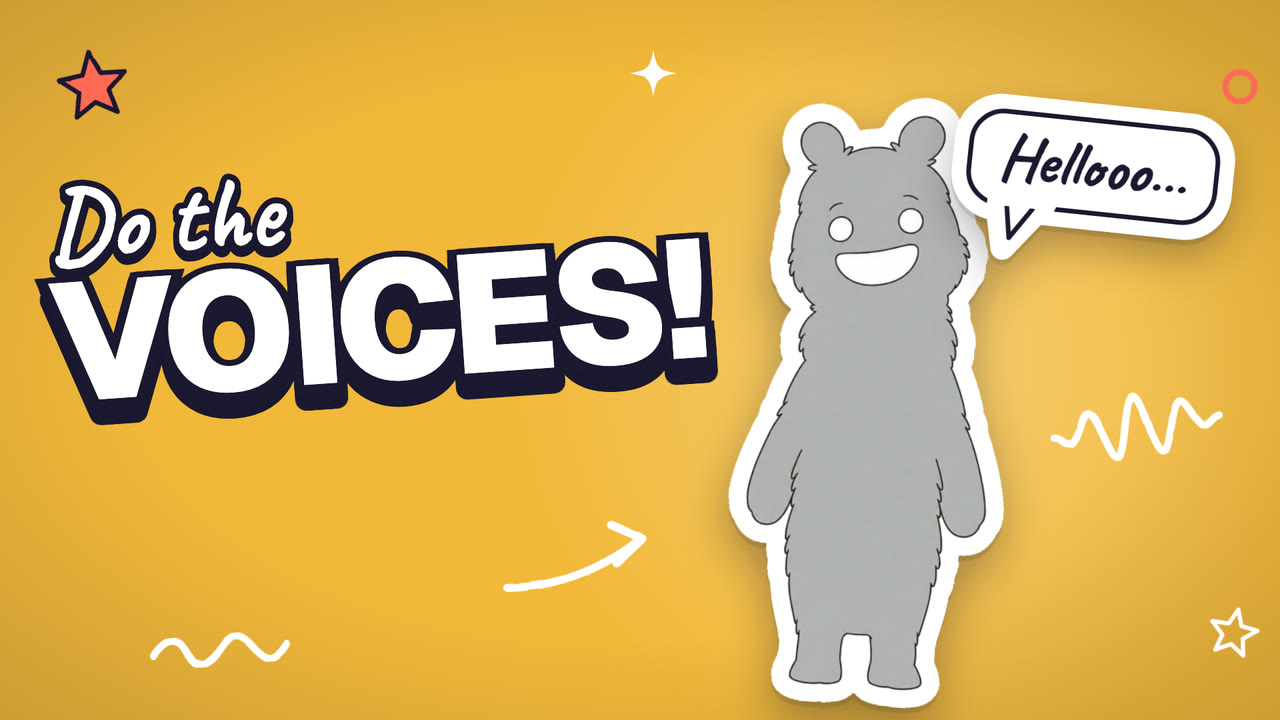
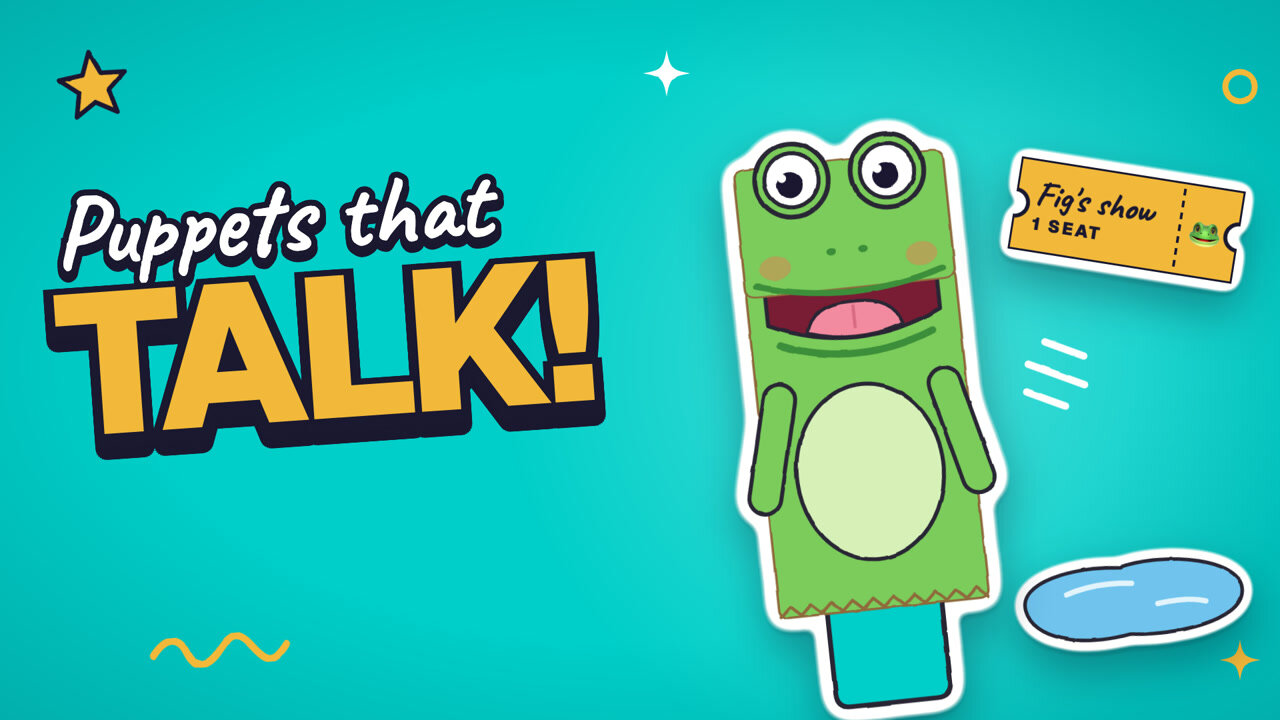
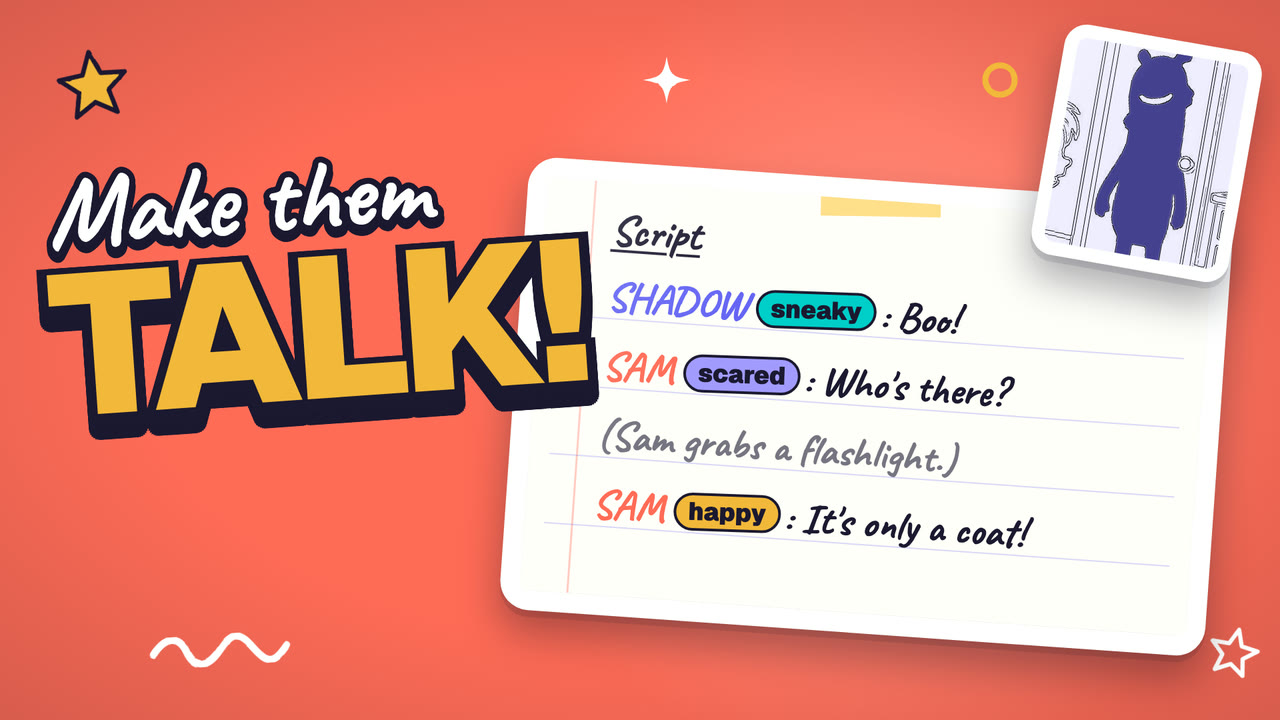
  3. A frame from the Sound room film

    Room 3 · Sound · 55 seconds

    Give the characters a voice

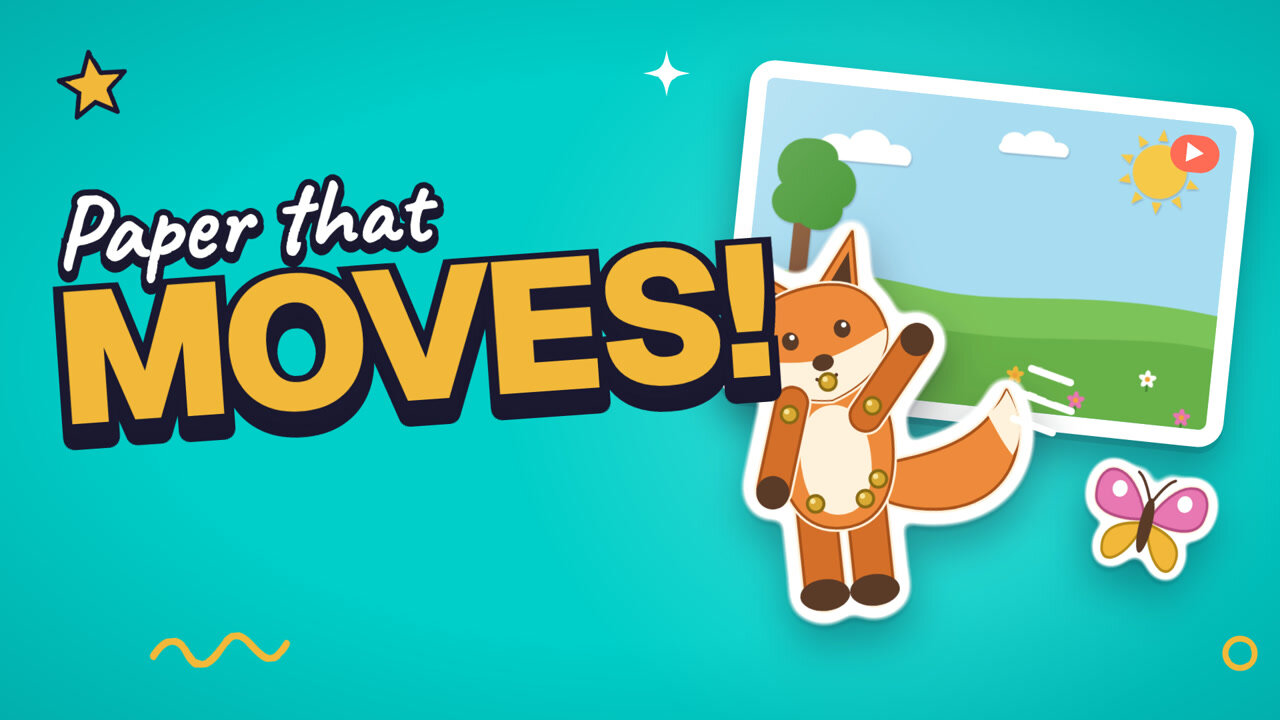
  4. A frame from the Set room film

    Room 4 · Set · 52 seconds

    Shoot, check, and reshoot

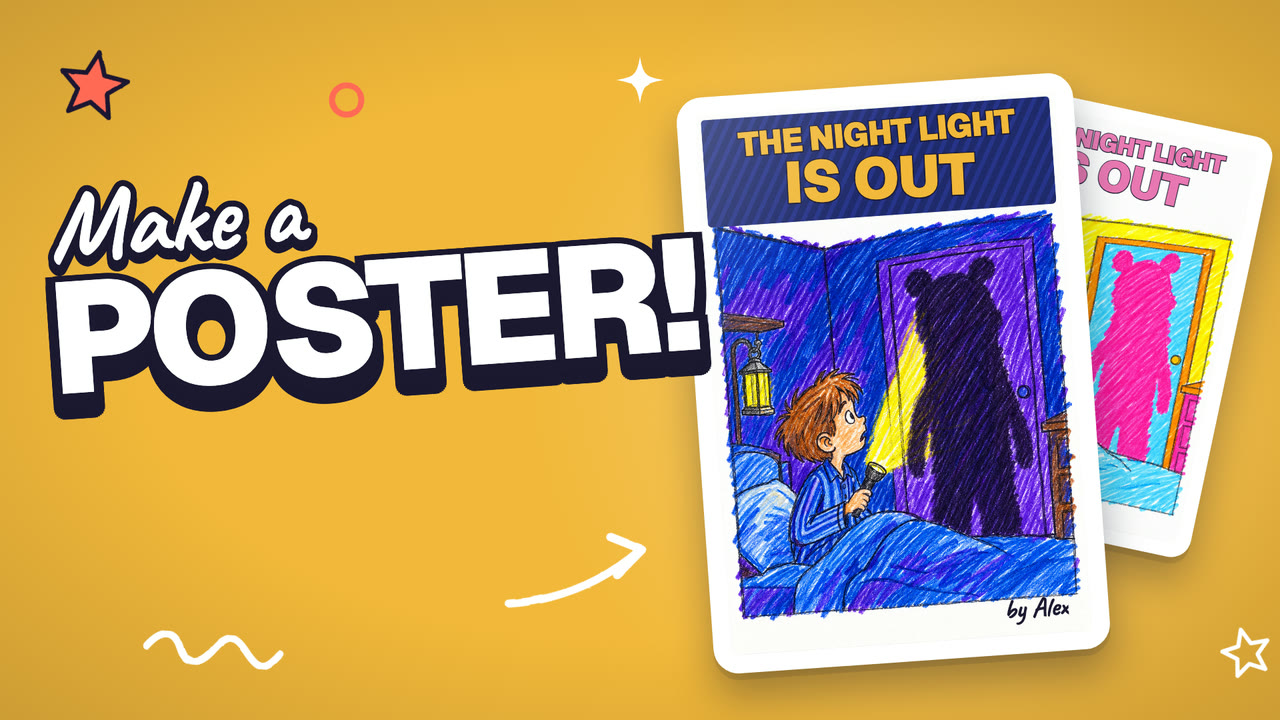
  5. A frame from the Poster room film

    Room 5 · Poster · 52 seconds

    Make people want to watch

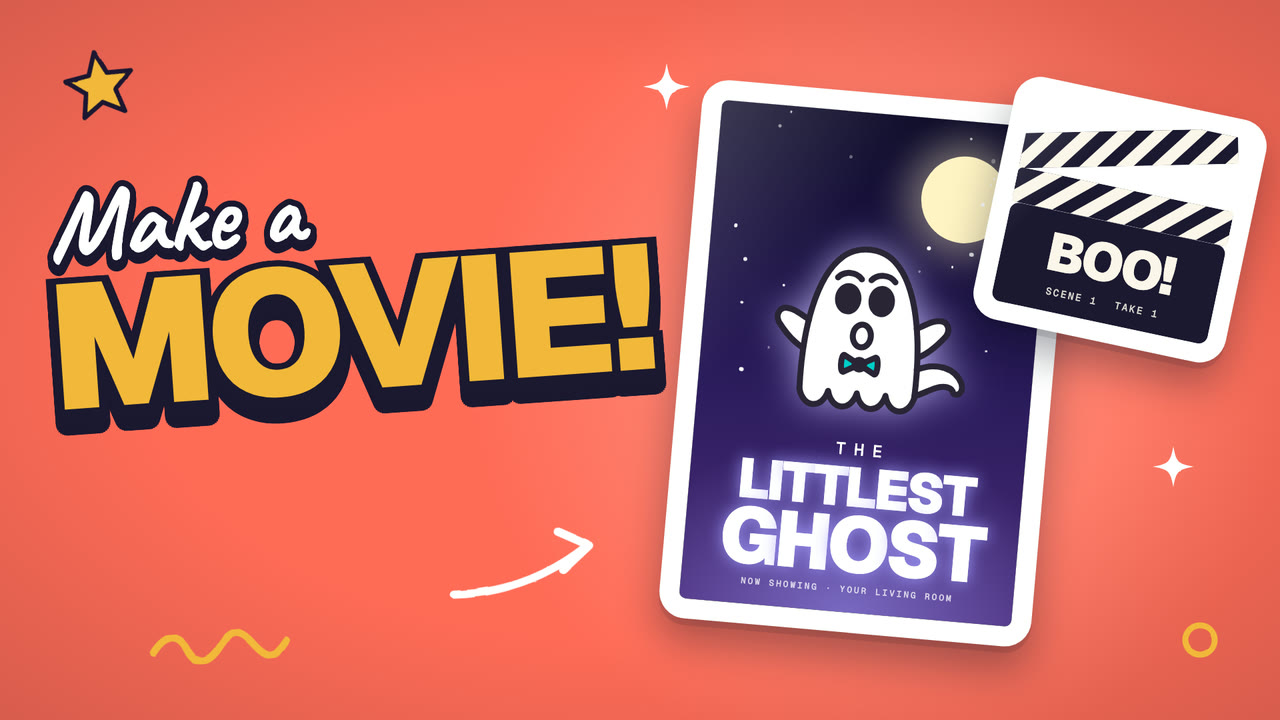
  6. A frame from the Premiere room film

    Room 6 · Premiere · 48 seconds

    Show it to the family

All six films

What your kid makes

One film takes four skills

Your kid uses all four on every film, from the first drawing to the premiere.

How it works

Pick it, make it, share it

  1. 1

    Pick a project

    Your kid picks a film in the studio, or starts from their own idea. Each project says what your kid makes.

  2. 2

    Make it with AI

    Your kid draws the star, tells the story, and directs. Tek and the studio turn it into a storyboard and shoot the scenes.

  3. 3

    Share it

    The film premieres in your kid's portfolio with its own link, so your kid can send it to anyone they want to show.

Who does what

Your kid directs. AI helps shoot.

Your kid

  • Draws the star on paper and names it
  • Tells the story, typed or out loud
  • Fixes the storyboard, panel by panel
  • Picks who talks and gives each one a line, or chooses music only
  • Keeps each take or shoots it again
  • Names the film and makes the poster

AI

  • Tek, the studio's AI producer, turns the story into a storyboard
  • The studio draws each scene in a cartoon look, starring your kid's drawing
  • The studio shoots every scene your kid planned

Every scene starts from something your kid drew or said.

Inside Animation Studio

Seven steps, from paper to premiere

  1. 1

    Draw the star

    Your kid draws a character on paper, snaps it in the app, and gives it a name.

  2. 2

    Tell Tek the story

    They tell Tek, the studio's AI producer, what happens, by typing or by talking.

  3. 3

    Fix the storyboard

    Tek sets up a storyboard, and your kid corrects any panel or drops in a drawing of their own.

  4. 4

    Choose the sound

    Your kid picks who talks in each scene and gives them one line, typed or said out loud, or lets the film play with music only.

  5. 5

    Shoot the scenes

    The studio shoots every scene, and your kid keeps each take or shoots it again.

  6. 6

    Make the poster

    Your kid names the film and makes a wide poster with the title and their name on it.

  7. 7

    Premiere it

    The film premieres in your kid's portfolio, where other Kubrio kids can watch it and your kid sees who did.

Short movie

45 seconds · three scenes · one sitting

About an hour from the first drawing to the premiere. Every kid starts here.

Movie

2 minutes · eight scenes · a few sittings in one week

A longer story with more characters. It opens after your kid finishes a short.

Learn

Courses for this studio

Each course is a few short videos and ends with something your kid made. Every course comes with Kubrio Learn, $19 a month per kid, and with every studio plan.

Every course

Free guides

Free guides to get ready.

Your kid can draw the star before opening the studio. These guides are free, with no account.

You drew a ghost. Give it a story and make it move.

Free. No account needed. The studio project comes with Kubrio One or Kubrio Unlimited.

For parents

What you need to know

Safety: first names only, and a public page you can make private anytime

  • When your kid talks to Tek, the app writes down what they say and doesn't keep the recording.
  • Only your kid's first name appears in the credits and on the poster.
  • At the premiere, your kid's film becomes public: anyone with the link can watch it. You and your kid can make it private anytime.
  • The characters are your kid's drawings, in a cartoon look. Spooky and silly are fine, and nothing is gory.

The rest of how Kubrio handles kids and AI is on the safety page.

Questions parents ask

How does animation for kids work in Animation Studio?

Your kid draws the star on paper, tells the story, and fixes the storyboard. Tek, the studio's AI producer, turns the story into a storyboard, and the studio shoots the scenes your kid planned. The finished cartoon has your kid's title on the poster and their first name in the credits.

How can my kid make their own cartoon?

Your kid picks a film project, draws a character on paper, and snaps it in the app. Then they tell the story, fix the storyboard, choose who talks in each scene, and keep or reshoot each take.

Who is it for, and what do we need?

Kids 6 to 13. You need paper, something to draw with, and a device with a camera. The studio runs in the browser.

How long does a film take?

A short movie is 45 seconds long and takes one sitting, about an hour. A 2-minute movie takes a few sittings in one week, and it opens after your kid finishes a short.

Does the AI make the film for my kid?

No. Your kid draws the characters, tells the story, fixes the storyboard, gives each scene its one line or chooses music only, and names the film. Tek sets up the storyboard from their story, and the studio shoots the scenes they planned. Every scene starts from something your kid drew or said.

Is anything public?

Yes, the finished film. Other Kubrio kids can watch it inside Kubrio, and at its premiere it gets a public page anyone with the link can open. You and your kid can make it private anytime. Only your kid's first name appears in the credits, and when they talk to Tek, the app writes down what they say and doesn't keep the recording.

Your kid's drawing, starring in a real cartoon

Animation Studio comes with Kubrio One at $49 a month per kid, or Kubrio Unlimited at $99 a month per kid for every studio.

Kubrio · Ages 6–13

Make something worth showing.

Movies, games, comics, and robots your kid makes in Kubrio's studios. Studio plans start from $49 a month per kid.

Get started