
Make your own game from your own drawings
In Game Studio, your kid draws the characters on paper and builds an escape game, an island adventure, or a hide-and-seek house the family can play.
What your kid can make
Three kinds of games, all from your kid's drawings
Your kid picks the kind of game, draws the characters, and builds it. The family plays it from a link.
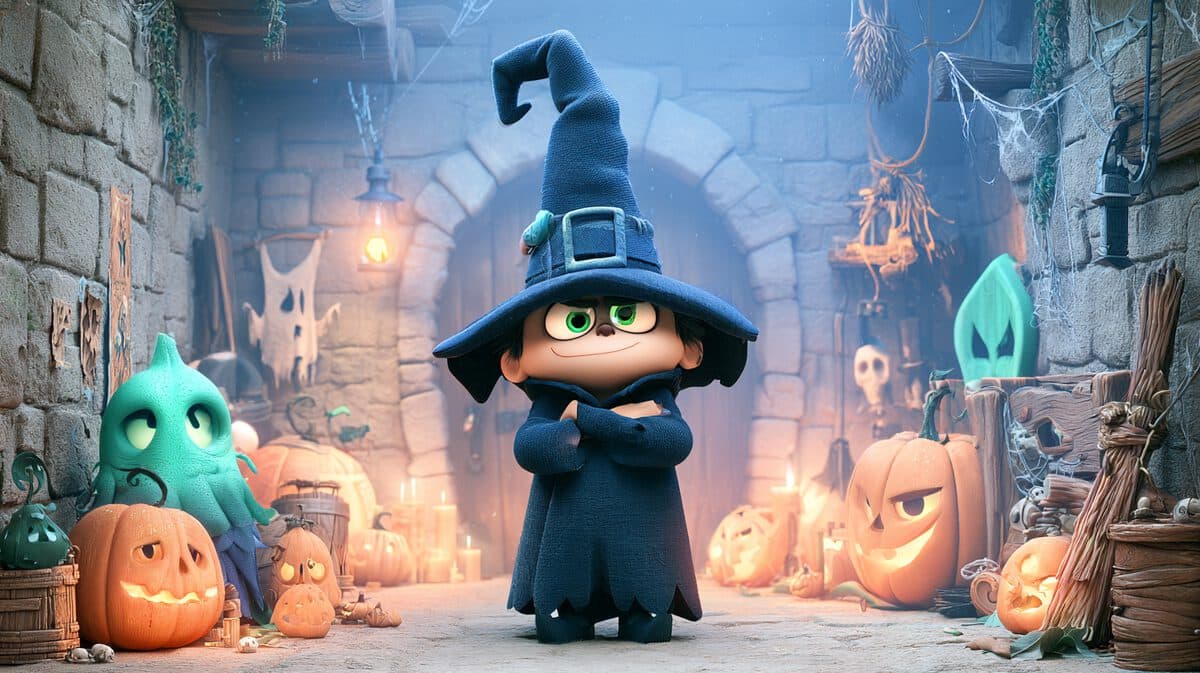
Escape game
2D- Your kid makes
- Rooms with a key, a door, platforms, and a villain, plus each character's power cards
- Players win
- by finding the key and getting out
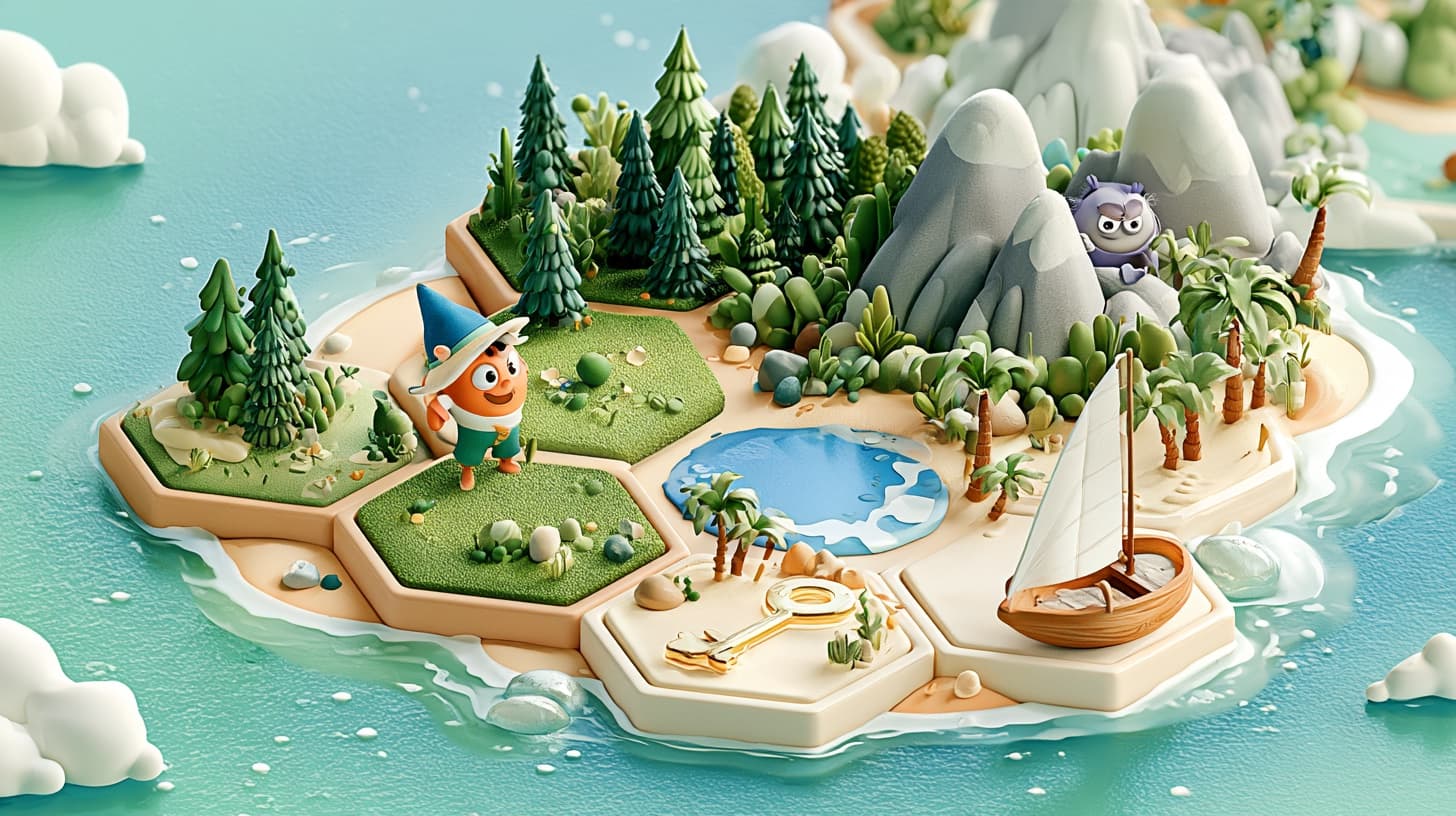
Island adventure
3D- Your kid makes
- Three islands, tile by tile, with a hidden boat key, a boat, and a villain that patrols or chases
- Players win
- by finding the key and sailing home
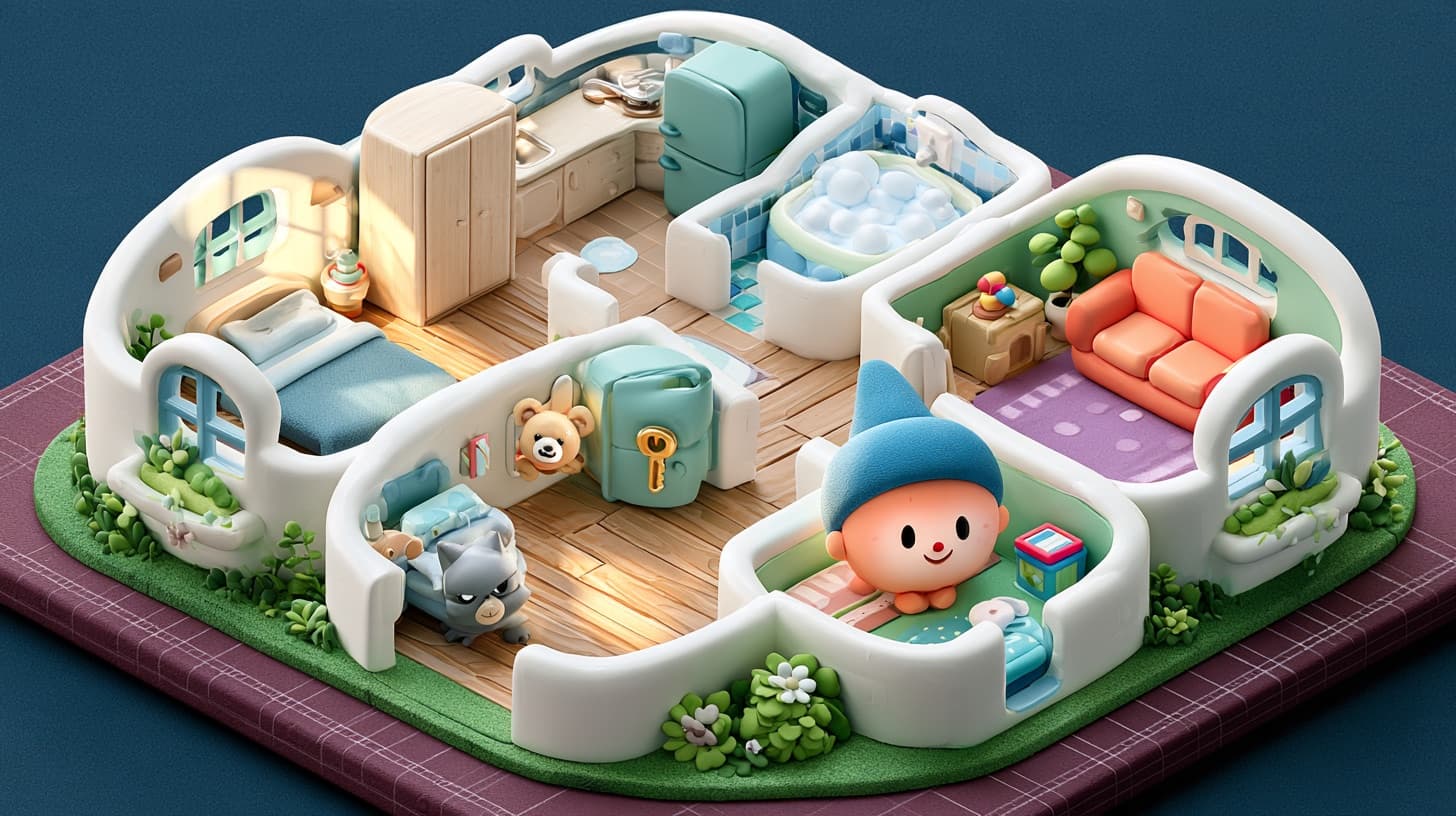
House Hunt
3DNew- Your kid makes
- A house, room by room, with three drawn things and a key hidden inside the furniture
- Players win
- by finding everything
What your kid makes
One game takes four skills
Your kid uses all four on every game, from the first drawing to the premiere.
01
Storytelling
Every game needs a goal: a hero who wants something, something in the way, and a way to win.
02
Characters
The hero, the villain, and the things to find start on paper, in your kid's hand. The studio turns the drawings into game characters.
03
Game design
Every game runs on rules: how you win and what gets in the way. In an escape game, your kid also picks each character's power cards.
04
Level design
Your kid places the key, the villain, and the hiding spots so each level is hard but fair, then plays it.
How it works
Pick it, make it, share it
- 1
Pick a project
Your kid picks an escape game, an island adventure, or House Hunt. Each project says what your kid builds.
- 2
Make it with AI
Your kid draws the characters and builds every level, then plays each one. The AI turns the drawings into game characters and makes the cover and a theme song.
- 3
Share it
The game premieres in your kid's portfolio. Other Kubrio kids play it inside Kubrio, and the family plays it from a shared link.
Who does what
Your kid designs the game. AI helps build it.
Your kid
- Draws the characters on paper and names them
- Builds every level: an escape game's rooms, an island's tiles, or a house's rooms and furniture
- In an escape game, picks each character's power cards: when something happens, what it does
- Plays every level before the premiere
AI
- Turns your kid's drawings into game characters
- In an escape game, suggests a starting set of power cards and places the pieces from your kid's words
- In an escape game, checks that every room can be beaten and paints the rooms
- Makes the cover, and a theme song for the premiere
Inside Game Studio
How an escape game is made
These six steps make the escape game. The island adventure and House Hunt each have their own course, linked above.
- 1
Draw the cast
Your kid draws the hero and the villain on paper, snaps them in the app, and names them.
- 2
Give them powers
Your kid picks each character's power cards: when something happens, what it does. The AI suggests a starting set, and your kid changes any card.
- 3
Build the rooms
Your kid says what goes in each room, then drags the key, the door, and the platforms into place.
- 4
Play every room
Your kid plays each room before the premiere, and the studio checks that every room can be beaten.
- 5
The cover and the song
The studio paints the rooms and the cover, and makes a theme song for the premiere.
- 6
Premiere it
The game premieres in your kid's portfolio, ready for the family to play.
Mini escape game
One room
Your kid's first escape game: one room, one thing locked, and one way to open it.
Full escape game
Three rooms and an ending
It opens after your kid's first premiere.
Learn
Courses for this studio
Each course is a few short videos and ends with something your kid made. Every course comes with Kubrio Learn, $19 a month per kid, and with every studio plan.
How to make a video game
Your kid makes: a game someone else can play
See the courseHow to make a 3D game
Your kid makes: a 3D island adventure on a tray
See the courseHow to make a scavenger hunt for kids
Your kid makes: a scavenger hunt game, in the Game Studio and at home
See the courseGame designer for kids: research like a real one
Your kid makes: a designer's research notebook about one artist
See the courseHow to make a map
Your kid makes: a map of your own world
See the courseHow to make a board game
Your kid makes: a board game your family can play
See the courseHow to make pixel art for your game hero
Your kid makes: a pixel-art game hero
See the courseHow to make an escape room at home
Your kid makes: a 3-clue escape room for your family
See the course
Also useful
How to plan a story
Your kid makes: a beginning, middle, and end on paper
See the courseHow to draw a character
Your kid makes: a character sheet you drew
See the courseHow to make a movie poster
Your kid makes: a poster for your film, game, or comic
See the courseHow to make a paper airplane that flies far
Your kid makes: a paper airplane that flies far
See the courseHow to make a catapult with popsicle sticks
Your kid makes: a popsicle stick catapult that launches far
See the courseDesign thinking for kids
Your kid makes: a fix for a real problem at home
See the courseCartography for kids
Your kid makes: a map of your own street
See the courseHow to make a paper airplane launcher
Your kid makes: a ruler launcher for paper planes
See the courseHow to make paper mache: a mask from newspaper
Your kid makes: a paper mache mask of a character you design
See the course
Free guides
Free guides to get ready.
Draw the hero with a drawing guide, or snap blocks together in Code with Blocks. Both are free, with no account.
- How to draw a ghost
- How to draw a haunted house
- Make: The Chase Game
- Design your own level
- How do I win?
- All drawing guides
- All Code with Blocks guides
You made an action repeat. Make a power repeat again and again in your own haunted house game.
Free. No account needed. The studio project comes with Kubrio One or Kubrio Unlimited.
For parents
What you need to know
- Gear. Paper, something to draw with, and a device with a camera. The studio runs in the browser.
- Size. An escape game starts as a one-room mini game, and after the first premiere a full escape game has three rooms and an ending. An island adventure premieres with three islands and House Hunt with three houses, and your kid can add more later.
- Who plays it. The finished game plays in your kid's portfolio. Other kids play it inside Kubrio, and the family plays it from its public link.
Safety: it plays inside Kubrio, and on a public page you can make private anytime
- The game plays inside Kubrio. At the premiere, your kid's game also becomes public: anyone with its link can play it. You and your kid can make it private anytime.
- The hero and the villain are your kid's own drawings.
The rest of how Kubrio handles kids and AI is on the safety page.
More for parents about games and coding
- Why should kids learn to code when AI can write code?
- Can my kid make a video game without coding? Start on paper
- How Do I Get My Kid Into Coding?
- How to introduce your kid to coding at home: the first three sessions
- Halloween STEM activities for kids: five spooky STEM projects that end as a real thing
Questions parents ask
How does my kid make their own game?
Your kid picks one of three kinds of game and draws the characters on paper. In an escape game, your kid gives each character power cards and lays out rooms with a key, a locked door, and a villain that chases. In an island adventure, your kid builds islands tile by tile and hides a boat key and a boat. In House Hunt, your kid builds a house room by room and hides three drawn things and a key in the furniture. Then your kid plays every level and premieres the game.
Does my kid need to know how to code?
No. In an escape game, your kid designs with power cards: when something happens, what it does. That is the same if-this-then-that thinking coders use. In an island adventure or House Hunt, your kid builds the levels by placing tiles, furniture, and hidden things. For block coding, the free Code with Blocks guides are a separate place to start.
Is it a real video game?
Yes. The game has your kid's characters, their levels, and a theme song, and it plays in the browser. Other Kubrio kids play it inside Kubrio, and the family plays it from a shared link.
Who is it for, and what do we need?
Kids 6 to 13. You need paper, something to draw with, and a device with a camera. The studio runs in the browser.
Does the AI make the game for my kid?
No. Your kid draws the characters, builds every level, and plays each one before the premiere. The AI turns the drawings into characters and makes the cover and a theme song. In an escape game, your kid also picks every power card, and the AI suggests where pieces go from your kid's words and paints the rooms. Your kid can change anything it suggests.
How big is the first game?
It depends on the kind of game. An escape game starts as a one-room mini game, and after the first premiere a full escape game has three rooms and an ending. An island adventure premieres with three islands and House Hunt with three houses. Island adventure and House Hunt have no mini or full sizes: your kid adds more islands or houses after the premiere.
Your kid's drawings, in a game the family plays
Game Studio comes with Kubrio One at $49 a month per kid, or Kubrio Unlimited at $99 a month per kid for every studio.