
Robotics Studio · With Tek
What is an if-then statement in coding
An if-then statement in coding tells a program to check something and pick what to do: if it's true, do this, otherwise do that. In this course your kid sorts red and blue toys with a robot that can't follow a fixed list, writes if-then rules for their own day, puts an If inside a loop, and then makes their robot decide in the Robotics Studio. Tek hosts four short films for kids 6 to 13. Plan about 3 minutes of films and 30–45 minutes of practice.
What is an if-then statement in coding is part of Kubrio Learn: short courses that inspire kids to make things. Learn more
Watch all 4 lessons in the appWhat your kid makes
Your kid ends with a robot that decides: a short program with an If and Otherwise inside a loop that sorts every toy into the right box, on every layout the studio tries. At home they keep a set of if-then rules for their day and a sorting game to play with a friend.
- Ages
- 6 to 13
- Time
- 4 films, about 3 minutes, then 30–45 minutes of practice at home and in the Robotics Studio
- You need
- Crayons or socks in two colors, paper and a pencil, red and blue cards, or any two-color cards, a friend or a grown-up to play with, a computer or tablet for the Robotics Studio in lesson 4
- Host
- Tek
The 4 lessons
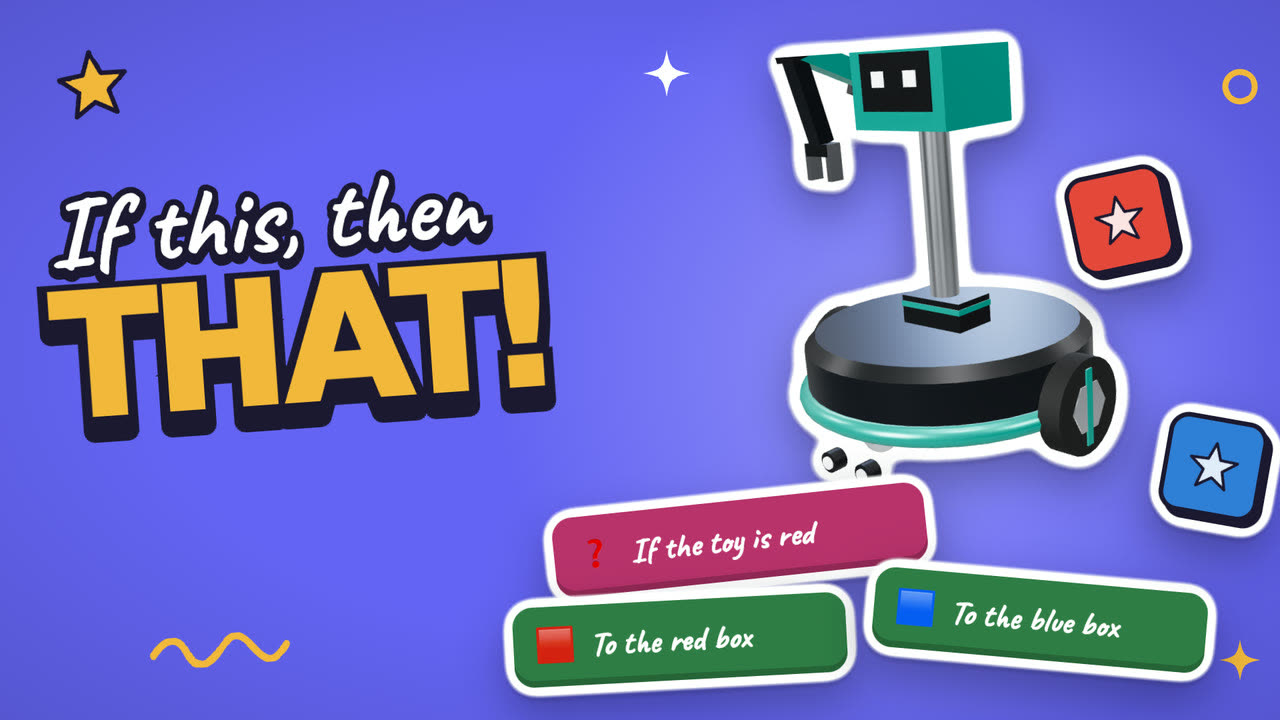
Lesson 1. A robot that chooses
When the next toy can be red or blue, a list of steps can't do the job. The robot has to look and choose.
- Gather a pile of crayons or socks
- Sort them with one rule: if it's red, left pile
- Otherwise, right pile
Where: At home
Lesson 2. If, Otherwise
The If tile asks a yes or no question. Yes takes the first path, and no takes the Otherwise path.
- Write three if-then rules for your day
- Give each rule an Otherwise
Where: Paper
In the app
Lesson 3. Loops and ifs together
An If inside a loop makes the right choice every time the loop runs.
- A friend hands you red and blue cards
- If it's red, put it left. Otherwise, put it right
- Repeat until the pile is gone, then swap
Where: At home
In the app
Lesson 4. Make it work every time
In the Robotics Studio, a program has to work on every layout, not only the first one.
- Finish a Loops job to open the Decisions jobs
- Try job 6: red to red, blue to blue
- If a layout breaks, tap Watch it and fix the program
Where: Robotics Studio
In the app
Lesson 1 transcript: A robot that chooses
Here's a tricky job. Red toys go in the red box. Blue toys go in the blue box.
But the robot doesn't know which toy comes next. Red? Blue? It changes every time!
So we can't just list the steps. The robot has to look, and choose.
Coders call this an if-then. If something is true, do this. Otherwise, do that.
You do it all day. If it's raining, take your boots.
Sort a pile of crayons or socks with one rule. If it's red, left pile. Otherwise, right pile.
Free guides to practise with
Questions parents ask
What is an if-then statement, in kid terms?
It's a rule that checks something first. "If the toy is red, put it in the red box. Otherwise, put it in the blue box." Coders also call it a conditional or an if statement. It's the same idea as "if it's raining, take your boots."
Should my kid take the loops course first?
It helps. Lesson 3 puts an If inside a loop, and the Decisions jobs in the Robotics Studio open after a Loops job. Kids who start here still follow along, because each film explains the loop it uses.
What age is this for?
Kids 6 to 13. Younger kids enjoy the sorting games most. Older kids usually push on to the Put it together jobs, where loops and ifs share one program.