
Robotics Studio · With Tek
How to build a robot
This course teaches your kid how to build a robot in the Robotics Studio, one room at a time. Tek hosts five short films: design, build, program, test, and premiere. Plan about 5 minutes of films, then 45–60 minutes in the studio to finish a robot that has its own page.
How to build a robot is part of Kubrio Learn: short courses that inspire kids to make things. Learn more
Watch all 5 lessons in the appWhat your kid makes
Your kid ends with a robot designed on paper, built part by part, programmed with tiles, and tested in a 3D arena. The robot has its own page, where family can watch it do its job and drive it.
- Ages
- 6 to 13
- Time
- 5 films, about 5 minutes, then 45–60 minutes in the studio
- You need
- Paper, pencil, a tablet or computer with the Robotics Studio
- Host
- Tek
The 5 lessons
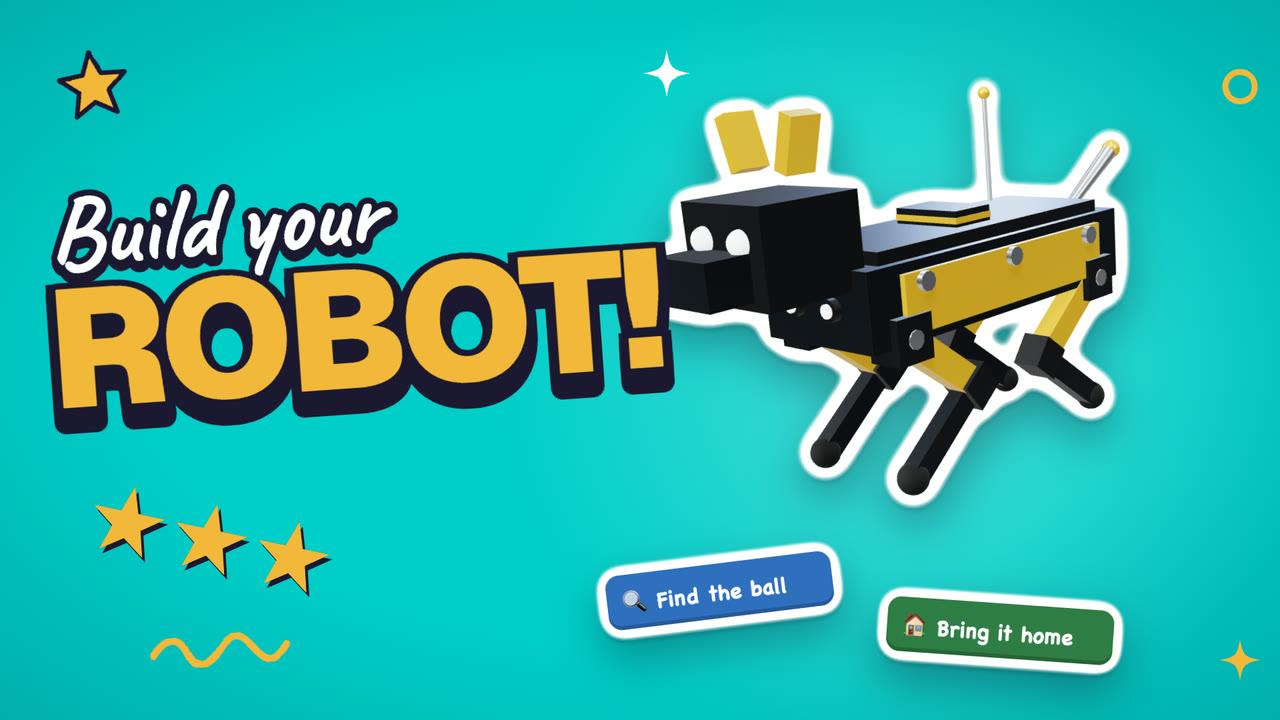
Lesson 1. Design
Every robot starts with one job, a name, and a drawing on paper.
- Pick a robot type and read its job
- Give the robot a name
- Draw it on paper, step by step, and snap a photo
Where: Robotics Studio · Design
Lesson 2. Build
The robot goes together one part at a time, with the battery placed for balance.
- Pick a body, legs, and feet
- Add a sensor and the battery, and watch the balance
- Add look parts and paint the robot last
Where: Robotics Studio · Build
In the app
Lesson 3. Program
Tiles in the right order make the robot do its job, and the fewest lines earn the most stars.
- Drag the tiles into the program
- Press Play and watch what happens
- Fix the order until the job is done
Where: Robotics Studio · Program
In the app
Lesson 4. Test
Engineers test before anyone else sees the robot, then fix what goes wrong.
- Tap Watch it work and follow the arrow
- Tap Drive it and steer for 30 seconds
- Go back to Program to fix anything
Where: Robotics Studio · Test
In the app
Lesson 5. Premiere
The finished robot gets its own page, where family can watch it work and drive it.
- Tap Premiere and open the robot's page
- Show the family and let them drive it
- Update the page after any change
Where: Robotics Studio · Premiere
In the app
Lesson 1 transcript: Design
Hi, I'm Tek. Today you build your own robot, in the Robotics Studio. Five rooms. First room: Design!
Tap Make a new robot, and pick one. A bug robot, a humanoid, an arm. We pick the pet robot.
Every robot has one job. A pet robot plays fetch. Chase the ball, and bring it back.
Now name it. Tap an idea, or type your own. Ours is called Pogo!
Engineers draw before they build. Tap Draw along, and draw your robot on paper, step by step.
Done? Tap I drew one, and snap a photo. Now Pogo has a blueprint.
Your turn. Pick a robot. Name it. Draw it, and snap it. Then tap Next: Build your robot.
Free guides to practise with
Questions parents ask
Does this course need the Robotics Studio?
Yes. The films walk through the studio's five rooms, and the building happens there. Robotics Studio is in beta and comes with Kubrio One with Robotics Studio or Kubrio Unlimited.
Do we need a robot kit or any parts?
No. The robot is built and programmed on screen and runs in a 3D arena. Paper and a pencil are enough for the drawing in the first room.
How long does it take?
The five films take about 5 minutes. A first robot takes about 45–60 minutes in the studio, and the rooms can be split over a few days.