
Robotics Studio · With Tek
What is a loop in coding
A loop in coding is an instruction that repeats a set of steps a number of times, so a program doesn't have to write the same steps over and over. In this course your kid sees an 8-line robot program shrink to 3 lines with one Repeat tile, learns why a step inside the loop runs every time and a step after it runs once, and then uses loops on their own robot in the Robotics Studio. Tek hosts four short films for kids 6 to 13. Plan about 4 minutes of films and 30–45 minutes of practice.
What is a loop in coding is part of Kubrio Learn: short courses that inspire kids to make things. Learn more
Watch all 4 lessons in the appWhat your kid makes
Your kid ends with a robot program that uses a loop: a 3-line Repeat in place of 8 lines, with each step placed inside or after the loop on purpose. On paper they keep a clapping program and a dance program, both written the long way and the short way.
- Ages
- 6 to 13
- Time
- 4 films, about 4 minutes, then 30–45 minutes of practice on paper and in the Robotics Studio
- You need
- Paper and a pencil, room to clap and dance, a computer or tablet for the Robotics Studio in lesson 4
- Host
- Tek
The 4 lessons
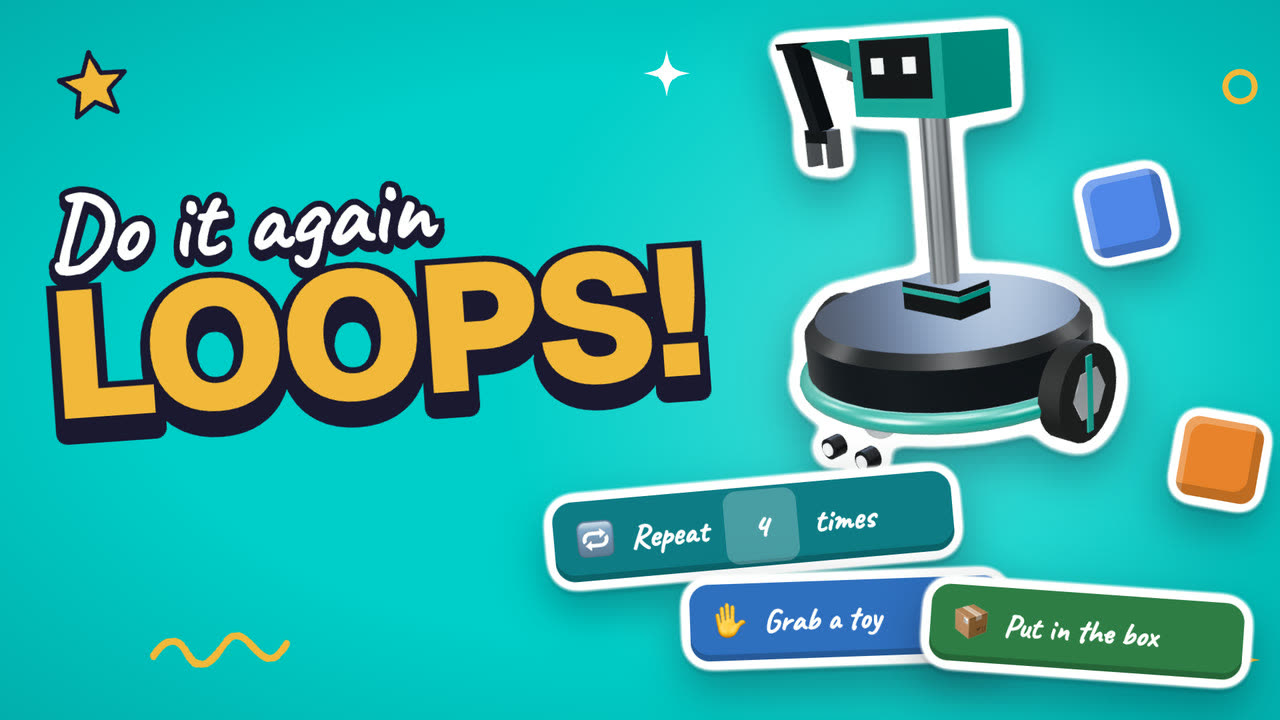
Lesson 1. The long way
Writing the same steps over and over is slow and easy to get mixed up, so coders use a loop.
- Write the steps to clap five times, one line per clap
- Count how many lines it takes
Where: Paper
Lesson 2. Repeat it
A loop says: do these steps again, this many times. Change one number to change the count.
- Write the clapping program again with a loop
- Count the lines now and compare
Where: Paper
In the app
Lesson 3. Inside or after?
A step inside the loop runs every time. A step after the loop runs once, at the end.
- Draw a dance program: repeat 4 times, step and turn
- Add one bow after the loop
- Dance it and check the bow comes once
Where: Paper
In the app
Lesson 4. Loops in your robot
In the Robotics Studio, the Loops jobs open after job 3, and the shortest program earns three stars.
- Finish job 3 to open the Loops jobs
- Do job 4 with Repeat in 3 lines
- Try job 5, which needs more toys than Repeat counts to
Where: Robotics Studio
In the app
Lesson 1 transcript: The long way
Here's a job for our House robot. Put four toys in the box.
So we tell it. Grab a toy. Put in the box. Grab a toy. Put in the box. Again. And again.
Phew! That's eight tiles, and they all say the same thing.
Robots love clear steps. But writing the same steps over and over? That's slow, and it's easy to make a mistake.
Coders have a trick for this. It's called a loop.
On paper, write the steps to clap five times. Count how many lines it takes.
Free guides to practise with
Questions parents ask
What is a loop in coding, in kid terms?
A loop tells the computer to do the same steps again, a set number of times. "Repeat 4 times: grab a toy, put it in the box" puts away four toys with three lines in place of eight. Kids meet the same idea in Scratch, in block coding apps, and later in Python.
What age is this for?
Kids 6 to 13. Younger kids can do the paper lessons with a grown-up reading the steps out loud. Older kids usually go on to the harder jobs in the Robotics Studio on their own.
Does my kid need a robot kit?
No. Lessons 1 to 3 happen on paper and out loud. Lesson 4 uses the Robotics Studio, where your kid programs the robot they built there, on a computer or tablet.