

How do I get my kid into coding?
Start with a block-based tool matched to age — ScratchJr around 5–7, Scratch from about 8 — and let your kid build something they actually want (a game, an animation), not a lesson track. The skill that matters most isn't any programming language; it's the loop of trying something, watching it break, and fixing it, which is exactly the instinct block-based tools are built to teach before syntax gets in the way. Kubrio doesn't have a coding app — it's a maker studio, not a code editor — but the AI Crew's ask-a-question-not-an-answer rule and Discovery's project-quest structure build the same debugging-and-iteration instinct that makes coding click once your kid gets there.
Start with a block-based tool matched to your kid's age — ScratchJr for roughly 5 to 7, Scratch from about 8 on — and point it at something they actually want to build, not a lesson track to complete. The real skill worth building isn't any specific language or syntax; it's the loop underneath all of it — try something, watch it break, figure out why, try again — and block-based tools are built specifically to teach that loop before spelling and semicolons get in the way.
That's the honest, direct answer, and it holds whether or not you ever touch a Kubrio product. Below is what actually works by age, why the language matters less than most parents assume, a checklist for picking any coding tool, and — because it's the honest reason a Kubrio page is answering this — exactly where Kubrio fits into a kid's coding journey and where it plainly doesn't.
What actually works, by age
Ages 5–7: unplugged and block-based, nothing typed. At this age, the goal isn't "learn to code" — it's building the intuition that a set of steps, done in order, makes something happen. ScratchJr (free, tablet-based) lets a kid snap picture-blocks together to make a character move, and unplugged activities — giving a sibling step-by-step verbal "instructions" to draw a shape, then watching the instructions fail when a step's missing — teach the same sequencing logic with no screen at all.
Ages 8–11: Scratch, and a project they actually want. Scratch (free, from MIT) is the standard on-ramp at this age for good reason: it's block-based so there's no syntax to memorize, but it's genuinely capable — kids build real games, animated stories, and interactive art with it. The single biggest lever here isn't the tool, it's the project. A kid who wants to build a specific game they can picture will push through frustration that a generic "lesson 4 of 20" tutorial won't survive. Code.org's free courses are a reasonable structured alternative if your kid does better with a guided curriculum than an open canvas.
Ages 11–13: the bridge to text-based code. Once block-based feels easy, a kid is usually ready for real, typed code — Python is the standard first text language, readable and forgiving, and free browser-based editors like Replit let a kid start typing without installing anything. For a kid motivated by a specific game rather than "coding" as a subject, Roblox Studio (which uses a language called Lua) or Minecraft's command blocks and redstone systems are honest on-ramps too — the coding is real, it's just wrapped in a game your kid already loves.
The mindset that matters more than the language
Here's the part most "how to code" content skips: the language is almost interchangeable. A kid who's genuinely good at coding isn't the one who's memorized the most syntax — it's the one comfortable with being wrong repeatedly and treating that as information, not failure. Every real program breaks constantly while you're building it. The entire practice of programming is: write something, run it, watch it fail in a specific way, read the error, fix one thing, run it again. That loop — not any particular language — is the actual skill.
This is also why a kid who codes reluctantly through a rigid, graded curriculum often learns less than a kid who's messing around in Scratch trying to make one specific thing work. Frustration in service of a goal a kid picked themselves builds the debugging instinct. Frustration in service of finishing an assigned worksheet mostly just builds an aversion to the subject.
Be honest about gamified "learn to code" apps
A lot of kids'-coding apps optimize for the same thing gamified spending or reading apps do: engagement, not skill. Streaks, badges, and drag-and-drop puzzles with only one correct answer can look like coding while teaching very little of the actual skill — because there's nothing to genuinely debug when the puzzle only has one right shape. That's not true of every app (Scratch and Code.org hold up well), but it's worth checking any tool against a simple test before trusting it: can your kid build something of their own choosing in it, or does it only ever grade them against one predetermined answer?
A checklist for picking any coding tool for your kid
- Can they build something they actually chose, or only complete a fixed lesson track?
- Is there room to get it wrong in an interesting way, or is every step multiple-choice with one correct answer?
- Is the reward the thing they built, or a streak, badge, or star chart layered on top?
- Does it match their age — block-based before text-based, sequencing before syntax?
- Would they choose to open it without being asked? If not, the tool — not your kid — is probably the mismatch.
Where Kubrio fits — and where it plainly doesn't
To be direct: Kubrio does not have a coding app. It's a maker studio built around apps like animation, writing, and a paper stock portfolio — not a code editor, and it doesn't teach Python, Scratch, or any programming language. If coding specifically is the goal, Scratch, Code.org, and the age-based path above are the honest, real tools for that job.
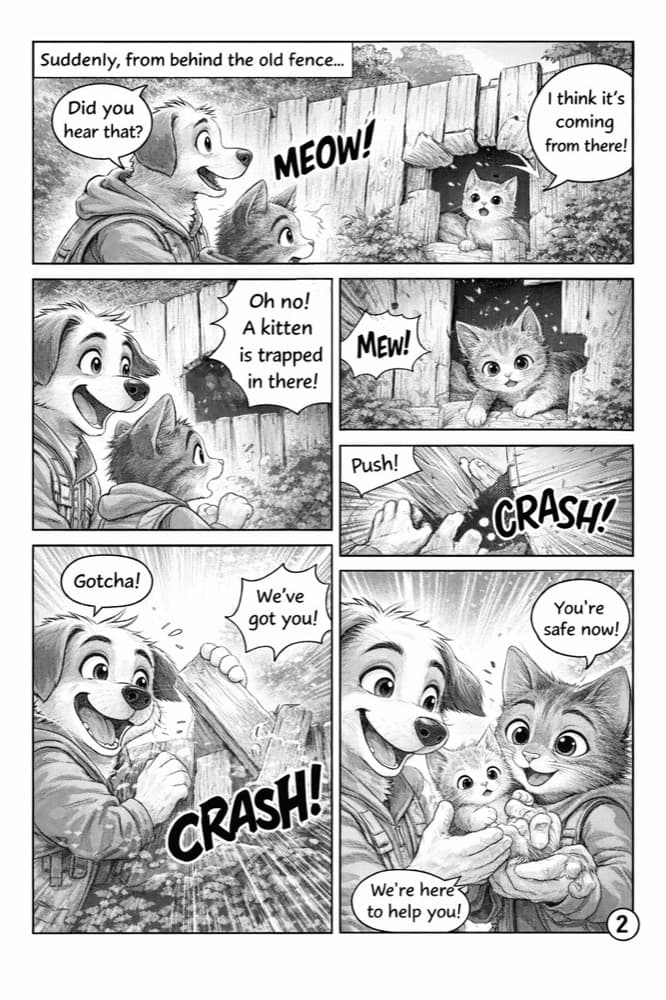
Where Kubrio is genuinely adjacent is the instinct underneath coding, not the skill itself. Every app in Kubrio's studio runs on the AI Crew — three kid-safe thinking partners with one hard rule: ask a better question, never hand over the answer. That's the same muscle a kid needs at the keyboard when a program breaks: get pushed to figure out what's wrong yourself, rather than have it fixed for you. In Discovery, a kid picks a real project quest and has to work it through to done with no assigned steps — the same "pick a goal, iterate toward it" pattern that makes a Scratch project actually finish instead of stalling half-built. In Sketchling, a kid plans a story in discrete steps — draw this frame, then this one — that has real structural overlap with breaking a program into a sequence of instructions, even though nothing in Sketchling is code.
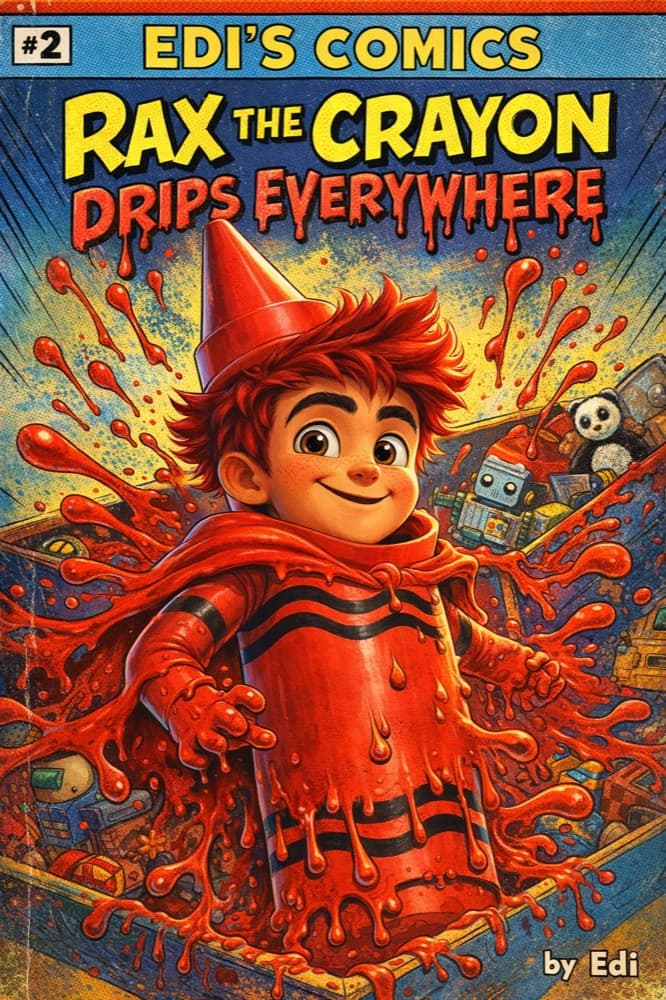
If your kid is already in Kubrio's studio and building the habit of finishing self-directed projects, that habit will make Scratch or Python land easier when you introduce it — but it isn't a substitute for actually sitting down with one of those tools. Kids who eventually thrive at coding are the ones who've practiced picking a goal and pushing through the break-fix-break-fix loop somewhere, and it doesn't much matter whether that "somewhere" started with a program or a comic.
Frequently asked questions
What age should my kid start coding?
Most kids are ready for sequencing concepts by 5–7 with an unplugged or ScratchJr approach, real block-based building by 8, and text-based languages like Python by 11–13. Earlier isn't automatically better — a kid who's bored or frustrated too young often disengages from coding entirely.
Is Scratch actually good, or just for beginners?
It's a genuinely capable tool, not a toy version of "real" coding — kids build complete games, animations, and interactive stories in it, and the sequencing, loop, and conditional-logic concepts transfer directly to text-based languages later.
Does my kid need to learn Python specifically?
No — Python is a common, readable first text language, but the concepts (variables, loops, conditionals, functions) transfer across languages. What matters more than which language is whether your kid is building something they chose.
My kid only wants to code because of Roblox or Minecraft. Is that a real path in?
Yes. Roblox Studio uses a real language (Lua), and Minecraft's redstone and command-block systems teach real logical-sequencing concepts. A kid motivated by a specific game they love will push through more frustration than one working through a generic curriculum.
Are gamified coding apps with streaks and badges bad?
Not automatically, but check whether your kid can build something of their own choosing in it or only ever solves puzzles with one correct answer. The reward layer isn't the problem; a lack of real, open-ended building is.
Does Kubrio teach coding?
No. Kubrio is a maker studio — apps like [Sketchling](/apps/animation-ai) and [Discovery](/apps/discovery) — not a code editor, and it doesn't teach Scratch, Python, or any programming language. For coding itself, Scratch and Code.org are the honest starting points above.
What's the single best free way to start?
ScratchJr for a kid under 8, Scratch for a kid 8 and up. Both are free, genuinely capable, and the standard on-ramp most computer-science educators recommend before any paid tool.
How do I know if my kid is actually learning, versus just clicking through an app?
Ask them to explain what they built and why one part didn't work at first. A kid who can describe the specific thing that broke and how they fixed it is learning the real skill; a kid who can't explain anything about their own project probably clicked through a tutorial without absorbing the loop underneath it. --- Want your kid building the finish-it-yourself, fix-what-broke instincts that make coding click when they get there? [Start your family account](https://app.kubrio.com/start).