
Is AI art bad for my kid's creativity?
Not automatically — it depends on whether the AI makes the creative decisions or your kid does. A text-to-image generator that turns a typed description into a finished picture skips the entire middle: the observation, the choices, the correcting, the judgment calls that creativity is actually built from. An AI that clears mechanical drudgery — like bridging motion between a kid's own hand-drawn frames — while leaving every creative decision to your kid is a different tool doing a different job. Kubrio's Sketchling is built to the second kind on purpose: your kid draws every frame by hand, and the AI never generates a pose, character, or scene they didn't draw first.
Not automatically — and asking "is AI bad for creativity" is actually the wrong question. The question that predicts the answer is narrower: does the AI make the creative decisions, or does your kid? A tool that types a prompt and hands back a finished picture is doing something very different from a tool that clears busywork while your kid keeps deciding what the thing looks like. Same technology, opposite outcome for a kid still building the skill.
That distinction is genuinely useful even if you never look at a Kubrio app. Below is what the "AI ruins creativity" concern gets right, where it doesn't apply, a four-question test you can run on anything your kid uses, and what to do if your kid already loves a generic AI image generator.
What the concern gets right
There's a real mechanism behind this worry, and it's worth naming plainly instead of dismissing it. Skill — in drawing, in writing, in any creative domain — is built by the friction of making something: noticing what's actually there, choosing what to include and leave out, getting it wrong, correcting it, deciding it's done. A text-to-image generator that goes straight from "a dragon flying over a castle" to a finished, polished image deletes that entire middle. There's no observation to practice, no proportion to notice, no decision about composition or color that your kid had to make and defend — the hardest, most skill-building part of making something happens between the idea and the finished thing, and a generator skips it by design.
For an adult who just wants a picture, that's the whole appeal — the friction was never the point for them. For a kid whose creative judgment hasn't formed yet, a tool whose default move is finishing the work trains a different reflex: describe it, don't decide it. That's not a hypothetical concern. It's the same reason handing a kid a finished essay teaches the wrong reflex for writing — the shortcut and the skill live in the same spot, and taking the shortcut removes the practice.
Where it doesn't apply: assist versus generate
Here's the part the blanket version of this fear misses: not every AI art tool works that way, and the difference isn't subtle once you know what to look for.
Generate-first tools take a description and produce the whole creative output — composition, style, characters, everything — in one step. Your kid's job is to describe, the AI's job is to decide. This is the version worth being cautious about.
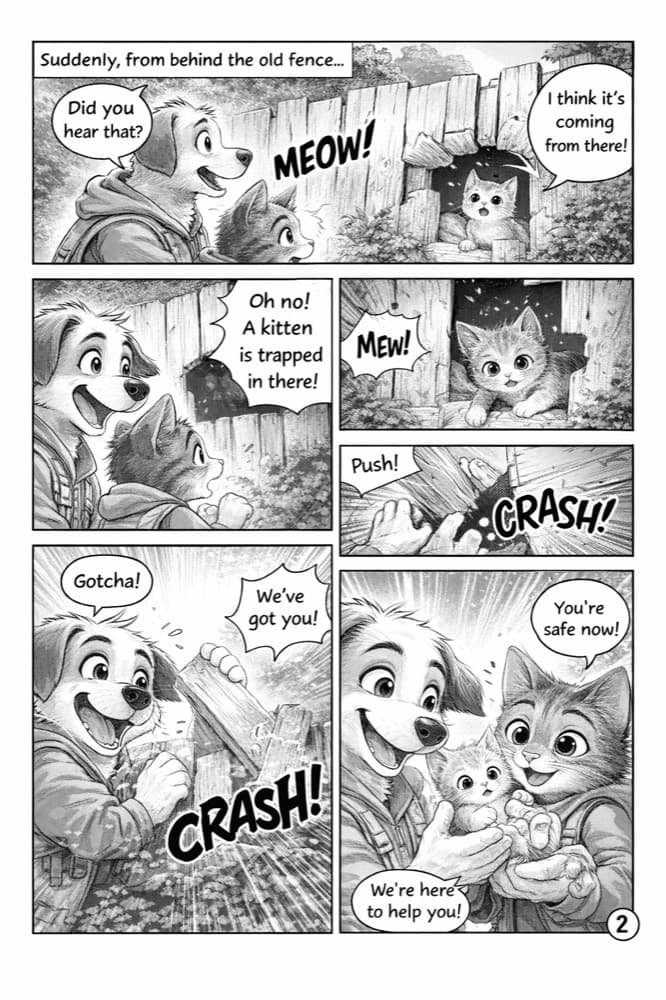
Assist tools do something narrower: they clear a mechanical, non-creative step while every actual creative decision stays with your kid. The animator's in-between frames between two hand-drawn poses. The rendering of a comic panel your kid already sketched and directed, redrawn to their notes. None of these are creative decisions — they're labor a professional would otherwise do by hand, one frame or one layout at a time — and clearing them doesn't touch the part of the process that builds judgment.
The tell is simple: if the AI disappeared, would your kid's decisions still be visible in what's left? With an assist tool, yes — the composition, the character, the story choice were always your kid's. With a generate-first tool, no — there's nothing underneath the prompt.
A four-question test for any AI art tool your kid uses
- Does the AI decide what the picture looks like, or does your kid? Look for who made the composition, character, and style choices — not who typed the prompt.
- Does it replace time your kid would spend deciding, or does it clear something that was never the point? Bridging animation frames isn't a decision a kid was practicing. Choosing a character's pose is.
- Does your kid describe the result as "I made this" or "I asked for this"? Kids are often more honest about this distinction than the marketing around a tool is.
- If the tool disappeared tomorrow, would your kid still have a reason to make things by hand? If the answer is no, the tool may have quietly become the whole activity instead of a part of it.
A tool that clears two or three of these cleanly is probably fine. A tool that fails all four — the AI decides everything, replaces the actual creative choices, and leaves nothing behind if it's taken away — is the version worth being cautious about, regardless of how good the pictures look.
How Sketchling draws this line, on purpose
This is the exact design brief behind Sketchling, Kubrio's animation studio, and it's worth being specific about the mechanic rather than just asserting it's fine. Your kid draws every key pose of their story by hand, in pencil, on real paper — not a stylus, not a screen — and photographs each drawing. The AI's only job is bridging the motion between those exact hand-drawn frames into a smooth film, the way a professional animator fills in-between frames a lead artist has already posed. It never generates a pose, a character, or a scene your kid didn't draw first. If a frame changes, the animation changes with it, because your kid's drawing is the source of truth the entire way through.
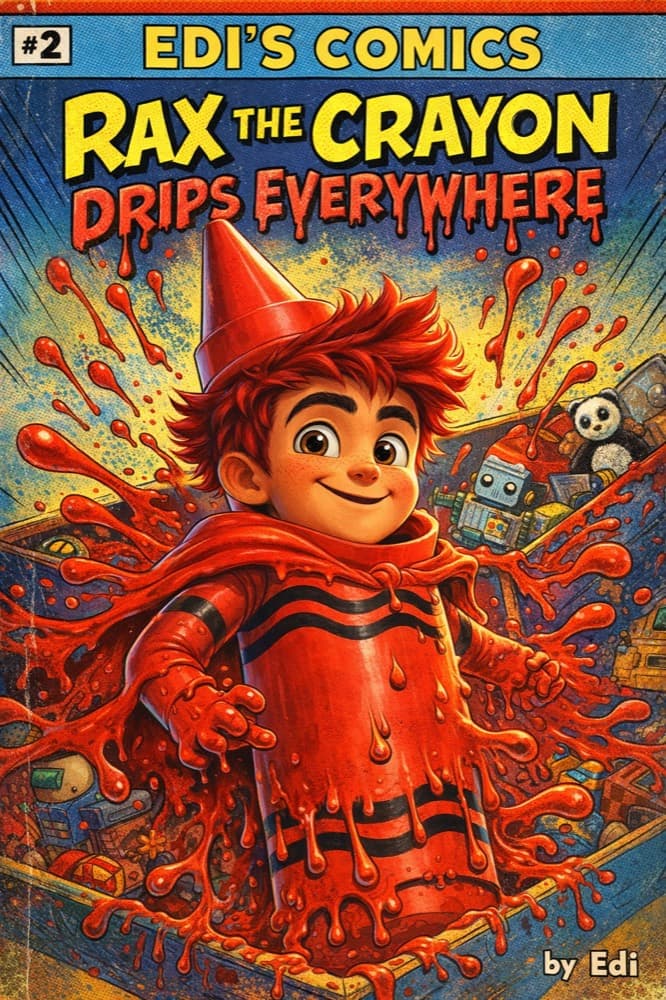
Inside the studio, the AI Crew works the same way — Krea, Tek, and Brio operate on one rule: ask a better question, never hand over the answer. If a jump between poses doesn't read clearly, the Crew might ask whether the crouch before it needs to be more exaggerated. It won't redraw the pose. In Origin Stories, the same line holds for a different craft: your kid invents the character and plots the story, the Crew draws draft panels to their direction, and your kid keeps redrawing, rewriting, and reordering until it's genuinely theirs — the Crew is never the one deciding what happens next.
If your kid already loves a generic AI image generator
This isn't a reason to panic or take the tool away — plenty of kids enjoy generating images the same way they enjoy any novelty, and that's not a moral failing. The honest fix is a habit, not a ban: ask your kid to decide first. Before typing a prompt, have them describe out loud (or rough out in three seconds of doodle) what they actually want — the character, the pose, the mood — so the decision-making happens before the AI, not instead of it. Treat the generator as one step in a process your kid still directs, rather than the whole process. And keep real drawing time in the rotation separately — the two activities build different things, and neither one needs to fully replace the other.
Frequently asked questions
Does AI art use in general hurt kids' creativity?
It depends on the specific tool's job. A tool that generates the finished creative output for a kid skips the decision-making that builds creative skill. A tool that clears mechanical labor while a kid keeps making every creative decision doesn't have that downside — "AI art" isn't one category with one answer.
Is Sketchling an AI art generator?
No. Your kid draws every frame by hand on real paper; the AI only bridges the motion between those exact drawings into a film. It never generates a pose, character, or scene on its own.
My kid uses a generic image generator for fun. Should I stop them?
Not necessarily — occasional novelty use isn't the concern. The habit worth building is having your kid decide what they want before typing a prompt, so the AI clears the technical step rather than replacing the creative one.
What's the difference between this and just letting a kid use any creative tool?
Every tool changes what a kid practices — a camera doesn't teach drawing, and that's fine, because a kid using a camera knows they're doing photography, not drawing. The concern with generate-first AI art specifically is when it's marketed or used as if it's teaching drawing or invention, when it's actually skipping both.
Is it OK for my kid to use AI to color or clean up their own drawing?
Generally yes — that's closer to the assist category, since the composition, characters, and choices were already your kid's before the AI touched it. The line to watch is whether the AI starts making choices your kid used to make themselves, like redesigning a character instead of cleaning up line work.
Does using AI Crew in Kubrio count as "AI art" in the concerning sense?
No — that's the specific problem Kubrio's Crew is built to avoid. It clears drudgery (in-betweening, draft panels to redirect) but the one rule across every app is that it asks a better question rather than making the creative call.
What age should I start worrying about this?
Any age a kid starts using AI image tools unsupervised is worth applying the four-question test to, since the mechanism (skipping decision-making practice) applies regardless of age. Younger kids simply have less accumulated creative judgment to fall back on, which makes the assist-versus-generate distinction matter even more for them.
Is there real harm if my kid uses generate-first AI art occasionally?
Occasional use isn't the concern — it's whether generate-first AI quietly becomes the default first move whenever your kid wants to make something. The four-question test above is a fast way to check whether that's happening before it becomes the habit. --- Want to see what an AI that clears the drudgery but never the decisions actually looks like? [Start your family account](https://app.kubrio.com/start) and watch your kid's own drawings come alive.