
Scratch for kids: what it is, and is my kid old enough?
By Kubrio Editorial Team. Reviewed by Vlad Stan, founder of Kubrio.
Scratch is a free programming tool from the MIT Media Lab where kids snap colored blocks together to make games, animations, and stories, and it's built mainly for ages 8 to 16. A 5 to 7 year old should start with ScratchJr, the free tablet version, and a first project can be as small as a cat that runs from the mouse. Kubrio isn't Scratch and isn't connected to it; Kubrio's free course How to start coding works off-screen first, and your kid ends with a robot program where every step is in the right order.
What is Scratch, exactly?
Scratch is a website (and a free offline app) where you build programs out of blocks that fit together like puzzle pieces, so there's no typing and no spelling mistakes that break the code. Your kid picks a character, called a sprite, and stacks blocks like "when green flag clicked," "move 10 steps," and "repeat 10" to make it move, talk, or react. Press the green flag and the program runs.
The official About page says Scratch is designed and maintained by the Lifelong Kindergarten group at the MIT Media Lab, that it's offered free, and that it's made mainly for 8 to 16 year olds, though younger kids and adults use it too. The site also has a huge library of projects other kids shared, which your kid can open, look inside, and remix.
The people who built it said plainly what it's for. In their 2009 paper "Scratch: Programming for All" in Communications of the ACM, Mitchel Resnick and colleagues wrote that "digital fluency" should mean "designing, creating, and remixing, not just browsing, chatting, and interacting." That's the useful way to see it as a parent: Scratch is a making tool, not a game to play.
What age is Scratch for?
Scratch fits most kids from about 8, and ScratchJr fits 5 to 7. Common Sense Media rates Scratch 8+, which matches what Scratch itself says. The reason is reading: Scratch blocks are words ("change size by 10," "if touching edge, bounce"), and a kid who still sounds out every word will spend the hour reading instead of building.
ScratchJr is the version for younger kids. It was made by the MIT Media Lab's Lifelong Kindergarten group, Tufts University's Developmental Technologies group, and the Playful Invention Company, and it's a free app for iPad, Android, and Chromebook. Its blocks are pictures, not words, so a kindergartner can make a cat jump across a beach without reading a thing.
A rough guide by age:
- 5 to 7: ScratchJr on a tablet, with you sitting next to them. Short sessions, one character, one idea.
- 8 to 10: Scratch, starting with a remix of someone else's project or a one-sprite game. Most kids need a grown-up for the first two or three sessions.
- 11 to 13: Scratch on their own, with bigger projects: a game with levels, a score, and a win screen. Some will hit its limits by 12 or 13, and that's fine (see below).
Age matters less than interest. A 7-year-old who reads well and loves making things may be ready for Scratch; a 10-year-old who only wants to play may not be, yet.
Is Scratch free and safe?
Scratch is free, with no ads and no in-app purchases; it's run by a nonprofit, the Scratch Foundation. Your kid can use the editor without an account at all. An account is only needed to save projects online and share them.
When a kid signs up, Scratch asks for a parent's email if your kid is under the age at which they can agree to the terms themselves where you live; the Scratch help center says this is to follow local laws, and the verification link goes to you.
Shared projects have comments, and the community has its own guidelines and moderation. For a younger kid, the simplest setup is the offline app or a local save to the computer, with sharing as a decision you make together later. Look at the comments on your kid's projects now and then, the same way you'd glance at any group chat.
What does Scratch actually teach?
Scratch teaches the ideas under all programming: steps in order, loops, if-then decisions, events ("when this happens, do that"), and variables like a score. It also teaches debugging, which is the habit that matters most. A sprite that walks off the screen is a bug your kid can see, and fixing it is the lesson.
Be honest with yourself about what it won't do. In a large UK trial of a two-year Scratch-based maths curriculum, the Education Endowment Foundation's 2018 evaluation of ScratchMaths found a positive effect on computational thinking but no evidence of an effect on Key Stage 2 maths results. Scratch builds coding skills and the problem-solving around them; don't expect it to raise a math grade on its own.
The problem-solving part has some support. A 2024 meta-analysis in Computers & Education by Montuori and colleagues pooled experimental studies of coding lessons for children and found the largest effect on problem-solving, with a smaller one on planning. That's a reason to let your kid struggle a bit with a bug before you jump in.
Kubrio Worlds · Ages 6–12
Let your kid explore the new worlds.
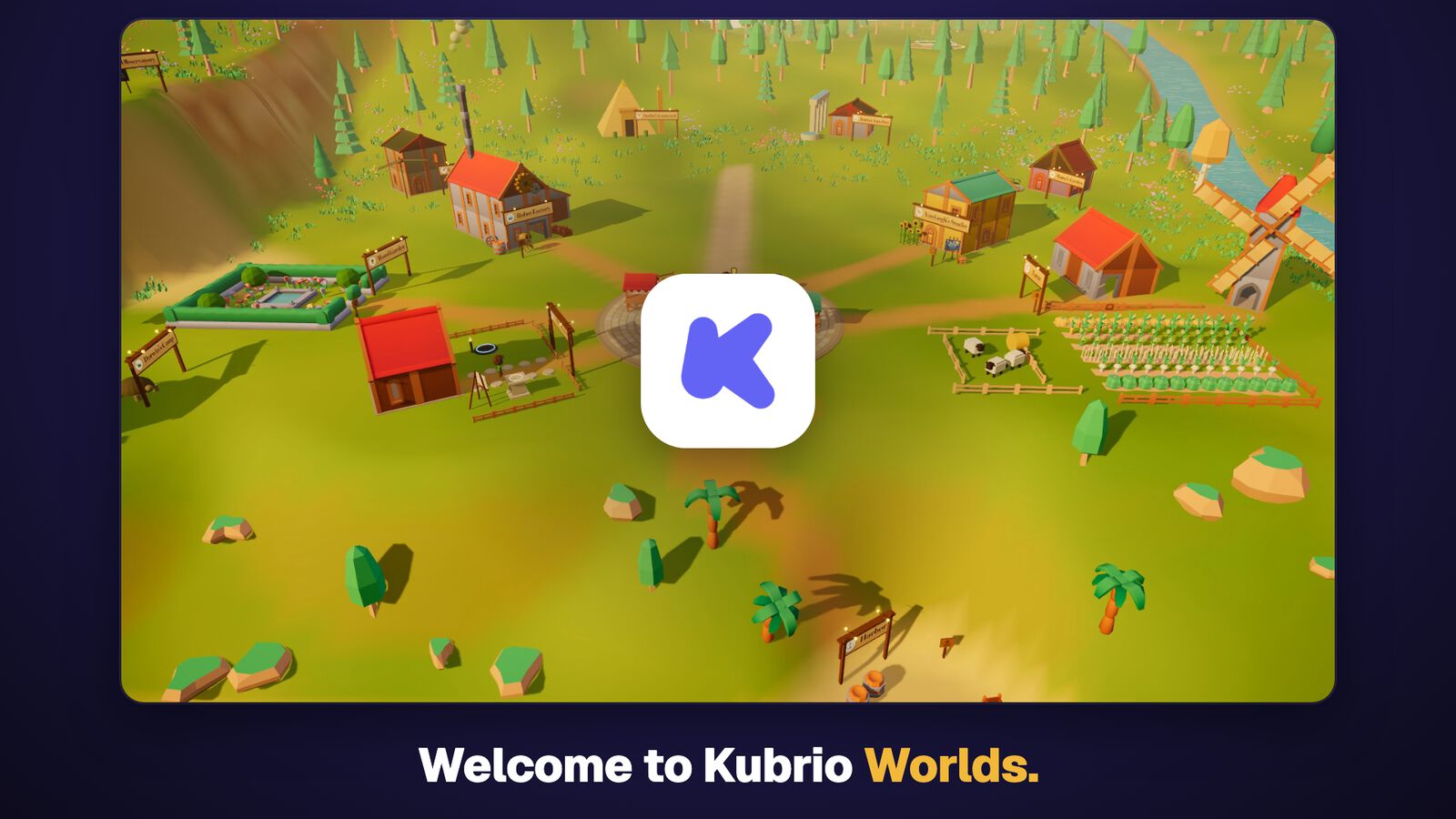
A 3D village where kids paint with Vincent van Gogh, launch rockets, and run a farm. Every world teaches something useful, with quizzes and things to make. You set the screen time.
3 days free, then $49 $19 a month per kid.
 ▶ 1:45 tour
How does a kid get started with Scratch?
Start with one tiny project, not a tutorial series. The first session should end with something that moves and makes your kid laugh.
A first project that works for most 8 to 10 year olds: a cat that runs away from the mouse pointer. It needs four or five blocks ("forever," "point towards mouse-pointer," "turn around," "move"), and your kid can test it in seconds. Then ask, "What if it made a sound when you catch it?" Every question like that is the next block.
The built-in tutorials in Scratch are good, and the "See inside" button on any shared project is better: your kid opens a game they like and finds the block that makes the character jump. Reading other people's code is how most programmers learn.
If your kid isn't ready for a full editor yet, practise the ideas off-screen first. Kubrio's free coding guides run in a browser with Scratch-style blocks and no login, one idea per page, and the course What is a loop in coding teaches "do it again" with a robot program your kid writes. The coding hub lists the rest.
What comes after Scratch?
When your kid's projects get big and slow, or they start asking how "real" programmers write code, they're ready to move on. There are three common next steps:
- Text code. Python is the usual first text language, and several free tools let a kid switch between blocks and text for the same program, which makes the jump smaller.
- Code that moves something real. Boards like micro:bit and many robot kits take block code and later Python. The program stops being a sprite on a screen and becomes a light, a motor, or a robot that turns at the wall.
- Bigger game tools. Kids set on making games often move to a full game engine around 12 or 13.
The robot step is where Kubrio fits. In the course How to code a robot, your kid writes steps for a grown-up who plays the robot and follows them exactly, mistakes included. Robotics Studio, which is in beta, is the on-screen version: your kid draws a robot on paper, builds it part by part, programs it with tiles, and tests it in a 3D arena. It isn't a replacement for Scratch; it's a different place to use the same ideas.
What to do at home this week
- Ask your kid what they'd make if they could make any game or cartoon. Write the answer on a sticky note.
- Pick the tool by age: ScratchJr on a tablet for 5 to 7, Scratch in a browser for 8 and up.
- Sit together for 30 minutes and make one sprite move with the arrow keys. Don't sign up for an account yet.
- Open one shared project your kid likes, press "See inside," and find the block that does the best part.
- Add one thing to your kid's own project from that block: a jump, a sound, a score.
- At the end of the week, decide together whether to make an account and share it, and look at the parent email when it arrives.
FAQ
Is Scratch good for a 6 year old? Most 6-year-olds do better with ScratchJr, because its blocks are pictures instead of words. If your 6-year-old reads well and you sit with them, regular Scratch can work for short sessions. Switch when the reading gets in the way of the fun.
Is Scratch really free? Yes. Scratch and ScratchJr are free, with no ads and no paid tier, and they're supported by a nonprofit, the Scratch Foundation. Paid classes that teach Scratch exist, but the tool itself costs nothing.
Does my kid need an account to use Scratch? No. Your kid can build and run projects in the browser or the offline app without one. An account is only needed to save projects online and share them, and younger kids need a parent's email to finish signing up.
Is Scratch real coding? Yes. Loops, if-then, events, and variables in Scratch are the same ideas as in Python or JavaScript; only the typing is gone. Kids who move to text code later usually find the hard part is spelling and punctuation, not the thinking.
What should my kid make first in Scratch? Something small that reacts to them: a character that moves with the arrow keys, or one that runs from the mouse. Finishing a tiny project beats starting a big one. Save the game with levels for week three.
How is Kubrio different from Scratch? Scratch is a free, open programming tool where kids build anything on screen. Kubrio's coding courses use a robot, often a grown-up playing one, and Robotics Studio (in beta) has kids design, build, and program a robot. Many kids do both.