
Robotics Studio project
How can my kid make a robot that tidies their room?
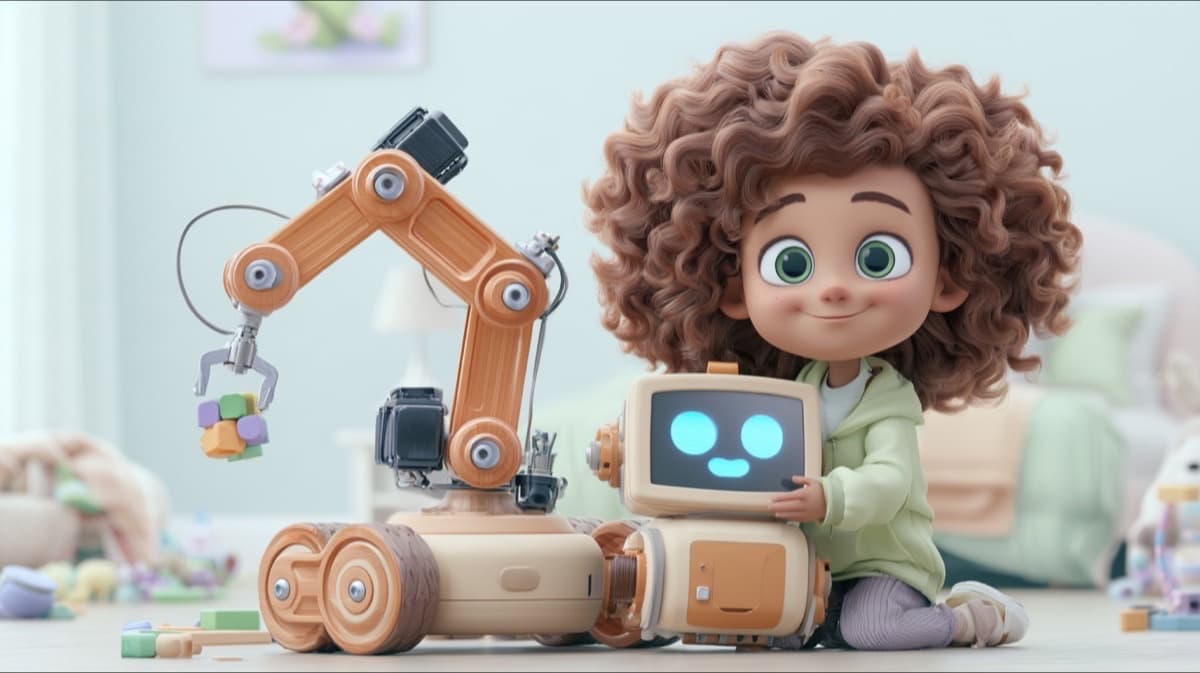
Your kid draws a house robot on paper, builds it part by part in Kubrio's Robotics Studio, and programs it with big command tiles to carry three toys to the toy box. It runs in a 3D room in the browser, and the finished robot gets its own page.
The robot's job
Tidy the room: carry three toys to the toy box.
What your kid actually makes
A 3D house robot on wheels, with an arm and a gripper, that tidies a room on its own. It looks like your kid's drawing: the paint, the head, and the extras come from the paper. The robot runs the program your kid wrote, and anyone with the link can watch it work.
How a sitting goes
Your kid learns the robot's job first, names it, and draws it on paper. In Build, they add each part and read what it does: wheels to move, a gripper to hold, a battery placed so the robot doesn't tip. In Program, they drag tiles into a short list and press play. When a toy misses the box, the robot says so, and your kid fixes the line.
A first robot takes one or two sittings. The jobs get harder in order, so a kid who finishes early keeps going.
What AI does, and what your kid does
Your kid draws the robot, picks every part and the paint, and writes every line of its program. The AI checks the drawing photo is safe and reads it to suggest parts from the kit, so the 3D robot looks like the drawing. Your kid can change every suggestion.
What they're really learning
A real house robot does the same thing every robot does: it senses, decides, and acts. Your kid writes a loop (grab, carry, drop, again), finds out why the order of steps matters, and learns that a robot only does what its program says. Stars reward the shortest program that still works.
How it goes, step by step
- 1
Draw it
Your kid draws a house robot on paper, following the draw-along guide or their own idea, and snaps a photo.
- 2
Build it
One screen per part: the body, the wheels, the arm, the gripper, the sensors, the battery, and the paint.
- 3
Program it
Three jobs, each a few command tiles long: Grab a toy, Put in the box, and Again to repeat.
- 4
Test and premiere it
Your kid watches the robot tidy the room, drives it, then premieres it to its own page.
Draw it first
Learn more about robots
Parent questions
Does my kid need a robot kit?
No. The robot is 3D and runs in the browser on a laptop or a tablet. All your kid needs is paper and a pencil for the drawing.
Who sees my kid's drawing?
The photo of the paper drawing stays private: it never appears on the robot's public page, on share cards, or to visitors. The premiered 3D robot gets its own page, where visitors can watch it work and drive it.