
Robotics Studio project
How can my kid draw a robot and then build and program it?
Your kid draws a six-legged bug robot on paper with a step-by-step drawing guide, then builds that drawing in Kubrio's Robotics Studio and programs it to climb over the rubble to the other side. The drawing shapes the robot, and the finished robot gets its own page.
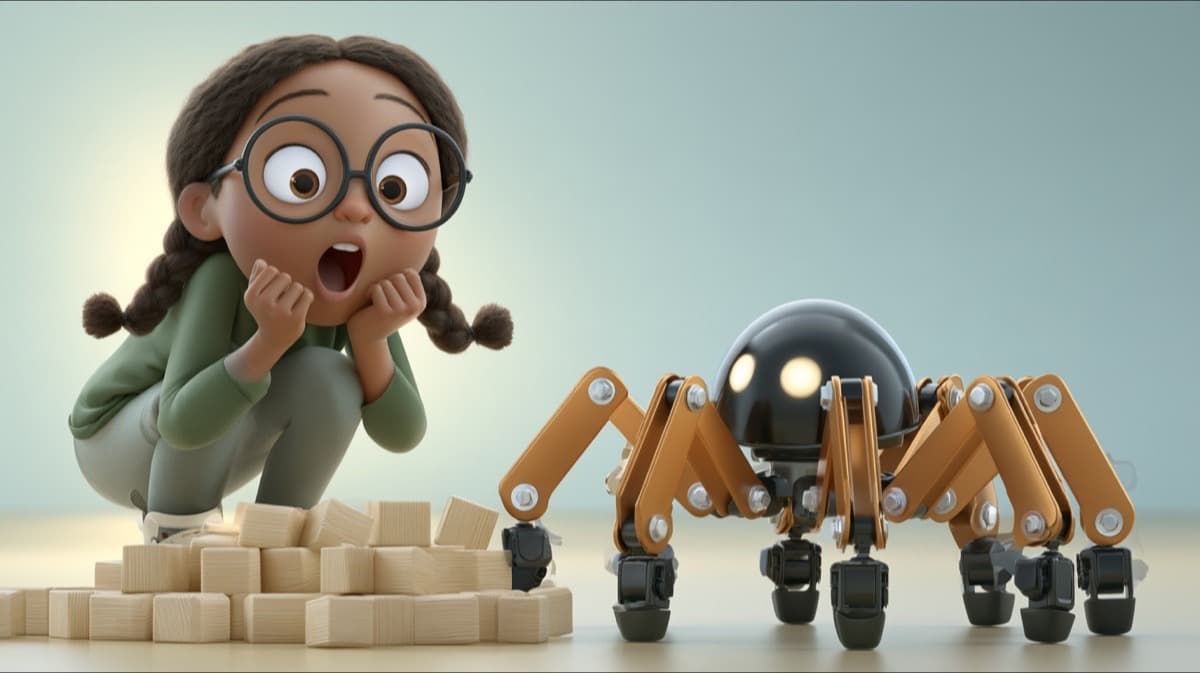
The robot's job
Cross the rubble: climb over the rocks to the other side.
What your kid actually makes
A drawing on paper and the 3D robot built from it: a six-legged bug that walks with the same tripod gait real walking robots use, and climbs over rocks to reach the other side. The paint, the head, and the extras on the robot come from your kid's drawing.
How a sitting goes
Your kid starts with a pencil. The drawing guide breaks the bug robot into simple shapes, step by step. Then they snap the drawing, and the studio reads it to pick parts that match. In Build, they choose legs and feet, place the battery, and paint it. In Program, they line up tiles and watch the robot climb, one line at a time.
A first robot takes one or two sittings.
What AI does, and what your kid does
Your kid draws the robot, picks every part and the paint, and writes every line of its program. The AI checks the drawing photo is safe and reads it to suggest parts from the kit, so the 3D robot looks like the drawing. Your kid can change every suggestion.
What they're really learning
Drawing a robot first is how engineers work: a plan on paper before a build. Your kid learns that six legs keep a robot steady on rough ground, that balance depends on where the weight sits, and that a short program with a loop beats a long list of steps.
How it goes, step by step
- 1
Draw it
Your kid follows the bug robot drawing guide on paper, or draws their own, and snaps a photo.
- 2
Build it
Six legs, feet, a distance sensor, the battery, and the paint, one screen per part.
- 3
Program it
Three jobs that teach the commands, from a first step to a robot that repeats until it's across.
- 4
Test and premiere it
Your kid watches it cross, drives it over the rocks, and premieres it to its own page.
Draw it first
Learn more about robots
Parent questions
What if my kid says they can't draw?
The drawing guide goes one shape at a time, and any drawing works. The studio reads what's on the paper and builds from it, so a wobbly drawing still makes a working robot.
Who sees my kid's drawing?
The photo of the paper drawing stays private: it never appears on the robot's public page, on share cards, or to visitors. The premiered 3D robot gets its own page, where visitors can watch it work and drive it.