
Coding toys for kids: which type is worth buying
By Kubrio Editorial Team. Reviewed by Vlad Stan, founder of Kubrio.
A coding toy is worth buying when it matches what your kid can do on their own today and still has a next step after the first week: a screen-free robot or a coding board game for ages 6 to 8, a build-and-code kit with block coding for 8 to 11, and a kit with text code for 12 and up. Pick the type first, then the brand, and check the age range on the maker's own page. In Kubrio's Robotics Studio, which is in beta, there is no toy to buy: your kid draws a robot on paper, builds it part by part on screen, programs it with tiles, and tests it in a 3D arena.
What does a coding toy actually teach?
A good coding toy teaches one big idea: a machine does exactly what you tell it, in the order you tell it, and when it goes wrong you find the step that broke. That is sequencing and debugging, and it comes before any programming language. Loops ("do this four times") and if-then ("if you hit the wall, turn") come next.
Kids can learn these ideas young. In a 2014 study of three kindergarten classrooms, Bers, Flannery, Kazakoff, and Sullivan found that the children were interested in robotics and programming and able to learn many of its parts, using tools built for their age. The tools mattered: blocks and robots small hands could manage, not a keyboard.
What a coding toy doesn't teach on its own is what to build. The toy gives your kid the commands. Your kid still needs a reason to use them: a maze to escape, a job for the robot, a game to win.
What kinds of coding toys are there?
Almost every coding toy is one of five types, and the type tells you more than the brand.
- Screen-free floor robots. A small robot you program with buttons on its back or with cards and tiles. Botley and Code & Go Robot Mouse are names you'll see; KIBO, a wooden-block robot from Tufts research, is used in many classrooms. Good for 5 to 8.
- Coding board and card games. Players move a piece with direction cards, and later loop and if-then cards. Robot Turtles is the best-known one. No batteries, and the whole family plays.
- App-driven robots. A robot that a tablet programs with blocks. Dash and Sphero are common examples. More moves and sounds, and a screen in the middle.
- Build-and-code kits. Your kid builds the robot, then programs it with blocks and later Scratch or Python. LEGO SPIKE and Makeblock mBot come up most in reviews. Good for 8 to 13.
- Microcontroller boards. A small board, like micro:bit, that lights up, beeps, and reads sensors, programmed in blocks or Python. Cheap to start, and it lasts into the teens.
Which coding toy is best for a 6 to 8 year old?
For this age, a screen-free floor robot or a coding board game is the usual fit, because the child can see every step the program takes. When a floor robot goes left instead of right, your kid points at the card that was wrong. That is debugging, and it happens in the room.
There's research behind starting off-screen. A 2023 meta-analysis of unplugged activities by Chen and colleagues pooled 13 studies and reported a large overall effect on computational thinking (Hedges's g = 1.028), with board and card games the most common activity in the studies it reviewed. "Unplugged" means no computer at all, which tells you a cardboard maze and a deck of arrow cards do real work.
The thing kids outgrow fastest at this age is a robot that only goes forward, back, left, and right. Once your kid has done a dozen mazes, check that the toy has loops or a way to add obstacles.
Which coding toy is best for an 8 to 11 year old?
Build-and-code kits are the sweet spot here: your kid builds a body, then writes the program that moves it, so the code has a reason to exist. Look for block coding to start and a route to text code later, and for a kit that rebuilds into more than one robot. A kit that makes one robot gets finished once.
App-driven robots suit kids who want results fast, but the app does more of the thinking. A good test is to ask your kid to make the robot do something the app didn't suggest. If they can, the toy is teaching. If they only replay the built-in challenges, it's a remote control.
Be modest about what any kit will do for school. A 2024 meta-analysis of 21 studies on educational robotics by Ouyang and Xu reports "moderate-sized effects on students' learning performances and learning attitudes, and insignificant effects on the improvement of computational thinking." A robot kit is a good project, not a guaranteed score.
Kubrio Worlds · Ages 6–12
Let your kid explore the new worlds.
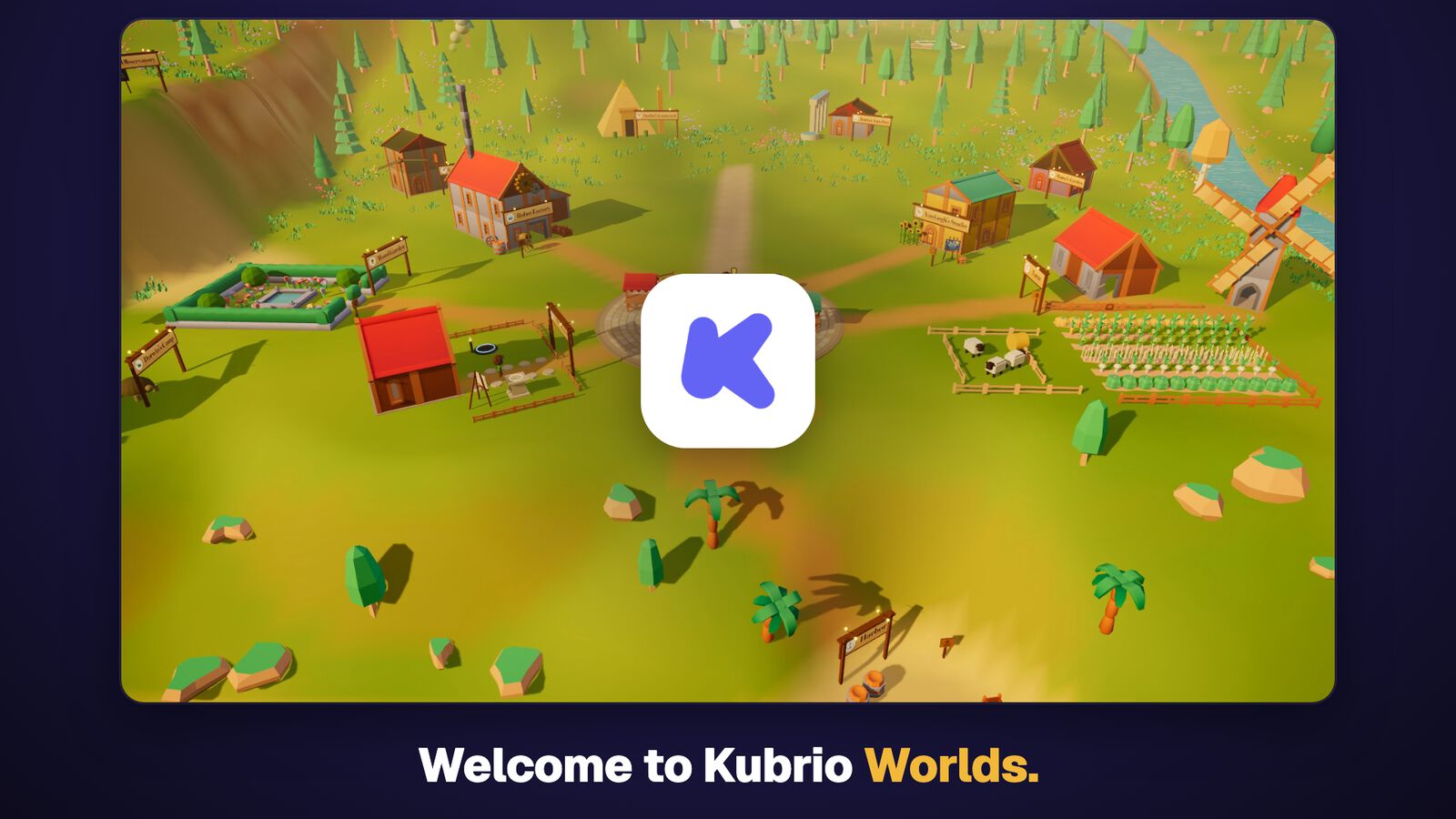
A 3D village where kids paint with Vincent van Gogh, launch rockets, and run a farm. Every world teaches something useful, with quizzes and things to make. You set the screen time.
3 days free, then $49 $19 a month per kid.
 ▶ 1:45 tour
What about a 12 or 13 year old?
Older kids do best with something that has no ceiling: a microcontroller board with Python, a build-and-code kit that takes text code, or a club or team that uses one. Free software counts here too. Scratch runs in a browser, costs nothing, and a 12-year-old can build a full game in it. A toy that only offers blocks in one fixed set of puzzles will be done in a weekend.
What do kids outgrow fast?
Kids outgrow a coding toy when the toy decides what to make. Three signs to look for before you buy:
- A fixed set of challenges. Once the 40 puzzles are solved, there's nothing left to do.
- Only four commands. No loops, no if-then, no sensors means no next idea.
- An app that does the hard part. If the robot dances when you press "dance," your kid isn't programming the dance.
The American Academy of Pediatrics makes a related point about toys in general. Its 2019 clinical report on choosing toys, by Healey and Mendelsohn, notes "the lack of evidence for similar benefits in child development" when digital toys replace traditional ones, and says "the best toys are those that match children's developmental skills and abilities and further encourage the development of new skills." The report is about younger children, but the rule carries: a toy that grows with your kid beats one that only performs.
Do you need to buy a coding toy at all?
No. A grown-up who agrees to be the robot is the cheapest coding toy there is. Your kid writes the steps on paper ("forward 3, turn right, forward 2, pick up the sock"), and you follow them exactly, including the mistakes. Kubrio's free course How to code a robot runs this game, with a grown-up playing the robot. The coding hub has more free pages, like what a loop is in coding, each taught with a robot.
A toy adds a real machine that moves on its own, and that is a good reason to buy one. If your kid is more interested in building the robot than in programming it, a robot kit may suit better; our guide to robot kits for kids sorts those by age.
Robotics Studio is the version with no box. Your kid designs a robot on paper, builds it part by part on screen, programs it with tiles, and tests it in a 3D arena; the robot gets its own page, where family can watch it do its job. It has no motors and nothing to hold, so if your kid wants a robot that drives across the kitchen floor, a toy does that and the Studio doesn't. The course How to build a robot shows the first steps.
What to do at home this week
- Play "program the grown-up": your kid writes five steps to get you from the couch to the fridge, and you follow them exactly.
- When you bump into something, ask, "Which step was wrong?" and let them fix only that step.
- Add a loop: "Do these two steps three times."
- Add an if-then: "If you see a shoe, step over it."
- Ask your kid which part they liked: writing the steps, being the robot, or fixing the mistakes.
- Match the answer to a type above: steps on cards means a floor robot or board game, building means a kit, and fixing long programs means a kit with text code or a board.
- Check the maker's age range and one independent review, then buy the type, not the loudest box.
FAQ
What age should a kid start with coding toys? Many screen-free coding toys are made for ages 5 or 6, and kindergarten studies show children that age can learn to sequence commands. Start with something off-screen, and check the age range on the maker's own page.
Are screen-free coding toys as good as apps? For young kids, they teach the same first ideas, and research on unplugged activities shows real gains in computational thinking. Apps and text code come later, when your kid is ready for longer programs.
What is the difference between a coding toy and a STEM toy? A STEM toy is any toy about science, technology, engineering, or math, from a microscope to a marble run. A coding toy is the kind where your kid gives a machine instructions and watches it follow them.
Will a coding toy help my kid at school? It may help their interest and confidence, but don't count on a test score. A 2024 meta-analysis of robotics studies found moderate gains in learning and attitudes and no significant gain in computational thinking.
My kid finished their coding toy in a week. What now? Move up a type: from a floor robot to a build-and-code kit, or from blocks to Scratch, which is free. Or have your kid design their own maze, game, or robot job and program the toy to do it.