
Hour of Code activities for kids, by age
By Kubrio Editorial Team. Reviewed by Vlad Stan, founder of Kubrio.
The best Hour of Code activity is one your kid can finish in an hour and then change on their own: picture-block puzzles or a "program the grown-up" game for ages 6 and 7, a small Scratch project for ages 8 to 10, and a program they design themselves for ages 11 to 13. Do at least one activity without a screen, because it teaches the same thinking and makes the screen part easier. In Kubrio's free course How to code a game on paper, your kid writes a game you play on paper, with a grown-up as the computer.
What is the Hour of Code, and is it still called that?
The Hour of Code is a one-hour introduction to coding that schools and families do every December, during Computer Science Education Week. Code.org started it in December 2013, and EdSurge reported 17 million students, and counting, had taken part within the first week.
The name has changed. Code.org now calls itself CodeAI, and its About page says the Hour of Code became the Hour of AI, to teach how AI works alongside computer science. The December event you will see from schools this year is the Hour of AI. The coding activities have not gone away: the Hour of AI FAQ on CSforALL says the most popular Hour of Code activities are staying up, and the catalog can be used any time of year, not only in December.
So if your kid's school says "Hour of AI" and you searched "Hour of Code," you are looking at the same week. You can do either, at school or at your own kitchen table.
What Hour of Code activities work for a 6 or 7 year old?
For ages 6 and 7, pick picture-block apps and games where the kid gives step-by-step instructions to something that moves. Reading is still slow at this age, so the activity should run on arrows and pictures, not words.
- ScratchJr. A free app from the MIT Media Lab and partners, made for children ages 5 to 7. Kids snap picture blocks together to make a character move, jump, and talk. One good hour: make a cat walk across the screen and say hello to a second character.
- Program the grown-up. Lay paper squares on the floor in a grid. You are the robot. Your kid writes arrow cards (forward, turn left, turn right) to walk you to a stuffed animal. When you bump into the sofa, that's a bug, and they fix the card.
- A paper game. Kubrio's How to code a game on paper course does this as a full game, with short films and a quiz that play on its page, no account needed.
The sign it worked: your kid says "wait, I need to change that one" and fixes their own instructions.
What about 8 to 10 year olds?
For ages 8 to 10, make one small project from scratch rather than clicking through a long puzzle set. The puzzle tutorials are fine for warming up, but a project the kid can name and show is what they remember.
- Scratch. Free, from the Lifelong Kindergarten group at MIT, and designed for ages 8 to 16. In one hour a kid can make a sprite that follows the mouse, a two-character joke, or a catch-the-falling-thing game with a score.
- Themed tutorials. The game- and movie-themed tutorials are still there. Minecraft Education's own FAQ says its Hour of Code games remain available alongside the new Hour of AI world.
- Loops and if-then, unplugged. A "loop dance" (do these four moves, repeat three times) and an "if-then" game (if I hold up red, you jump; if blue, you sit) teach the two ideas that make programs useful. Kubrio's pages on what a loop is and what an if statement is explain each with a robot.
Let your kid change the rules of the tutorial. If the cat is supposed to chase the mouse, what happens if the mouse chases the cat? That question is where the coding gets interesting.
And for 11 to 13 year olds?
For ages 11 to 13, the best hour is a program they plan on paper first and then build: a small game, a quiz, or a robot's route. Kids this age get bored by puzzles with one right answer. Give them a goal and let them choose how to get there.
Two good options:
- A Scratch game with a variable. A score, a timer, or lives. Planning what the variable does before building makes the hour go much better.
- An Hour of AI activity, with a conversation after. Many activities this year are about how AI works. They are a good chance to talk about what AI is and isn't. Our article AI isn't a mind, and that's good news for kids who make things gives you a way into that talk.
If your 12-year-old already knows Scratch, the hour is a good time to look at a text language. Keep it small: one program that prints something or asks a question.
Kubrio Worlds · Ages 6–12
Let your kid explore the new worlds.
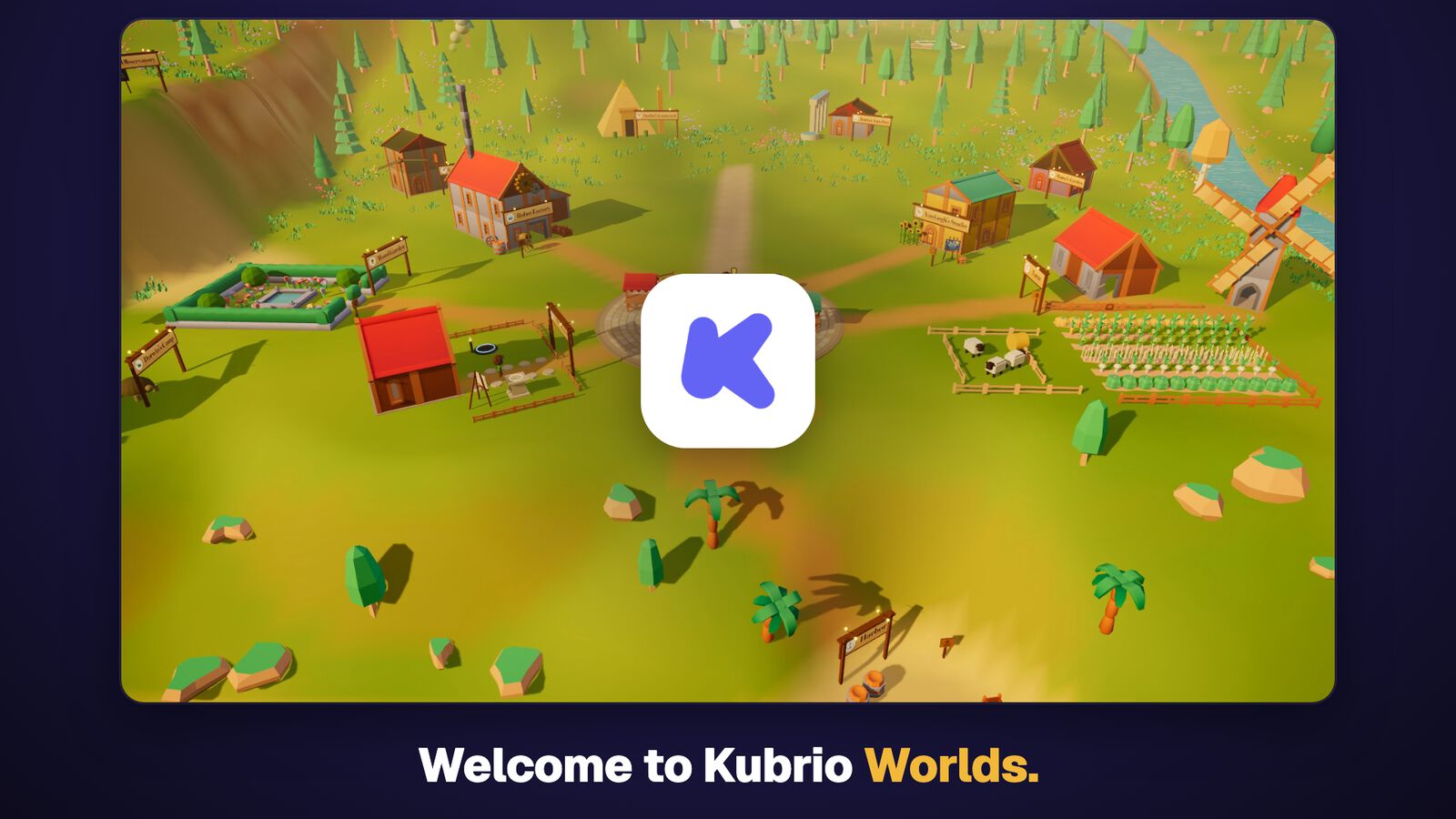
A 3D village where kids paint with Vincent van Gogh, launch rockets, and run a farm. Every world teaches something useful, with quizzes and things to make. You set the screen time.
3 days free, then $49 $19 a month per kid.
 ▶ 1:45 tour
Do screen-free activities count as real coding?
Yes. Screen-free (often called "unplugged") activities practice the same thinking as coding on a screen: breaking a task into steps, putting them in order, repeating, and deciding. They don't replace writing programs, though, and the research says to do both.
A 2022 meta-analysis by Li and colleagues pooled 29 studies with 2,764 participants and found that unplugged activities and programming exercises both helped students' computational thinking, with programming exercises showing the larger effect. In plain terms: paper is a good start, and a screen makes it stick.
A good free collection of screen-free activities is CS Unplugged, from the University of Canterbury in New Zealand. It turns ideas like sorting and binary numbers into games, card tricks, and puzzles you can run at the kitchen table.
Four that need nothing but paper:
- The sandwich test. Your kid writes instructions for making a sandwich. You follow them exactly as written. "Put peanut butter on the bread" means the jar goes on the bread.
- Program the grown-up. Arrow cards and a grid of paper squares, as above.
- Loop dance. Four moves on four cards, plus a card that says "repeat 3 times."
- If-then freeze. One rule per color card. Add a second rule when the first one is easy.
What should my kid do after the hour?
After the hour, make one thing of their own with what they learned, within the same week. One hour shows whether your kid likes it; the second project is where the skill starts to belong to them.
Some kids want a screen next: a second Scratch project, built without the tutorial. Others want something they can touch. For the second group, robots are the natural next step, because a program that moves something on the floor makes every bug visible.
Kubrio's free course How to code a robot does this on paper: the kid writes the steps, a grown-up plays the robot, and the robot follows them. After that, How to build a robot that walks or rolls has your kid build a robot that rolls and one that walks, from things at home. These are one option. Scratch is free and excellent, and a cardboard box and a grown-up willing to be a robot will carry a 7-year-old a long way.
What doesn't help: three more tutorials in a row. If your kid finishes the hour asking "can I make my own?", the answer is yes, and the next step is a blank page.
What to do at home this week
- Ask your kid's school whether they are doing the Hour of Code or Hour of AI, and which activity. Then do a different one at home, so they get two.
- Pick by age: ScratchJr or "program the grown-up" for 6 and 7, a small Scratch project for 8 to 10, a planned game for 11 to 13.
- Start on paper for ten minutes. Draw the plan: what moves, what the player does, how it ends.
- Set a timer for one hour and stop when it rings, even mid-project. Stopping while it's still fun makes the next session easy to start.
- Do one unplugged game on another day: the sandwich test or loop dance.
- Ask one question after: "What would you change if you made it again?" Write the answer down. That's the next project.
FAQ
Is the Hour of Code free? Yes. The activities in the Code.org (now CodeAI) catalog are free, and so are Scratch, ScratchJr, and CS Unplugged. You don't need to buy anything to do the hour at home.
Is the Hour of Code the same as the Hour of AI? The Hour of AI is what Code.org calls its December event now. Its catalog adds activities about how AI works, and the popular Hour of Code activities are still available. If your school says either one, it's the same week.
Can we do the Hour of Code at home, without a school? Yes. The activities are self-guided and work on a home computer or tablet, and the screen-free ones need only paper. A parent and a kid at a kitchen table is a complete Hour of Code.
What age can a kid start? Around 5 or 6 for picture-block apps like ScratchJr and screen-free games. Scratch is designed for ages 8 to 16, though younger kids with a parent nearby often manage it.
Do I need to know how to code to help? No. Your job is to be the robot, ask what the program should do, and say "show me" when something breaks. Not knowing the answer is fine: figuring it out together is the hour.
What if my kid hates it? Try a different kind of activity before deciding. A kid bored by puzzles may love making a game, and a kid who dislikes screens may love programming a grown-up across the floor.