
Robot design ideas for kids: 18 robots to draw, build, and program
By Vlad Stan, founder of Kubrio
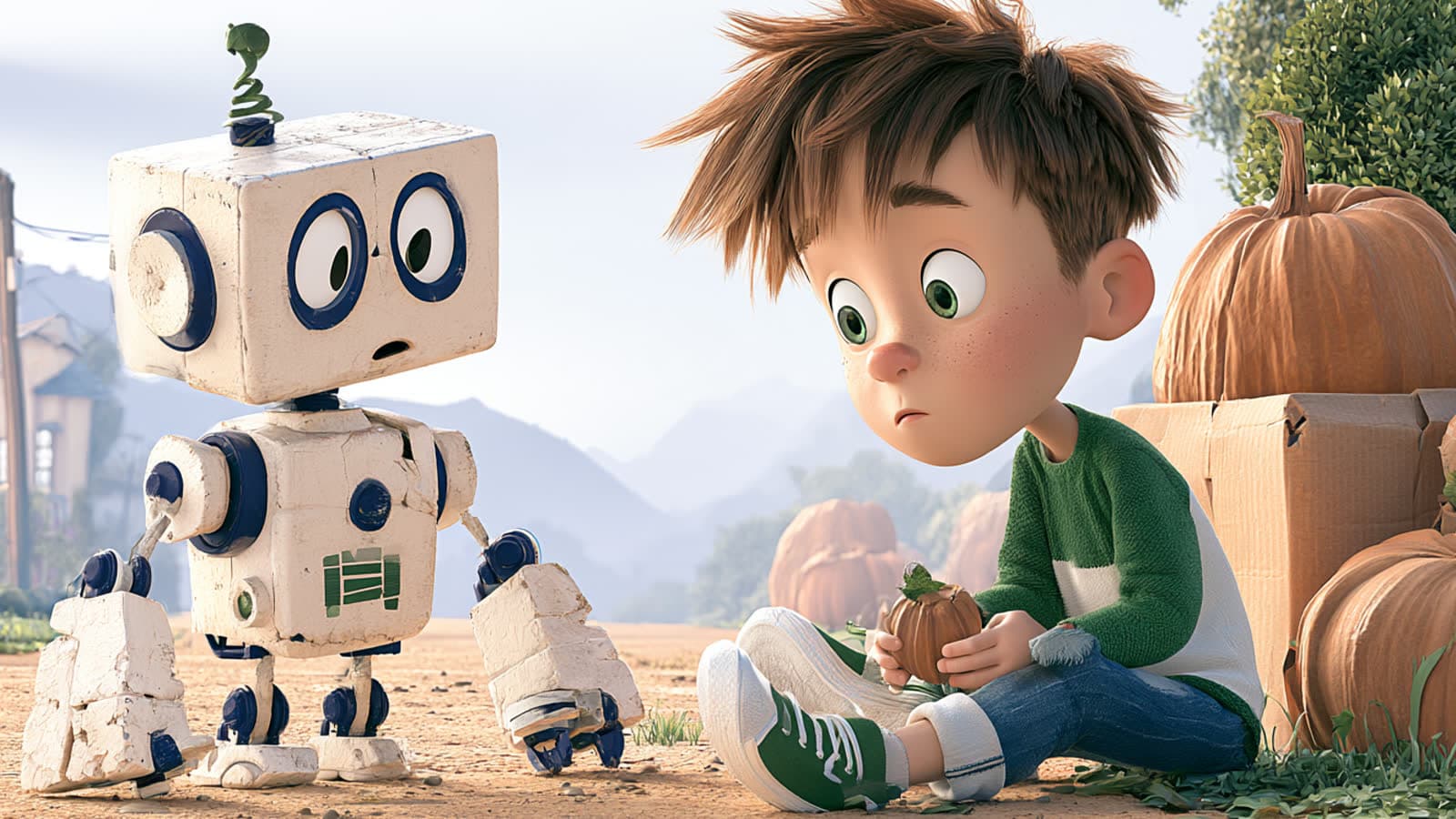
The best robot design ideas for kids start with a job, not a look: a robot that fetches the ball, sorts the socks, or finds the lost toy under the couch. Once your kid picks the job, the job decides the body, and the body decides the parts. This guide gives you 18 robot ideas sorted by job, the five design steps engineers use, and a way to help your kid plan the robot on paper before anything gets built.
Where do good robot ideas come from?
Good robot ideas come from a problem your kid already has. Ask, "What's a job you wish someone else would do?" Most kids answer in seconds: clean my room, feed the fish, wake me up, carry my backpack. That answer is the robot's job.
Starting from a job keeps the design honest. A robot that "looks cool" can be anything, so it's hard to finish. A robot that "carries toys to the box" needs a way to move, a way to grab, and a way to find the box. Every part has a reason, and your kid can explain each one.
What are some robot design ideas for kids?
Here are 18 robot ideas, grouped by the kind of body their job needs. Each one ends with the design question to ask your kid.
House robots (wheels, a grabber, and a sense of where things go)
- The toy tidier. Carries toys to the toy box. Ask: how does it know which things are toys?
- The sock matcher. Sorts clean socks into pairs. Ask: how does it tell two socks apart?
- The fish feeder. Feeds the fish once a day, even on vacation. Ask: how much food, and how does it know the time?
- The plant waterer. Waters the plants when the soil is dry. Ask: how does it check the soil?
- The backpack carrier. Follows your kid from the door to their room. Ask: how does it follow one person and not another?
Pet robots (legs or wheels, eyes, and a personality)
- The fetch dog. Finds the ball and brings it back. Ask: what does it do when the ball rolls under the couch?
- The wake-up bird. Sings until your kid gets out of bed. Ask: how does it know they're really up?
- The night-light cat. Glows when your kid is scared of the dark. Ask: what makes it glow brighter?
Bug robots (many legs, low to the ground)
- The rubble crawler. Crosses broken ground after an earthquake to find people. Ask: why six legs instead of wheels?
- The lost-toy finder. Squeezes under the couch and the bed. Ask: how flat does it need to be?
- The garden scout. Checks the leaves for hungry caterpillars. Ask: what does it do when it finds one?
Humanoid robots (two legs, two arms, a head)
- The goalkeeper. Saves shots in a backyard game. Ask: how does it see the ball coming?
- The museum guide. Walks visitors to their favorite room. Ask: what does it say at each stop?
- The dance partner. Copies your kid's moves. Ask: how does it learn a new move?
Arm robots (one strong arm that stays in place)
- The color sorter. Sorts balls or blocks into boxes by color. Ask: what happens when it sees a color it doesn't know?
- The pancake flipper. Flips pancakes at the right moment. Ask: how does it know when a pancake is ready?
- The tower builder. Stacks blocks as high as it can. Ask: why do towers fall, and how can it stop that?
Invent your own
- The robot only your kid would think of. A robot that tells jokes to the dog, a robot that finishes your sibling's broccoli. Ask: what's its one job, and what body fits it?
If your kid wants to warm up first, the free robot drawing guides draw nine robots in six steps each, including a robot dog, a house robot, a bug robot, a robot arm, and a mech. The robot guide ends with a good prompt: draw a robot that does your least favorite chore.
How do engineers design a robot?
Engineers follow a design process, and the kids' version has five steps. The Museum of Science in Boston, which made the Engineering is Elementary curriculum, names them Ask, Imagine, Plan, Create, and Improve:
- Ask. What's the problem, and what does a good solution need to do?
- Imagine. Think of several robots that could do the job.
- Plan. Pick one and draw it. In the museum's words, students "sketch their plan and list the materials it uses."
- Create. Build it, from cardboard, a kit, or on screen.
- Improve. Test it, see what went wrong, and make it better.
The US science standards ask for the same habits by grade band. For kindergarten to second grade, the NGSS engineering standards name "a simple sketch, drawing, or physical model to illustrate how the shape of an object helps it function." For third to fifth grade, students generate and compare "multiple possible solutions to a problem based on how well each is likely to meet the criteria and constraints of the problem." That's step 2 and step 3: more than one idea, compared on paper.
Why should your kid draw the robot before building it?
Because most kids don't, unless someone asks. MacDonald and Gustafson (2004) watched 27 sixth graders build parachutes and found zero initial concept sketches. The kids drew only after they built and tested, to show what they had made. Planning on paper isn't automatic. It's a habit you can prompt with one sentence: "Draw it first."
A drawing turns the robot into something your kid can check before building. Does the fetch dog have a way to grab the ball? Does the sock matcher have eyes? A missing part is easy to add with a pencil and frustrating to discover halfway through a cardboard build. If you want the full blueprint method, with labels and arrows from each label to its part, the how to design a robot course page lists the five steps Krea walks through.
Does your kid need to get it right the first time?
No, and the process expects that. Bers and colleagues (2014) taught a robotics curriculum to kindergartners aged about 5 to 6, built around the design process. The authors put it plainly: "With the Engineering Design Process, children are not expected to 'get it right' the first time." In the first three activities, which introduced the design process, robotics, and programming, 75% of the children on average reached the target level.
Keep the research in proportion. Those were kindergartners in one study without a control group. A 2024 meta-analysis of 21 studies on educational robotics by Ouyang and Xu reports, in its abstract, "moderate-sized effects on students' learning performances and learning attitudes, and insignificant effects on the improvement of computational thinking." Designing a robot is a good project. It isn't a shortcut to any test score.
How do you go from a drawing to a robot that moves?
Pick the version that fits your house this week:
- Cardboard. Boxes, tape, paper tubes, and a grown-up on scissors. The robot doesn't move, but every part from the drawing gets a real shape. The cardboard robot course page lists the steps.
- Play the robot. One person is the robot and follows only exact commands, like "take two steps forward" and "turn right." This shows your kid what programming is before any screen. The how to code a robot course page starts the same way.
- On screen. Build the robot from the drawing, program it, and test it. The how to make a robot course page covers the parts, the battery, and the first steps.
I built Robotics Studio for the third option, so read this as a founder's description. It's in beta, which means it's new and still changing. Your kid picks a robot type (house, pet, bug, humanoid, arm, or their own invention), draws it on paper, and snaps a photo that shapes the 3D robot. Then they add the parts one screen at a time, give the robot its job with big command tiles like "Find the ball" and "Bring it home," and test it in a 3D arena in the browser. There's no kit to buy. The photo of the paper drawing stays private and never appears on the robot's public page.
What to do at home this week
- Ask your kid, "What's a job you wish a robot would do?"
- Pick one idea from the list, or invent one.
- Ask them to draw two different robots for the same job, then pick the better one.
- Add labels: how it moves, how it sees, and how it grabs.
- Give the robot a name and one funny habit.
- Build it from cardboard, play the robot with a grown-up, or take the drawing to Robotics Studio.
- Test it, find one thing that went wrong, and draw version two.
Ingenious projects that inspire kids to make things — until they find the thing only they could make.
Robotics Studio: your kid draws a robot on paper, builds it part by part, gives it a job, and tests it in a 3D arena, all in the browser. If your kid would rather tell a robot's story, The Robot Who Lost Its Beep turns three drawings into an eight-page comic. When you're ready, start here.
FAQ
What is a good first robot to design? A robot with one job your kid cares about, like a fetch dog or a toy tidier. One job keeps the parts simple: a way to move, a way to sense, and a way to grab.
What age can a kid start designing robots? A 6-year-old can draw a robot and say what each part does while a grown-up writes the labels. Older kids can draw side views, compare two designs, and plan the program step by step.
Does my kid need a robot kit? No. The design happens on paper, and a cardboard robot needs only boxes and tape. Robotics Studio runs in the browser with no kit.
What should a robot design drawing include? The job written at the top, the robot drawn big from the front, and labels with arrows for how it moves, how it sees, and how it grabs. A name and one habit make it feel like a character.
Does designing robots teach kids to code? Designing teaches planning, and programming teaches sequence. Playing the robot with exact commands is a screen-free first step. For block coding, the free Code with Blocks guides start with what a command is and run in the browser with no account.