
Game Studio · With Tek
How to make a video game
Make a game is a 6-film course where Tek walks your kid through every department of Kubrio's Game Studio. Your kid picks a goal, draws the hero on paper, builds five levels, playtests until it's fair, and sends the finished game to family. The films take about 6 minutes; the making takes an hour or two, and it can spread over a few days.
How to make a video game is part of Kubrio Learn: short courses that inspire kids to make things. Learn more
Watch all 6 lessons in the appWhat your kid makes
Your kid ends with a finished five-level game, built from their own paper drawings, that family can play on their own phones. The game lives in your kid's Game Studio, and the hero joins My characters, ready to star in a movie or a comic next.
- Ages
- 6 to 13
- Time
- 6 films, about 6 minutes, then 1–2 hours of making
- You need
- Paper, pencil
- Host
- Tek
The 6 lessons
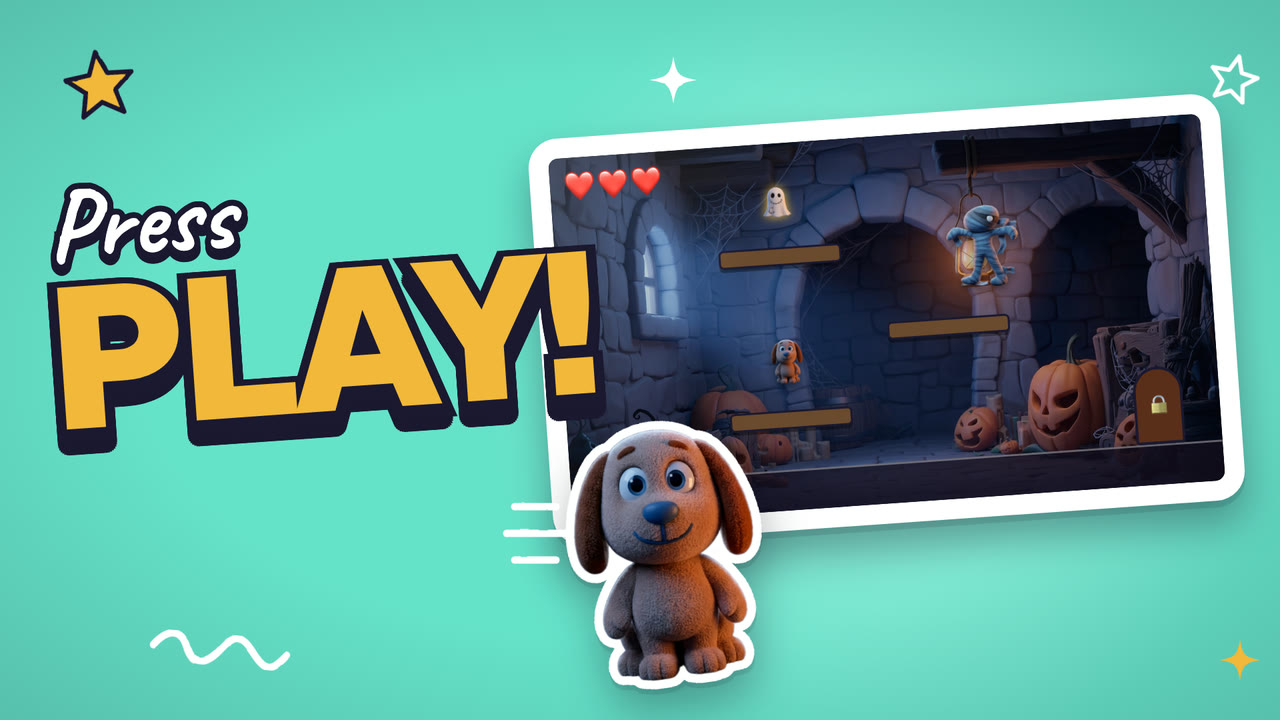
Lesson 1. The big idea
Pick a goal, a hero, and a reason to care.
- Pick what the hero wants to reach
- Pick who the hero is
- Say why the player should care, in one line
Where: Game Studio · Game Design
Lesson 2. Draw the cast
Draw your characters and watch them come to life.
- Draw your hero on paper, big and clear
- Draw one thing that gets in the way
- Snap your drawings and watch them move
Where: Game Studio · Art
In the app
Lesson 3. Build a level
Five levels, and each one adds something new.
- Make level 1 easy, so the player learns the moves
- Add one new thing in each level
- Save the hardest part for level 5
Where: Game Studio · Level Design
In the app
Lesson 4. Make it sound right
Pick music and sounds that fit your world.
- Pick music that fits your world
- Pick a sound for a win
- Pick a sound for a bump or a fall
Where: Game Studio · Sound
In the app
Lesson 5. Playtest it
Play it again and again until it's fair.
- Play every level to the end
- Notice where you get stuck
- Fix the part that feels unfair, then play again
Where: Game Studio · Playtest
In the app
Lesson 6. Launch day
Put it out, and send it to your family.
- Give your game a name
- Launch it
- Send it to your family and watch them play
Where: Game Studio · Launch
In the app
Lesson 1 transcript: The big idea
Every video game starts with one small idea. Real game studios have a team just for that. It's called game design.
Step one. Pick the goal. Get out of every level, or save a friend who's locked in a cage.
Step two. Who is your hero, and why are they here? Pip is a small puppy who is scared of the dark. Now we want Pip to get out.
Step three. How many hearts? More hearts make it easier. Fewer hearts make it scary.
Step four. Give it a working title. You can change it before you launch.
A goal, a hero, and a reason. That's a game idea. Now let's draw it!
Free guides to practise with
Questions parents ask
Does my kid need to know how to code?
No. Your kid makes the decisions: the goal, the hero, the levels, the sounds. AI does the building, and your kid tests the result and asks for changes until the game plays right.
What if my kid can't draw well?
Any drawing works. A stick figure with a cape is a hero. The game uses your kid's own lines, so the scribbly look becomes part of the game's style.
How much of this is screen time?
The films add up to about 6 minutes. The game idea and the characters start on paper, then your kid moves to the screen to build, test, and fix.